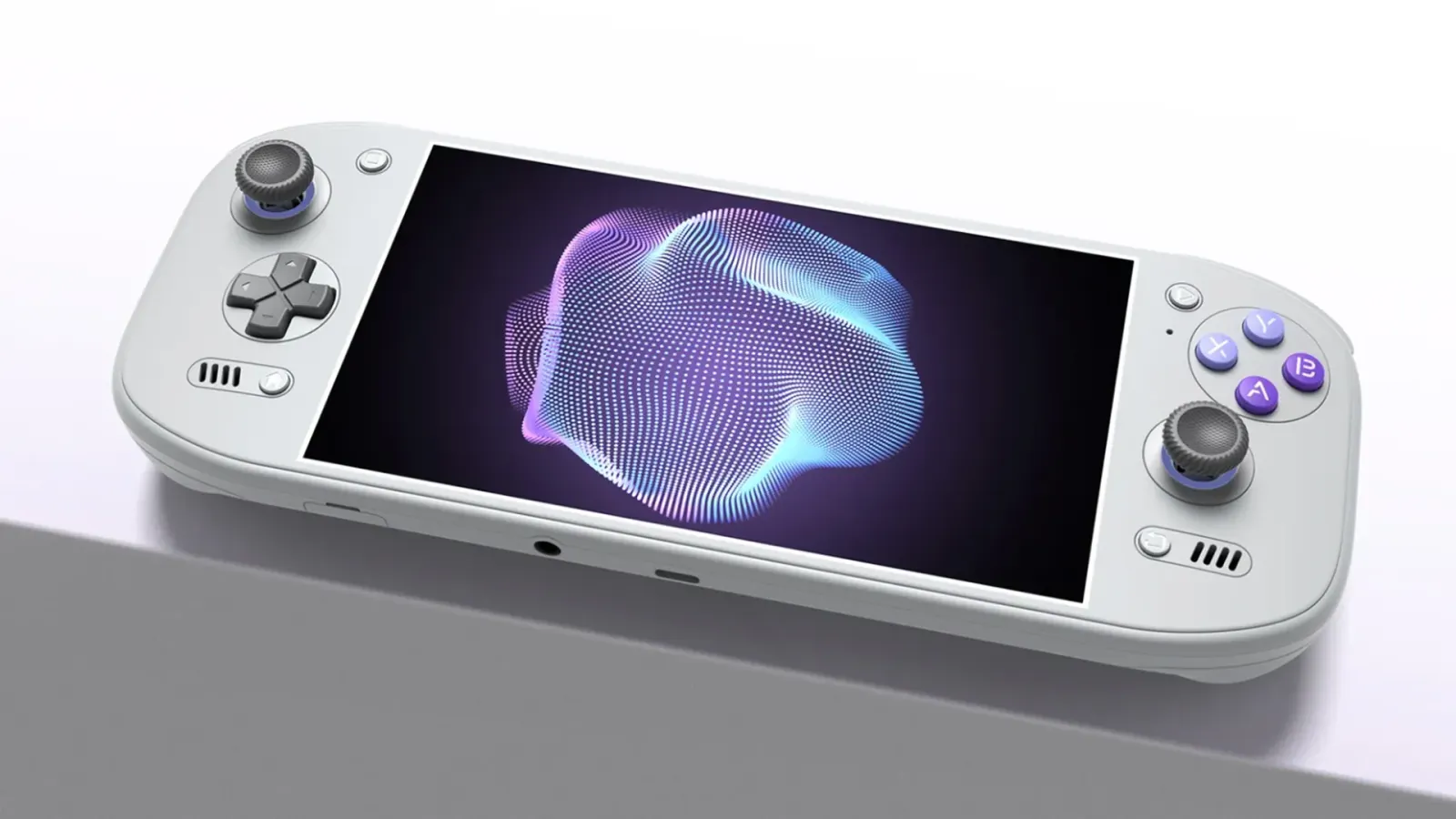
Unless you've been living under a rock, you'll know how much we love devices like the AYN Thor and the Retroid Pocket Duo. And we're in a world now where we don't have to just make do with the frontend launchers that ship with these devices; devs are making their own refined systems that we can use, with different nuances that make them super easy to use, often with new features that enhance your gaming experience.
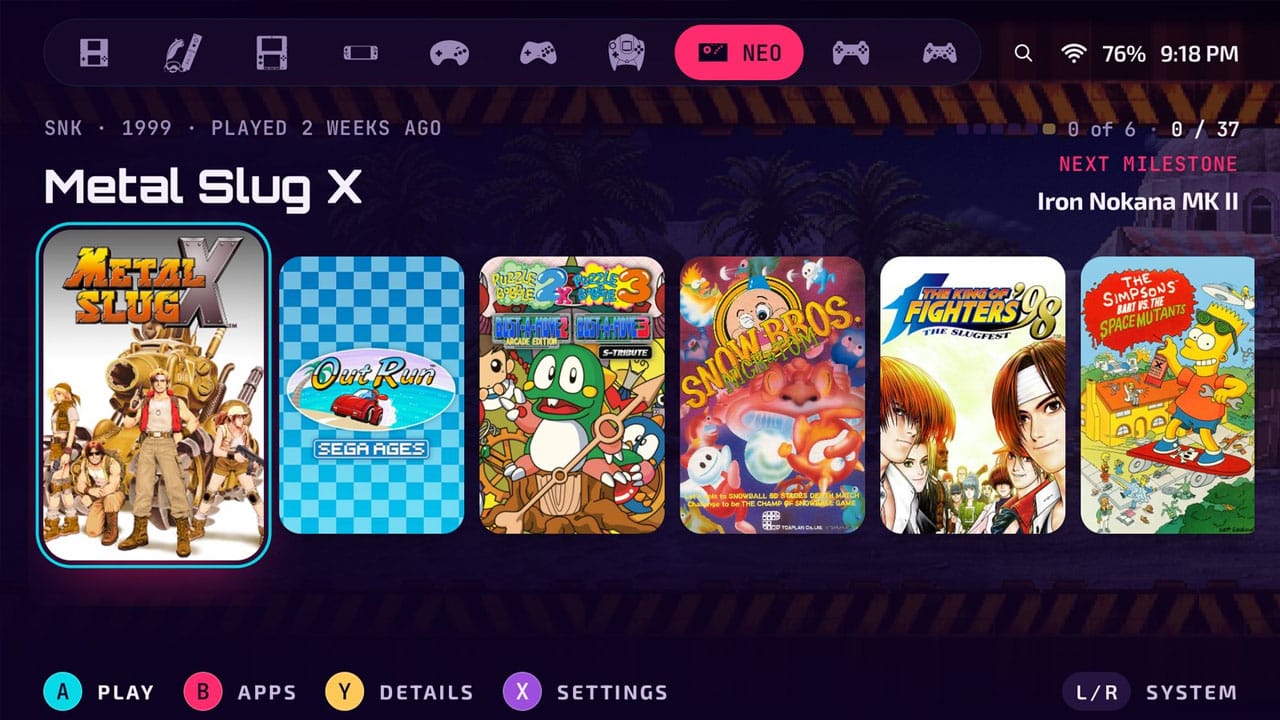
I was recently contacted by Spanish Software Engineer Endika who, as well as being a long-time Retro Dodo reader (thank you!), has been working on a frontend called Blip. They've been a fan of Beacon for a long time, but as it's starting to show its age in our modern world, Endika has decided to make their own speedy, native Android launcher that's designed for both one and two-screen gaming from the start. It's clean and simple to set up - what more could you ask for?
Blip works for the following handhelds:
- AYN: the Odin and Thor line
- Retroid: the Pocket line, Duo included
- AYANEO: the Android Pocket handhelds
- Anbernic: the Android RG handhelds
- Phones and tablets: with a controller attached
- Anything else: that runs Android 12 or above
So what does Blip do? Well, every screen splits across both panels of a dual-screen device, and for games that aren't dual-screen, the lower screen becomes a companion, showing game art, instruction booklets, or game info like play time and more. You can see Art and MetaData from multiple sources on the lower screen, plus your own art or instructions from ScreenScraper or SteamGridDB.
One exciting feature is that RetroAchievements works throughout the whole frontend, with progress on all elements of your games, including story progress, easily visible. There's also RomM support, which you can use to pair your server and its library. Both of these features are available after a one-time pro unlock, but the main frontend itself is free.
Endika has also explained to me that there's a feature called Blip Cloud, which backs up your saves and syncs them between different devices. It will be built directly into the frontend, and all users get 100mb of storage for free. It's currently in Private Beta but will be coming to the system soon.
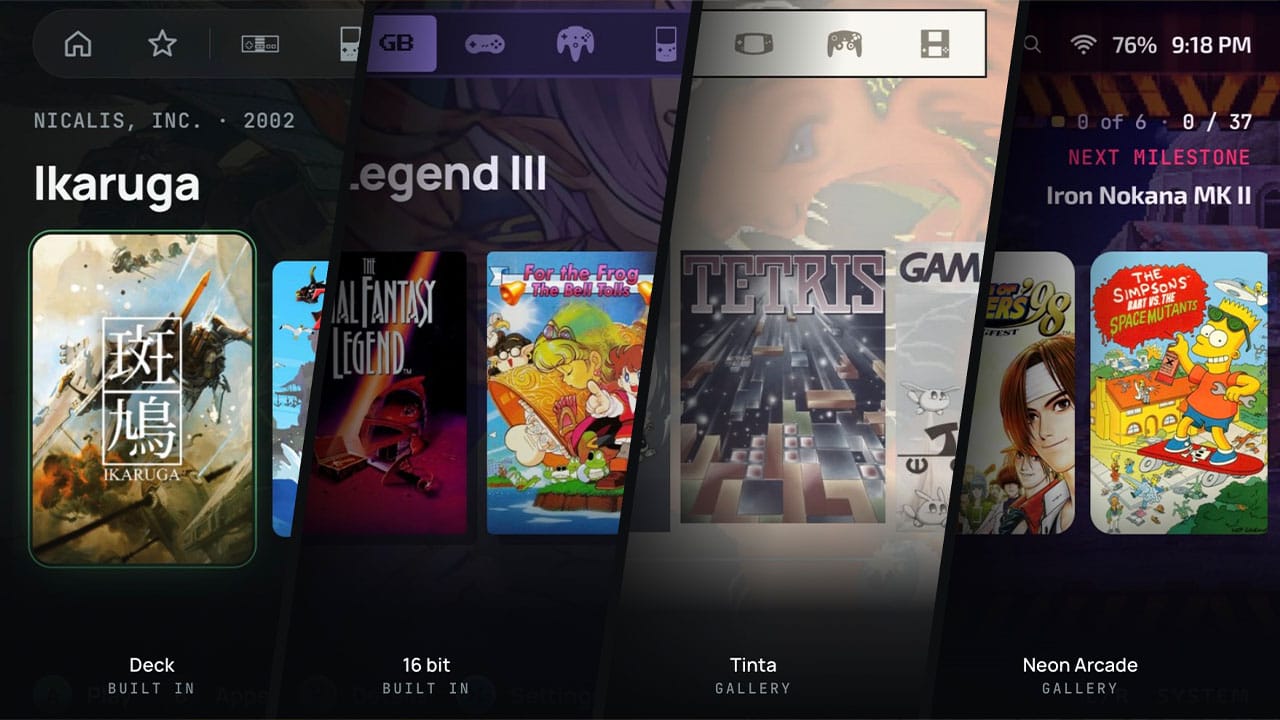
The frontend can be used with nine different themes to suit your style.
A theme here is not a colour swap: colour, shape, typeface, surface and the sounds the interface makes all belong to it. The 16 bit one squares every corner and was built for the handhelds made to look like [they are from] 1994 — run it on one and the shelf finally matches the shell in your hands. Deck goes slate on near-black blue with a selection that inverts what it picks. Every theme is free, each in light and dark.
Blip also supports 9 languages: English, Spanish, German, French, Italian, Brazilian Portuguese, Russian, Japanese, and Simplified Chinese. You can pick up Blip from the Google Play store for free!