


Since iPhone emulation arrived back in 2024, we've spent a lot of time gaming on our phones. Ok, I know that Android users are already going to be saying, 'we've had this for years', and I get it, but it's still relatively new for us Apple fanatics, so bear with me. I've enjoyed playing games on Delta and PPSSPP over the years, but if I've wanted to play consoles from different companies and swap between Nintendo, Sony, and Sega, for instance, I've had to use RetroArch.
Don't get me wrong; I love how versatile RetroArch is, but it's not the easiest emulator to get your head around. There are a lot of settings for you to mess around with, and it's more what I would call a functional emulator rather than one that champions form. It's certainly not sleek, but it does its job well.
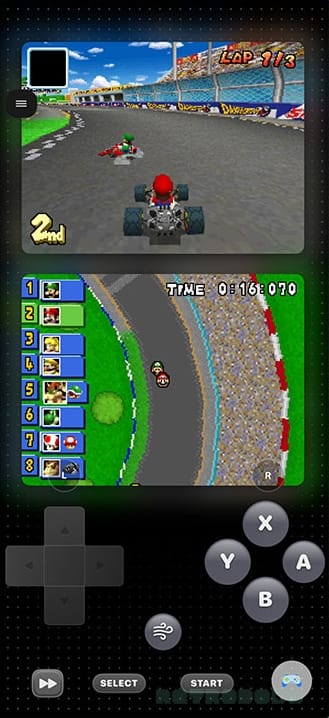
So when I came across SUMEE!, an iPhone emulator that promises compatibility for multiple console cores and a sleek interface, I thought I better check it out. It's a beautifully laid out emulator with a bunch of exciting features, multiple cores, AirPlay compatibility, and more. It costs £1.99 on the App Store with a one-time payment, and it currently has cores for the following consoles:
- GBA
- GBC
- Game Boy
- GameCube
- NES
- 3DS
- N64
- DS
- Nintendo Switch
- PSP
- PlayStation
- Sega Genesis
- SNES
- Wii
- Xbox (Cloud Gaming)
SUMEE! also comes with options for playing iOS games and allows you to import external ROMs, browse the web, access the SUMEE portal, and utilise ManicEmu. And yes, that's just Xbox Cloud gaming up there; I got very excited about the thought of being able to play my Xbox games like Halo and Burnout on there, but you can only play games from the Xbox Cloud Streaming service.
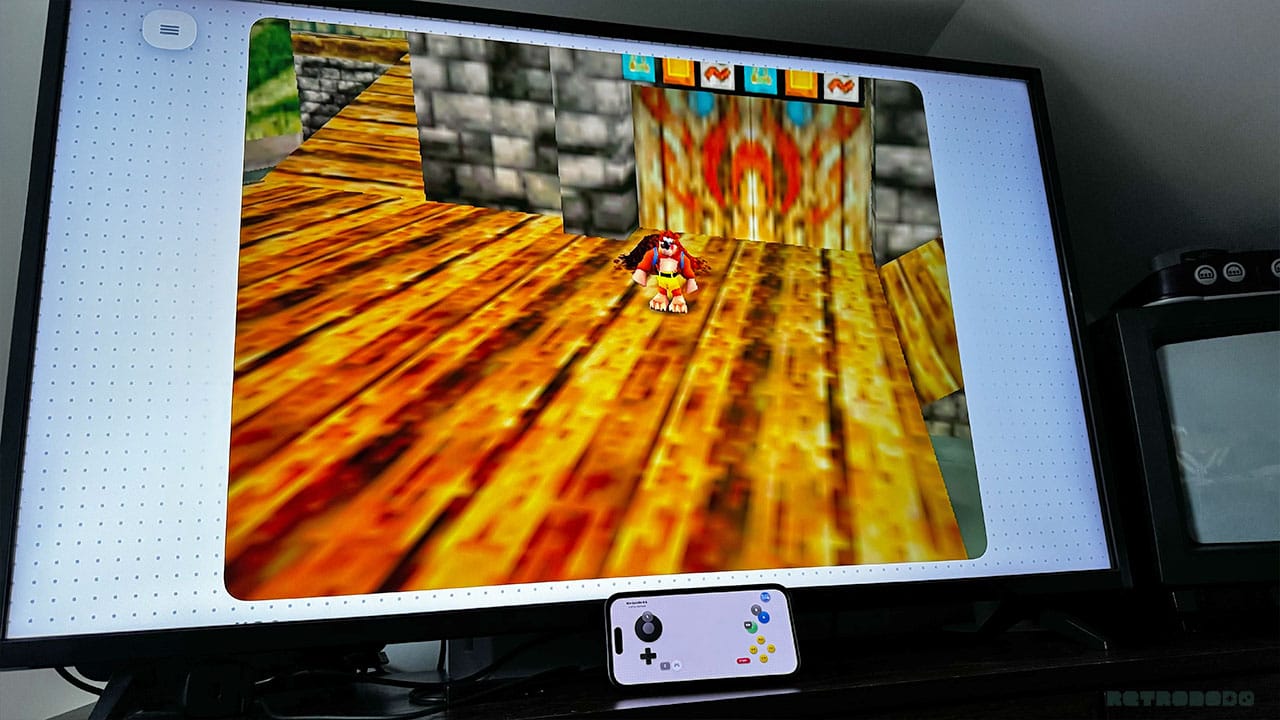
So far, I've tested consoles up to the Nintendo Wii. I feel that Nintendo Switch emulation is a bit of a dodgy topic, as the games are still actively being sold, so this isn't something I've tried out. Still, Nintendo Wii emulation has worked really well so far. I've been playing Super Mario Galaxy, and it's very playable. There are a few laggy moments where the music slows down a little, but Mario moved fine on my iPhone 15 Pro.
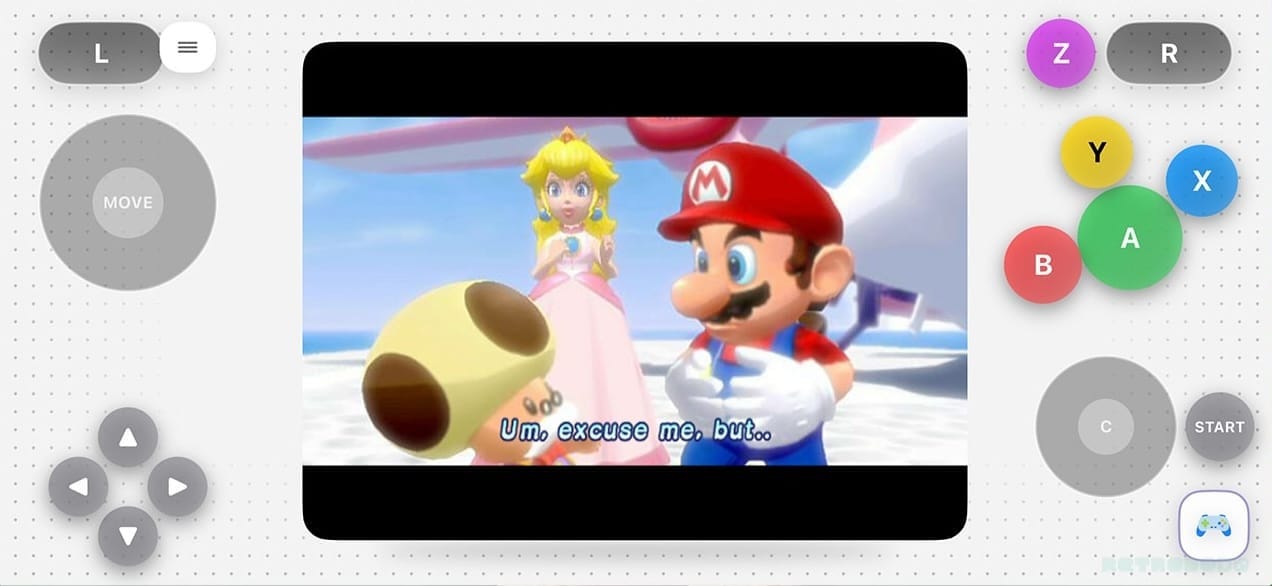
The same goes for GameCube emulation; the core was already there, and I didn't have to do any messing around with external files. I loaded up Super Mario Sunshine, and the gameplay was fine. Nintendo DS holds up well, as does everything up to N64.
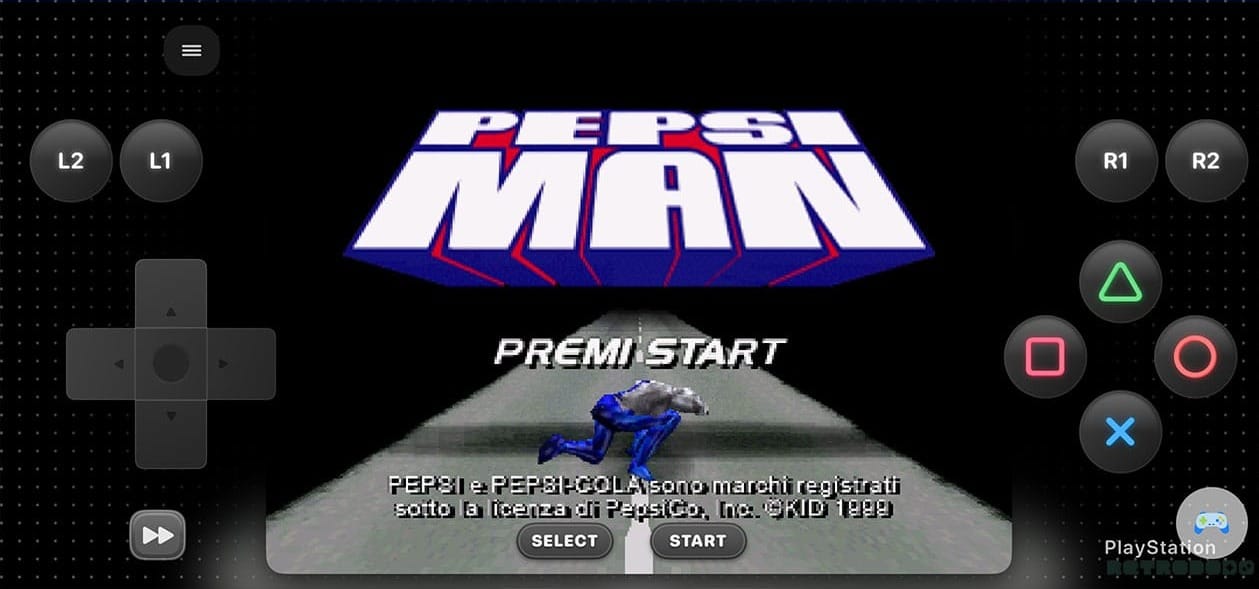
PSP emulation is a little on the slow side; the cutscenes for God of War Chains of Olympus run really well, but the gameplay goes a little slow from time to time. Again, if you have a newer iPhone, you might not have a problem here. In terms of PlayStation emulation, PepsiMan ran brilliantly (the game wasn't bad too). The app asked me if I wanted to install PS BIOS to help the game run better, but I didn't bother, and everything worked fine.
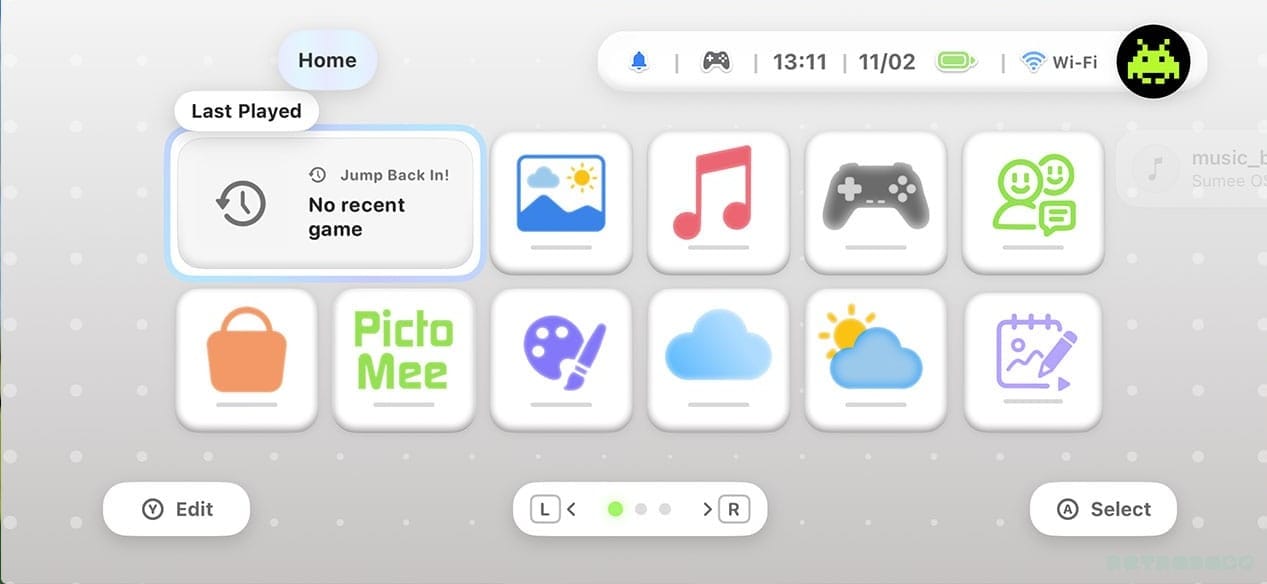
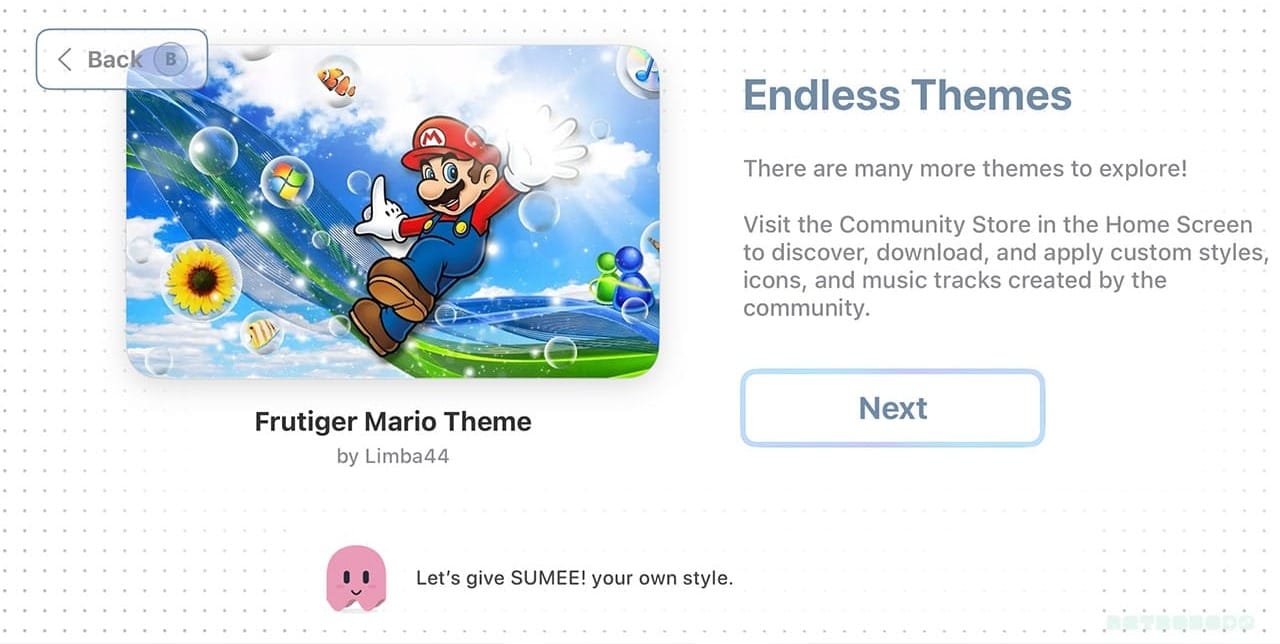
SUMEE feels much more 'put together' than the likes of RetroArch, and that's mainly because of the Nintendo3DS/Wii esque UI. It kind of reminds me of the AYN Thor and looks great with both light and dark modes. There are tonnes of themes to choose from too, allowing you to customise with your favourite retro background or colour scheme.
It comes with Dusklight, the port of Twilight Princess, pre-installed (all you need is a legally acquired ROM of the game for the Wii to get started), and it works perfectly. I can play Twilight Princess with graphical improvements on my iPhone super easily now, with the option to send it to my TV via AirPlay.
I'll do a proper review of SUMEE! soon once I've spent more time with the app and show off some of the other features like sketching, visual settings, the SUMEE! app store and more. But for now, you can head to the App Store to check it out!


