


So, you're one of the lucky few who managed to get an iPhone Duo, hey? Perhaps you have good taste in apps and have downloaded Delta to take full advantage of that folding display so you can test-drive Nintendo DS emulation? Well, if that's true, then I have some good news for you because there are new skins built specifically for the iPhone Duo in Delta, and Retro Dodo readers can get a free one, simply because you have good taste in retro gaming news sources.
Delta offers users the ability to customise their app with skins when in certain games. I created a guide on it a while back; heck, I even got a designer to make our own skin for it, but now that Delta 2.0 is out, many want something that fits this folding display, and a graphic designer known as Alan at Clearcase Studio has built just that.
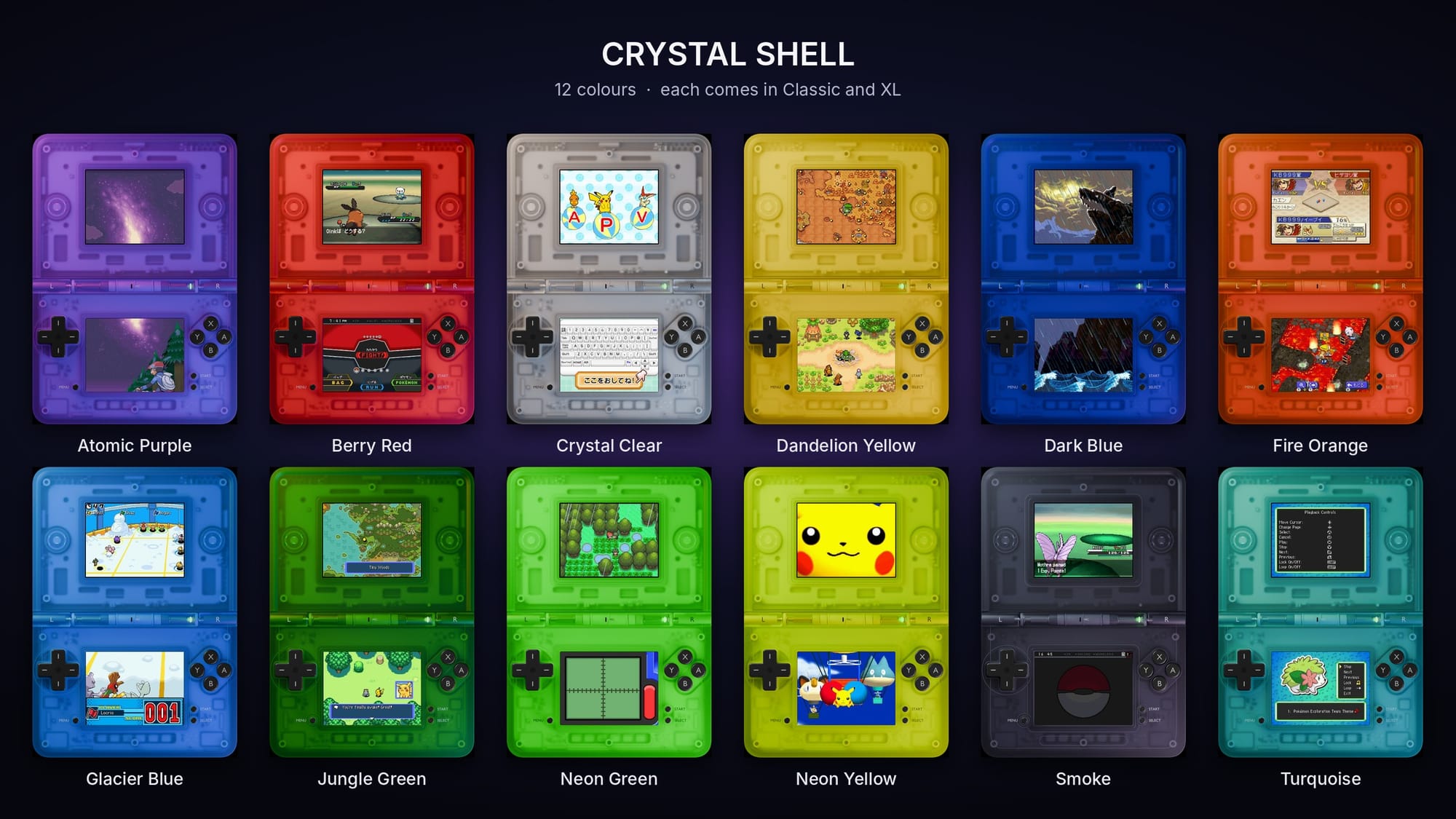
He's calling it Crystal Shell; they are a set of transparent DS-style controller skins for Delta on the iPhone Duo. They're 3D-rendered, so you can see the clear shell, the internals and the hinge, and they come in 12 colours with Classic and XL versions. They cover the inner and outer displays, Split View, and a custom lid that shows when the phone is closed, making it look like a clamshell handheld.
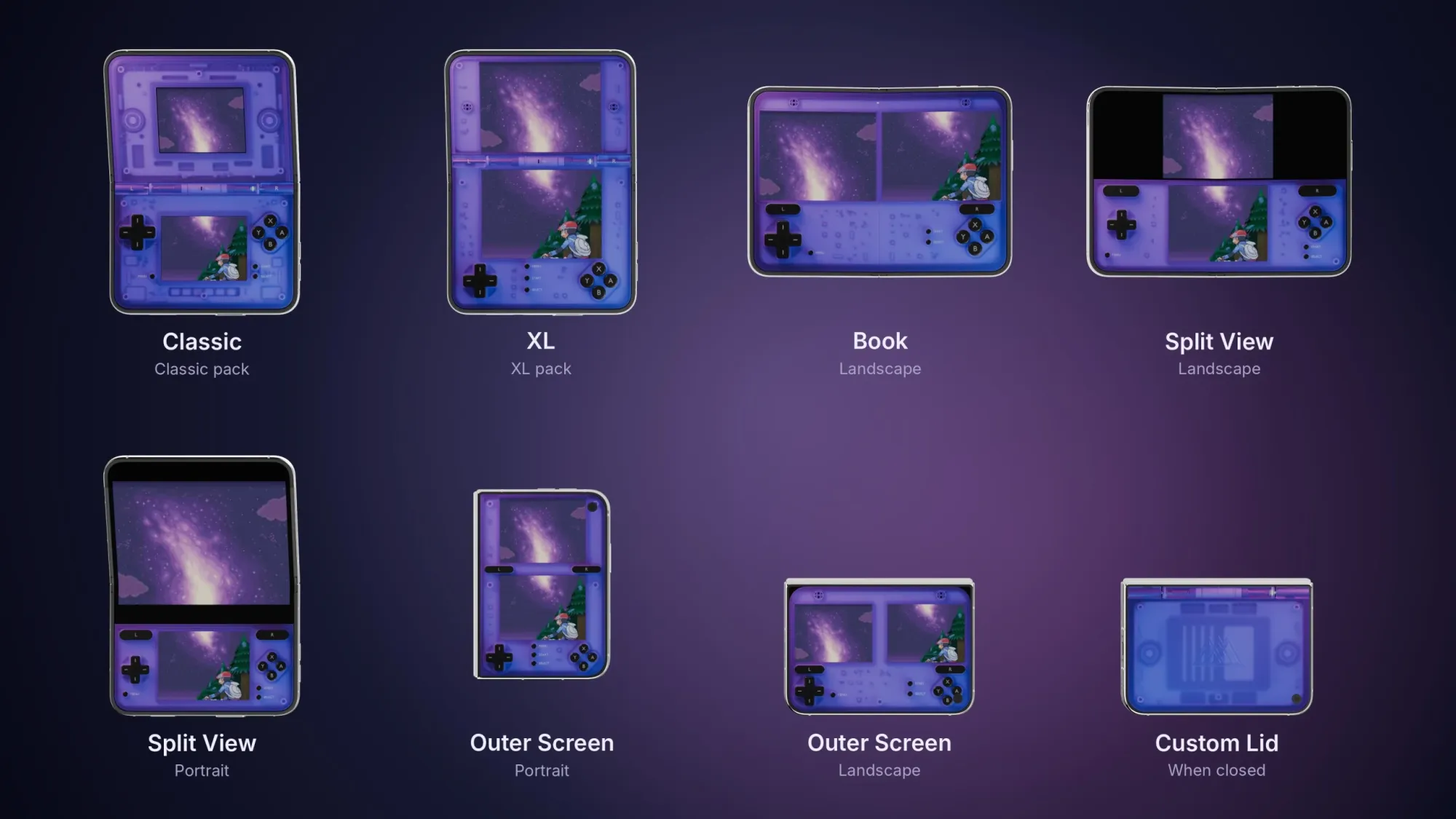
These skins can be downloaded and purchased via Alan's Gumroad store, ranging from £2.99/$2.99+ for a single colour that comes in Classic and XL sizes, or you can buy the entire set for £8.96/$8.96+ that features all of the colours in both Classic and XL sizes, which I think is very reasonable!
It's easy to download and install; simply purchase the skins and make sure to place them into your iPhone Duo's "files". Next, head into the Delta settings menu and click on the console that you’ve downloaded the skin for, choosing either vertical or horizontal skin depending on which one you’re planning on changing. Look for a ‘+’ button in the top right-hand corner of the screen; click that, and you’ll be sent straight to your Files folder, where you’ll find all of the skins you’ve downloaded so far.
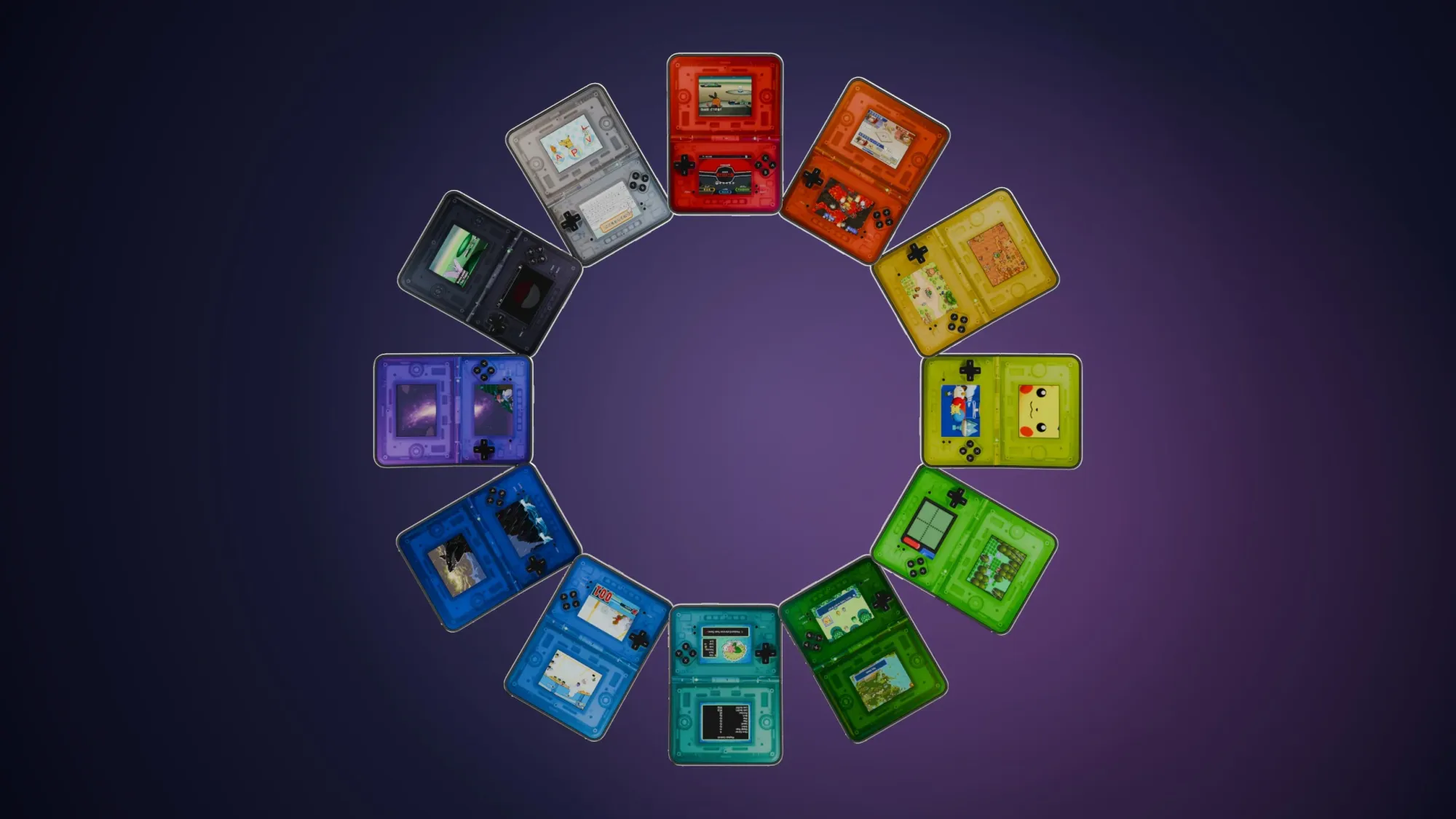
Choose which skin you want to open and click it. Once clicked, it will appear in your Controller Skins selection. That’s how to get skins on your Delta emulator; it’s that simple! If you are still toying with the idea, Alan has actually offered Retro Dodo readers the opportunity to test drive the transparent purple version for free; all you have to do is head to this link, and you can download it yourself. If you like it, you know where to go to download/purchase more!


