


For many years, XBOX emulation has been a cumbersome task to pull off; it requires an impressive ammount of power and unique coding in order to get games running smoothly on PC, Mac, Linux and Android, but the good news is that we're now seeing good performance from applications that require little to no tinkering with settings, and as of late 2026, a good Android app that does everything for you.
Whether you’ve got an old PC, a dual-screen Android handheld or a brand-new Mac, we’ve got an emulator for you, with tonnes of games available to play on each if you have legally obtained them. And you may be wondering why there are only 3 on this list, and that's because these are the best 3 we have tested and the only ones we trust and want to reccomend to our community; others outside of this list are not reliable, sometimes sketchy, are forks of forks and just not worth your time or money.
1. Xemu
- Available for: PC, Mac & Linux
- Released: 2020
- Price: Free
- Where To Download: Xemu.app
Xemu is an open-source, free application that is designed to emulate original XBOX games on PC, Mac and Linux, and has been in development since 2020, making it one of the oldest and most popular XBOX emulators on the block, for good reason.
Xemu has a high compatibility rate of over 90% of games running well, with just 10% of games running at slowed frame rates or with major issues, and because of the continued development, this number keeps creeping closer and closer to 100% compatability, which would make it the world's first.
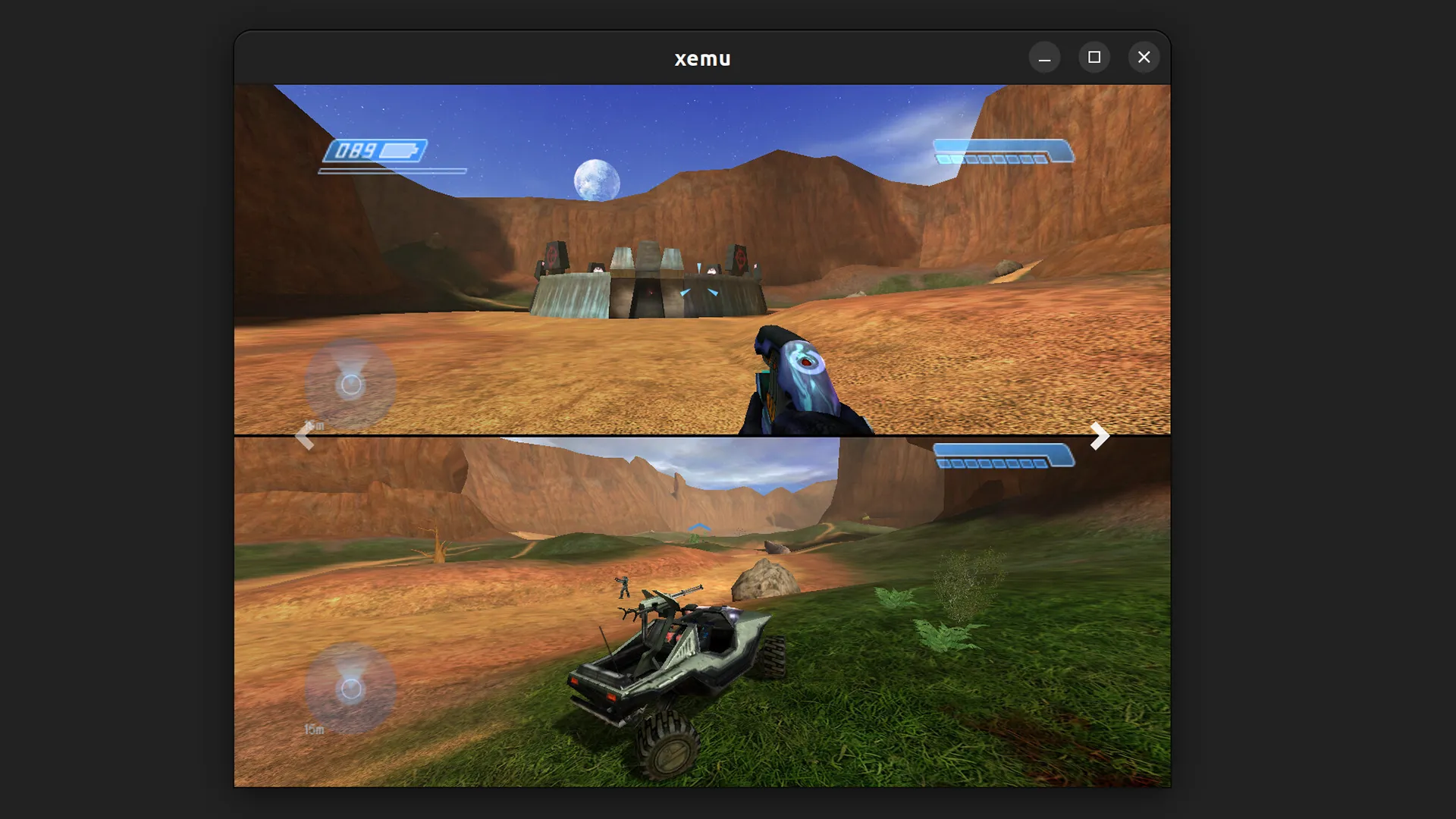
It comes with an array of features too, such as controller support for those of you wanting to connect up to four different controllers at a time. It offers save states, also known as snapshots, so you don't have to wait for checkpoints that can be loaded at any time. You can also increase the resolution up to 1080p should you wish to upscale your gameplay if you have a powerful computer.
You can even connect to other XBOX consoles and emulators running XEMU locally over the internet. It's the most reliable XBOX emulator developed so far, and the longest running, with thousands of community members in their Discord and a long line of guide documentation to get you going.
2. hakuX
- Available for: Android
- Released: October 2026
- Price: Free
- Where To Download: GitHub
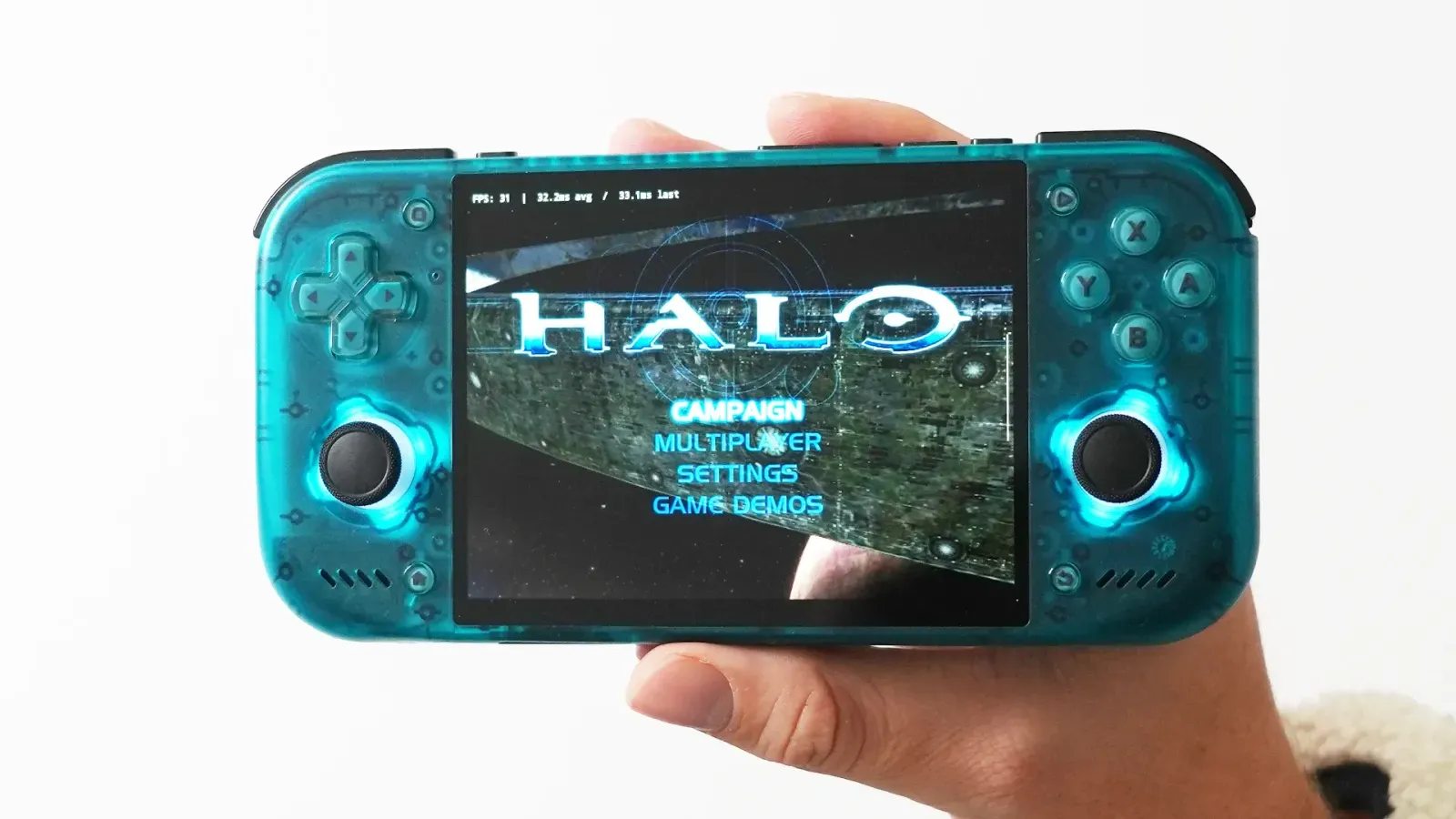
One of the newest XBOX emulators to be released is hakuX, one that was shadow-dropped out of nowhere and is apparently not a fork of Xemu; instead, it's a brand new emulator on Android that has given us some impressive results, so much so that it's now my favourite XBOX emulator on Android, and one I use almost weekly on my Retroid Pocket Nova.
It's not available on the Google Play Store; however, you must sideload it via an .apk file on GitHub, which is easy enough to do, and it needs a specific Turnip driver, which can be added to your SD card and simply opened in the app to work, which gives it incredible performance on many .iso and .xiso.iso XBOX games, so much so that most of the games I tested worked straight out of the box with no need to mess with the settings; even the controller buttons were automatically mapped.
The app itself isn't the most well-designed; it reads your ROMs via your storage, adds them to a list on the app homepage and comes with a handful of options such as upscaling, LAN multiplayer, changing ratios, increasing frame rates to 60 FPS, and more, which is nice to see and helpful for those that like to tinker.
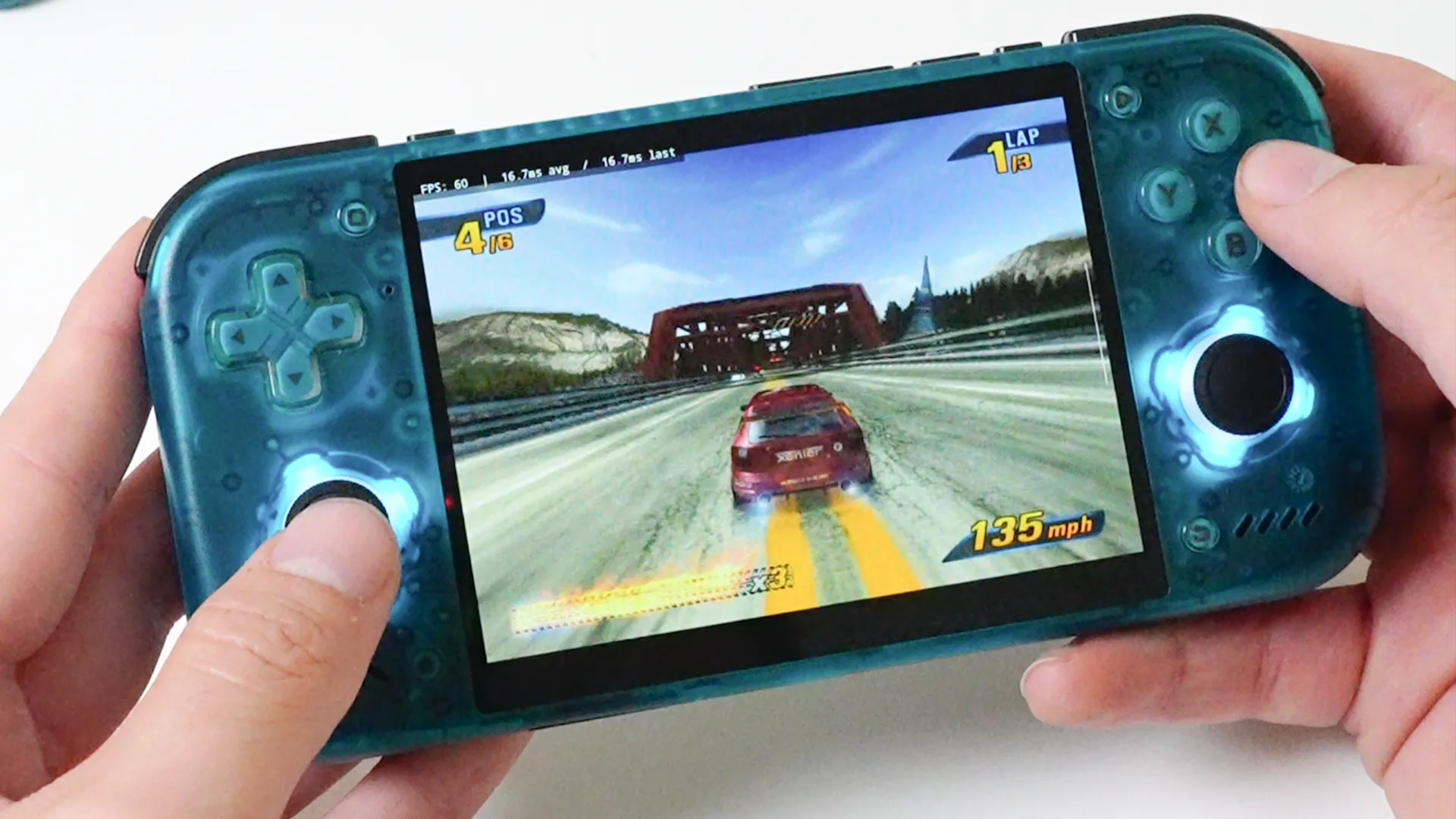
Once you jump into the game, that's where the magic happens, and if you have the turnip drivers installed, things just... work, which was not the case for Android XBOX emulators over the last few years, and 90% of the games tested work well, even chaotic games such as Burnout 3 and Halo 2. This is the best XBOX emulator on Android so far, though just needs you to learn how to sideload and install a video driver into the app, but honestly, that takes under 5 minutes to do. It has transformed the Android emulation scene.
3. X1 BOX
- Available for: Android
- Released: March 2026
- Price: $7.99/£6.99
- Where To Download: Google Play Store
X1 BOX is an Android app that is technically a fork of XEMU, using that software as its own, thanks to its open-source nature; however, this is charging users to download it, which is frowned upon in the space, and possibly infringing on XBOX property while doing so. Open-source emulators like this should be free to download, but this developer is happy to take that risk, which means it could one day vanish from the app store.
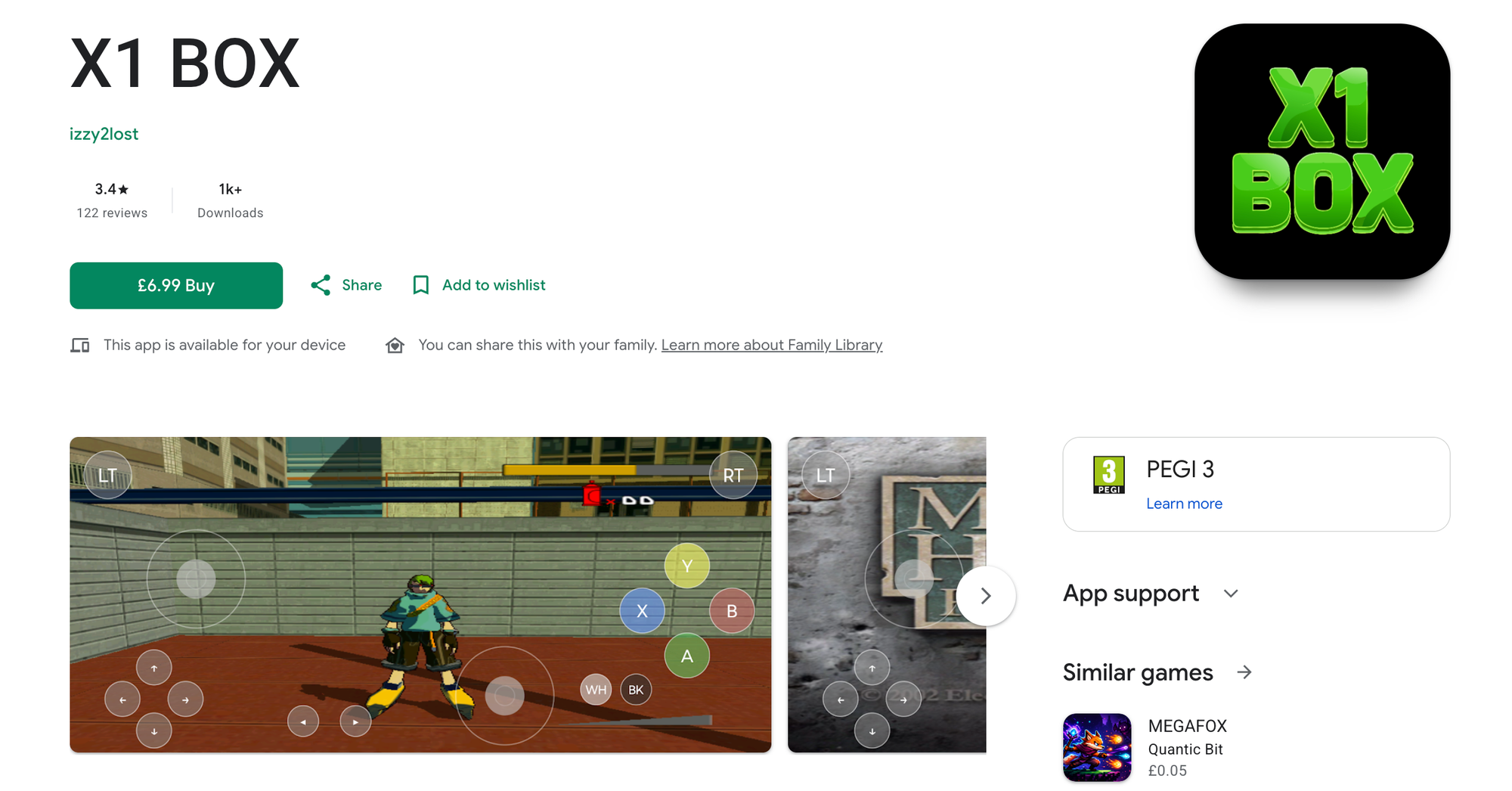
That said, it is the easiest way to emulate XBOX on Android, considering you just press one button to download it, and the quality of emulation can be all over the place, with some games running smoothly, while others are almost unplayable. It's really hit and miss from my own testing experience. Settings, though, do offer some nice customisations, and the user experience internally is much better than hakuX.
But it all comes down to performance, and for me the X1 BOX application is good, but is just unreliable when there are better choices on the market right now that perform better, more consistently across the board. I am hoping this one gets some major performance updates over the coming months, as it has been downloaded thousands of times and is one many download because it's one of the only working XBOX emulators on the Android store.


