TRIMUI have made some great handhelds of the past, more specifically the creation of the Brick, their remarkable, portable, minimal vertical handheld that can fit in the palm of your hand, with the choice of both plastic and metal cases for those with different budgets and tastes. It was released back in 2024 and can emulate up to Dreamcast games, if you were crazy enough to push it that far on its 3.2" display.
This little fella stayed at the top of our best list for some time, and still stands as one of our favourite handhelds of the last few years because its hardware and software have been designed flawlessly to offer retro gaming in a delightful and easy manner.
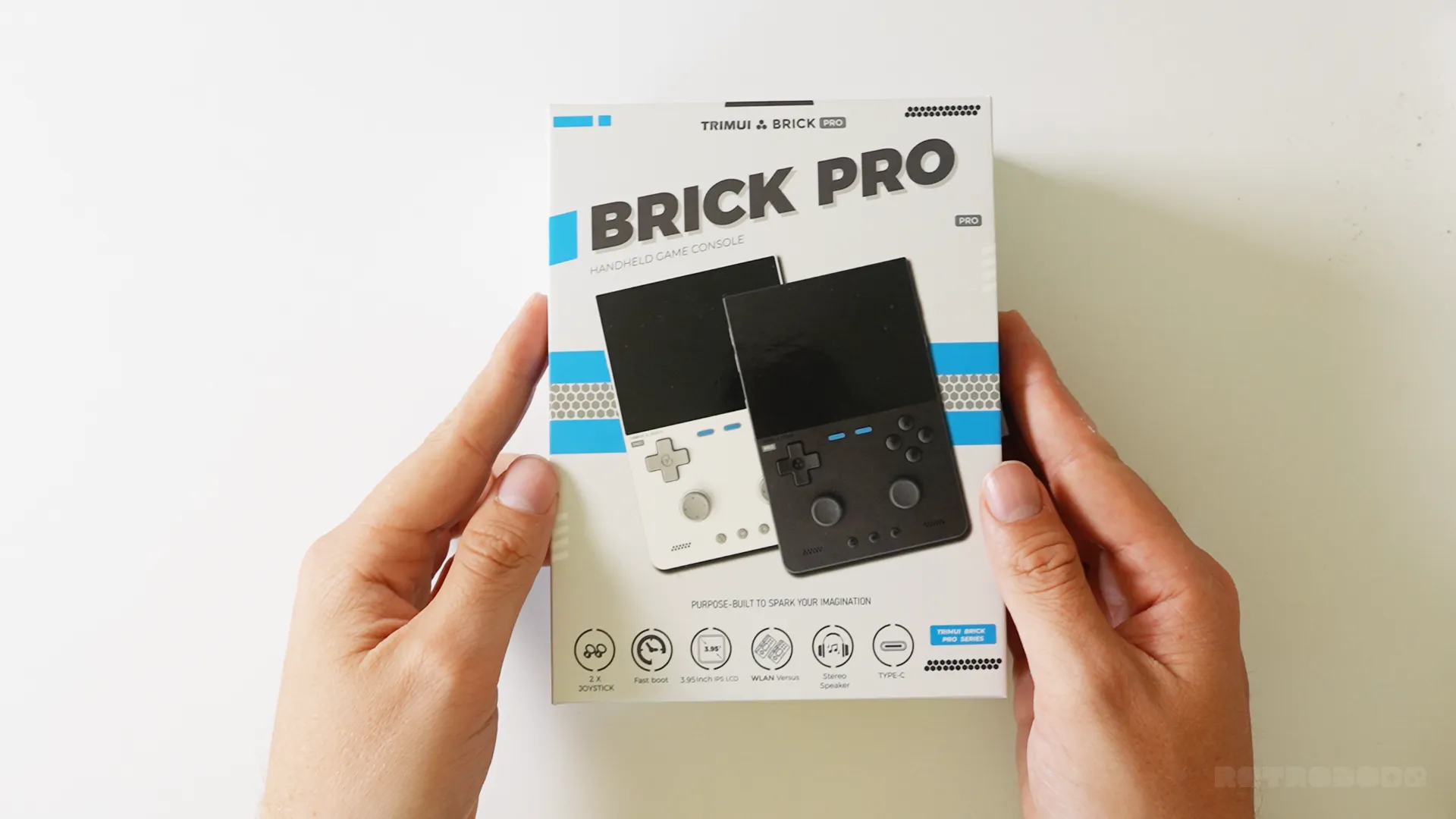
Now, that little Brick gets a "Pro" version, and by "Pro" TRIMUI actually means XL, because to get straight to the point, this has the same internal specifications as the smaller Brick. The same Allwinner A133P, the same GPU, the same 1GB RAM and the same Linux OS. This is quite simply a larger version of the Brick with obvious physical upgrades that may entice some retro gamers out there. Calling it "Pro", I think, is a little far-fetched for this device, but that said, I want to show you around it and share my opinions on it after spending a few days exploring this well-crafted device that I know TRIMUI fans will love.
- Price: $99 ($10 off with code BPO10)
- Where To Buy: TRIMUI's Official Store
- Release Date: July 2026
The New Upgrades
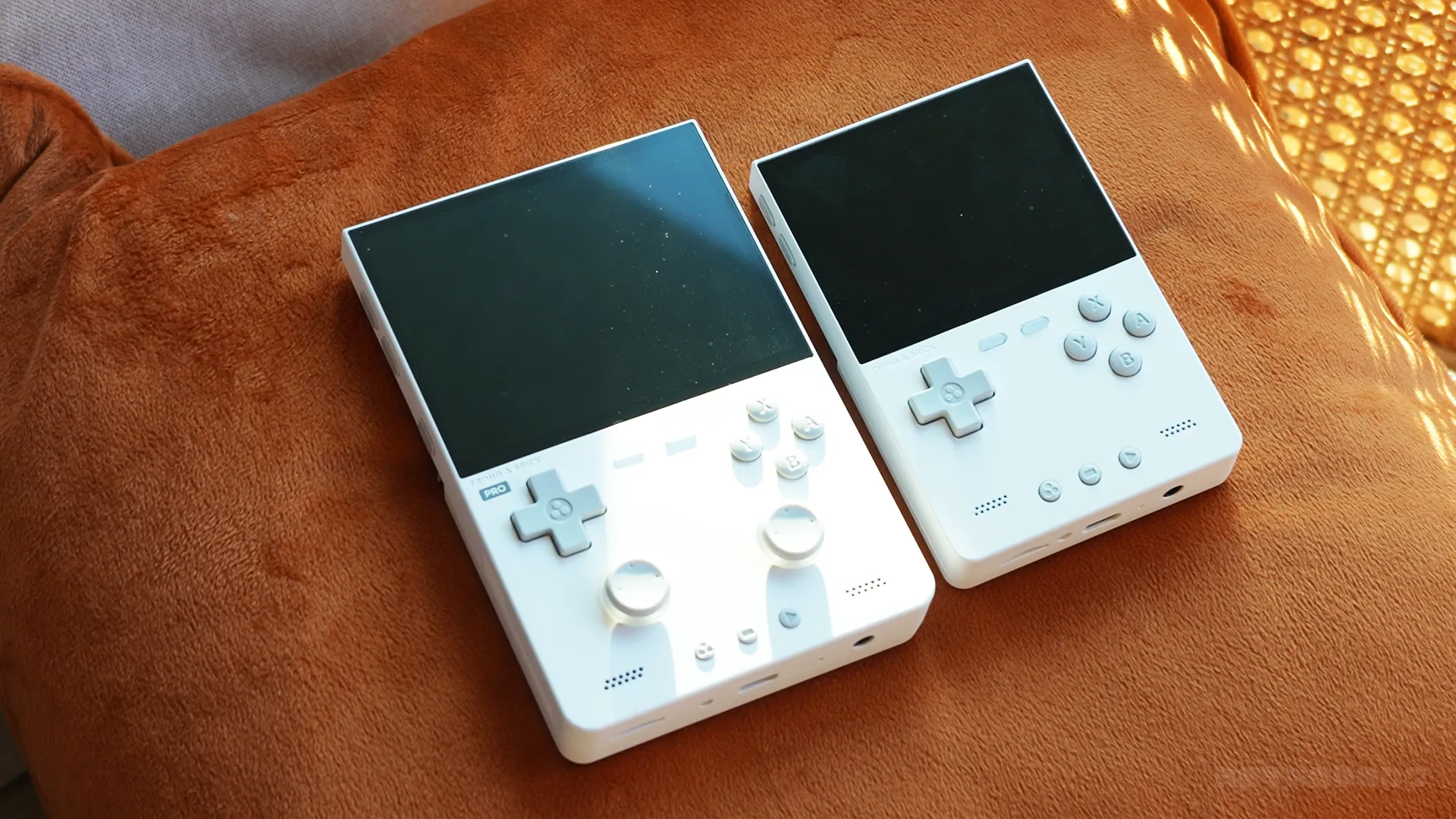
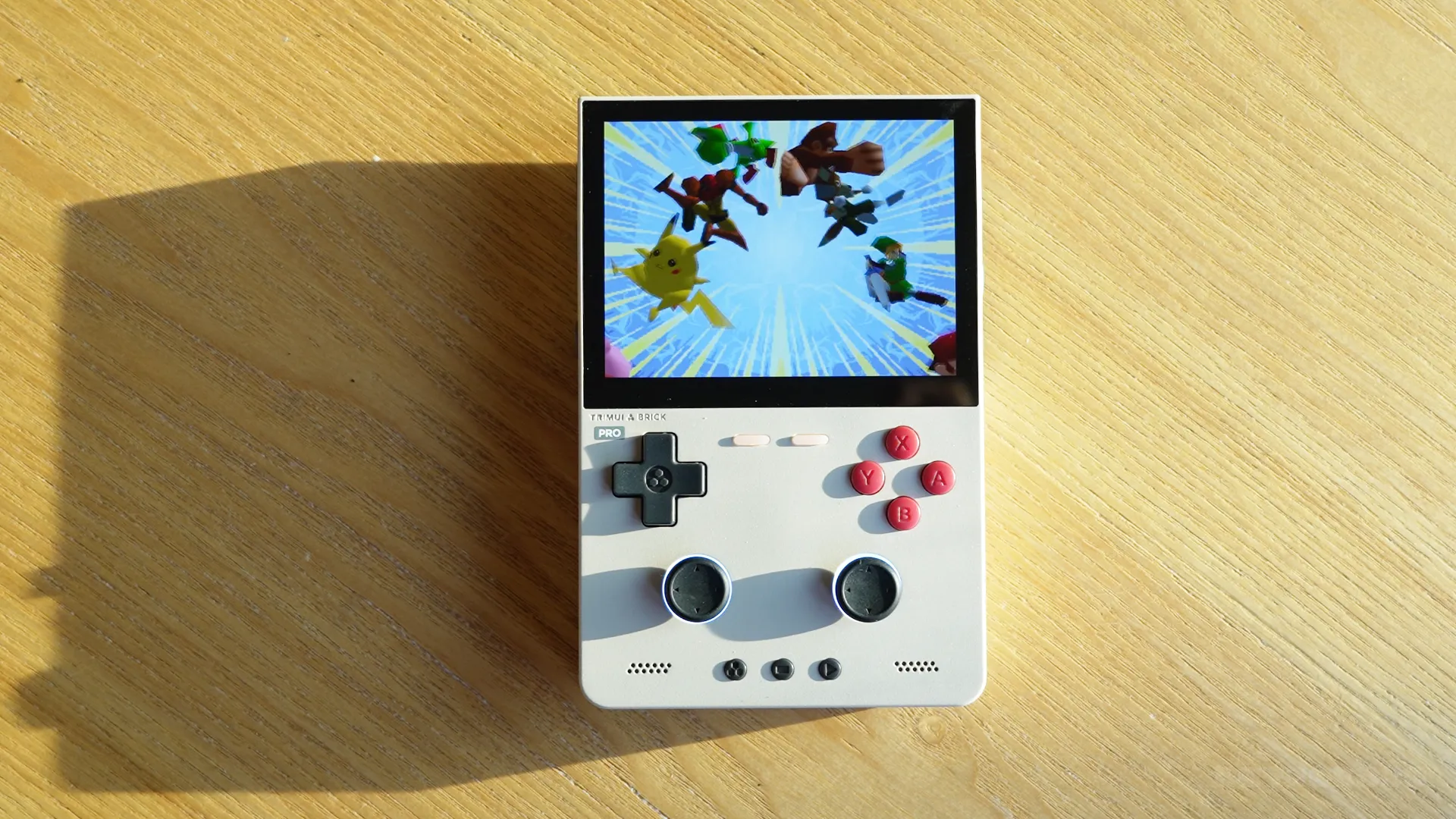
Let's talk about the most obvious upgrades to this mid-sized vertical. TRIMUI has added a larger 3.95" IPS non-touch display with a resolution of 1024 x 768, which is the same resolution as the Brick but offers more comfortable gameplay, especially on consoles from PS1 and newer, which was one of the disadvantages of going for the original Brick: screen real estate.
It also comes with two Hall effect joysticks with LED backlights and concaved grips. These do stick out a little bit and will be cumbersome to remove in and out of your pocket with popping off the removable sticks, but they're there for an important reason: to pair with the larger display in order to push the specifications boundaries and emulate PS1, Dreamcast, Nintendo 64 and more comfortably, something many Brick fans wanted.
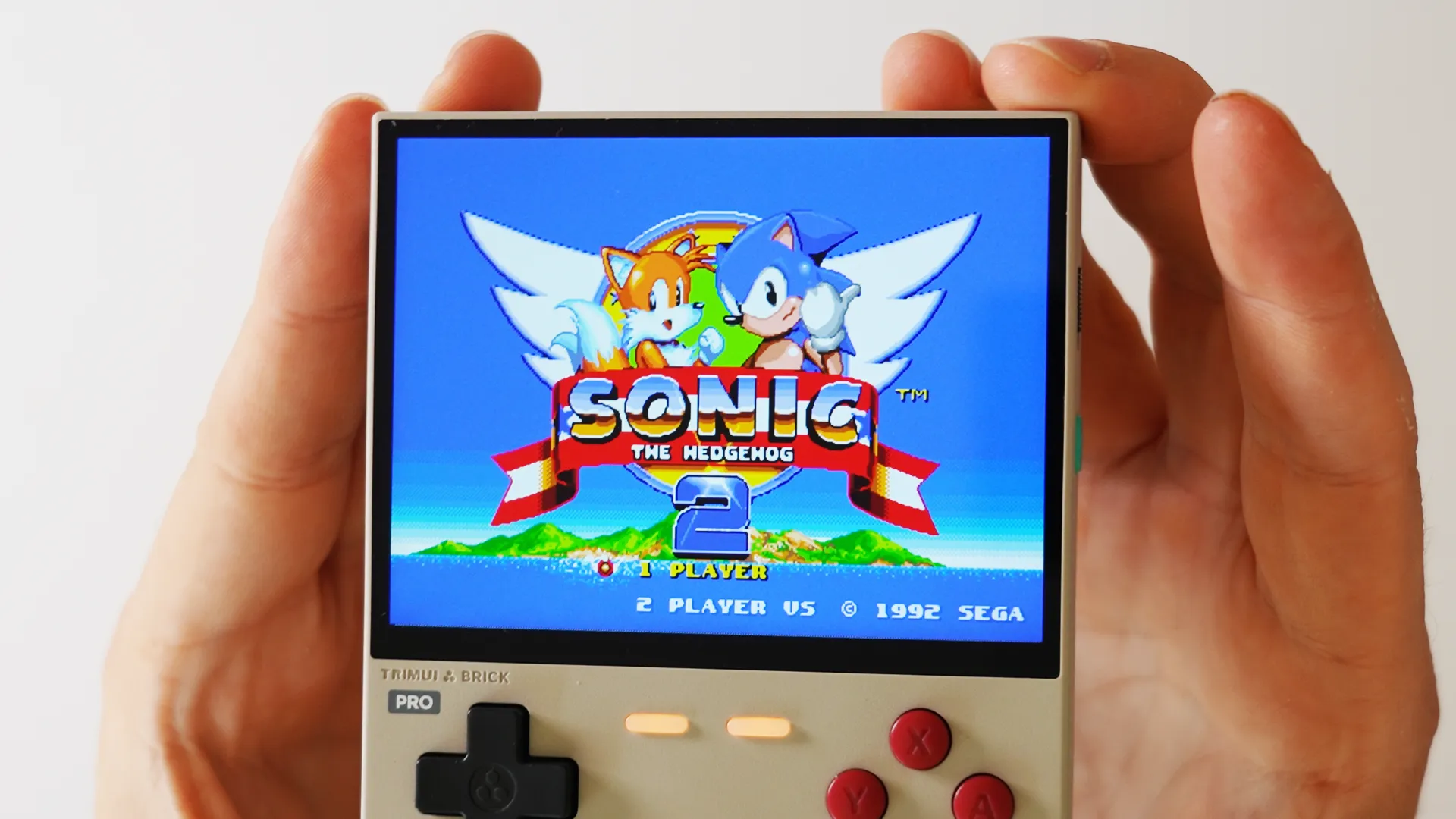
With this added screen and size comes an increased battery capacity of 66%, evolving from 3000MAH to 5000MAH perfect for those wanting to push it closer to 5 - 10 hours of gameplay, depending on what consoles you are emulating, of course! Oh, and this is the first time we get this Retro Grey colourway in a brick device, too, and it's not locked behind an extra fee; it's the same price as the white and black version.
Design Quality
This device now loses the adorable portability of the Brick, yet still feels like a mid-sized device that can come with you on day trips away without taking up too much room in your sling or backpack. The plastic shell doesn't make it heavy at all, either, which is something I can't likely say about TRIMUI's next device, known as Brick Pro U, a metal version of this with far more powerful specs and a mighty $293 price tag.
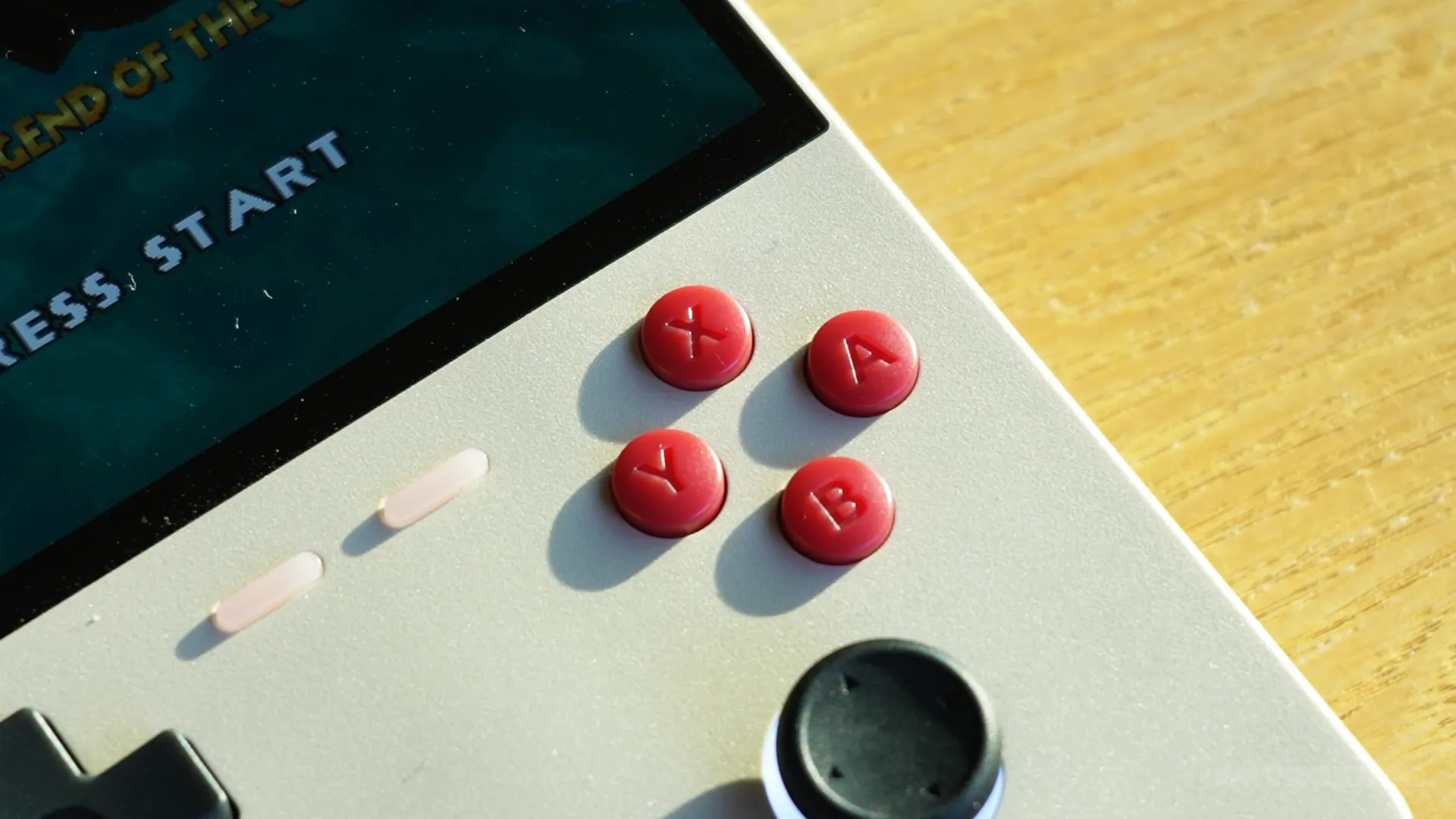
The shell of this device has a very light textured feel to it, which stops scratches and scuffs from showing obviously, alongside the classic metal backplate on the back to add a premium touch. The buttons used, like on many of TRIMUI's products, are very high quality and have a very quiet clicky feedback to them. For example, the DPAD, although it sits firmly on the contacts with little travel to it, does have a good ammount of directional flexibility and is a pleasure to use. The action buttons are on the small side, but again, incredibly well made, light to travel to them, and are easy to press.
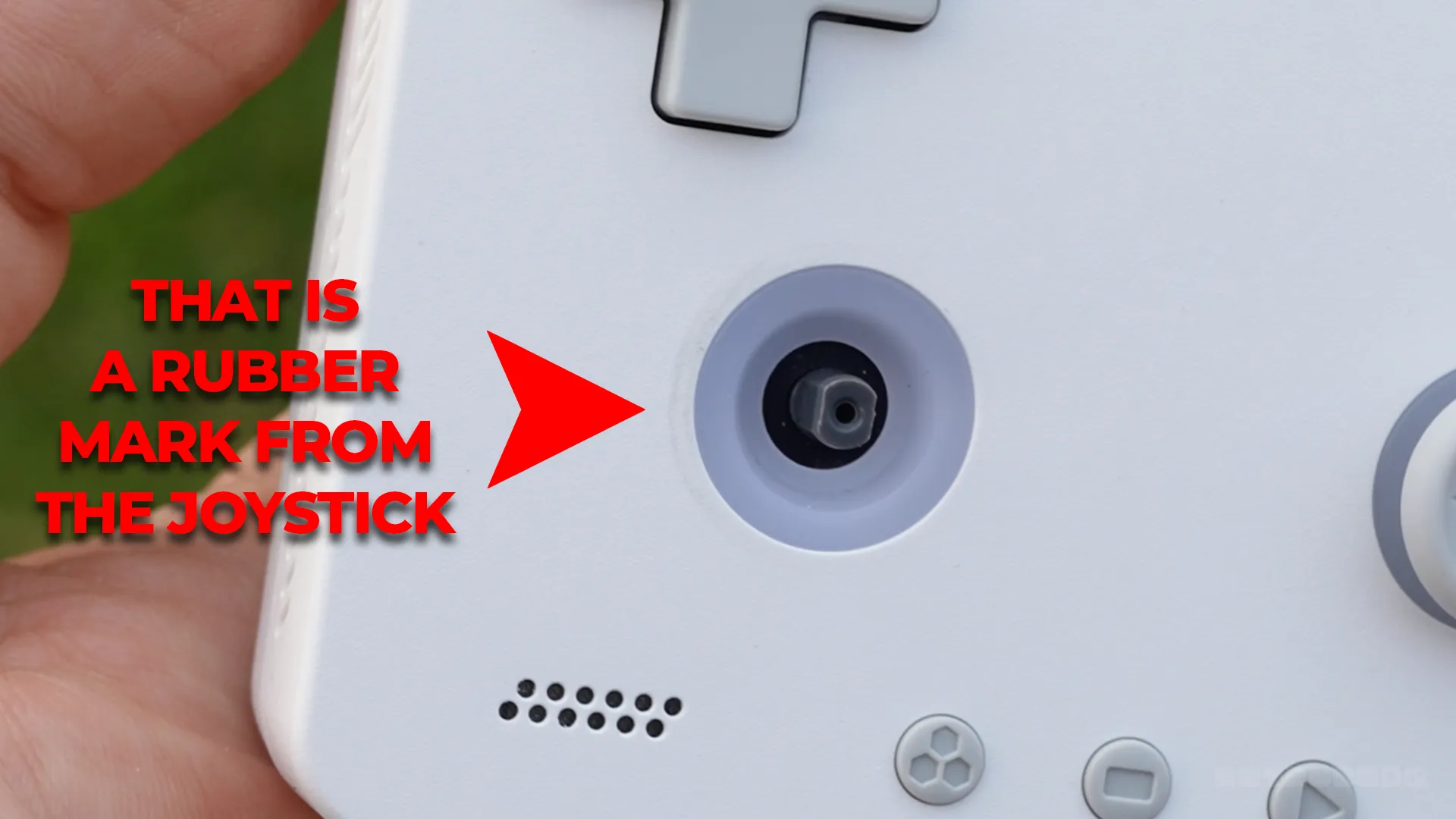
The newly welcomed hall effect joysticks are nice, they're very light, highly sensitive, have good grip to them, and the bright LEDs behind them give them a modern look. I have no issues with the sticks in terms of gaming quality, but I do want to mention that they touch the actual casing of the Brick Pro in every direction, so it's not the stick stopping itself, its actually the grip hitting the shell, which means you'll eventually start seeing markings on the shell from your analogue stick. I tested this by replacing the White Brick Pro's grey sticks with black ones to show you all that wear and tear is already happening on a device that I've had for just under a week. Not cool.
The additional buttons on the face vary; you have the start and select at the bottom, next to a TRIMUI button that opens up emulation settings for you to quickly save, load and exit back to the main menu. This button alone somehow makes the icnic LED lit buttons on the face redundant as they literally aren't used for anything, only additional mapping if you want to map them to certain things in certain consoles. Fast forward is probably the only likely thing you'd want to map them to, as the TRIMUI button does most things, naturally.
I want to mention that I noticed on my retro version of the Brick Pro that the internal vibration motor was completely broken. This can be tested in the hardware settings by pressing both shoulder buttons, and the feedback was so small that I couldn't actually notice anything; however, on my white and black version, the motor is working, and it's very noticeable, so perhaps this retro version missed the quality checks, or indeed some of the units have dodgy motors. Luckily, TRIMUI sent me multiple to test, but at this moment, 1 in 3 have a broken vibration motor.
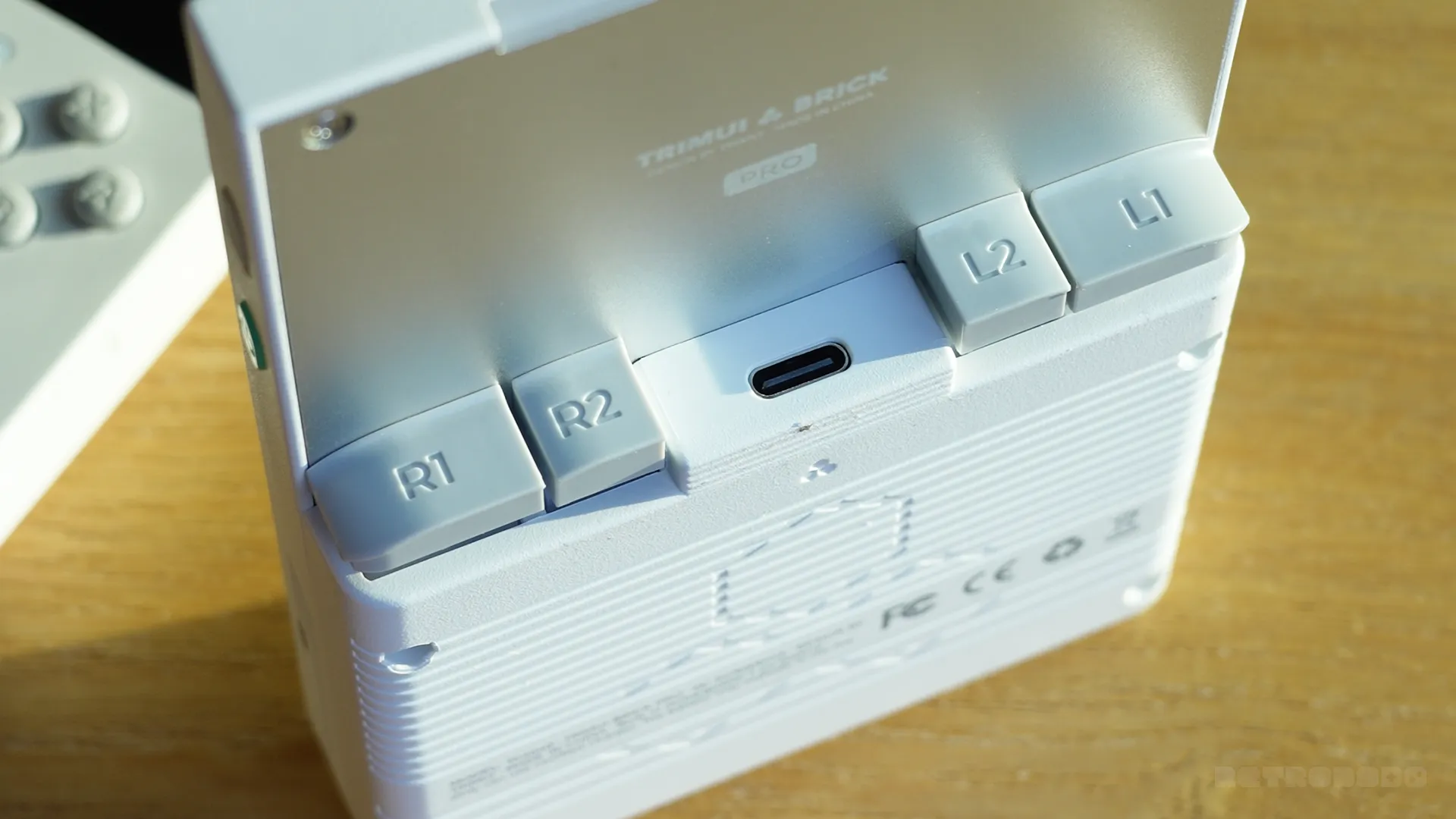
On the back, you'll find some of my favourite shoulder buttons on any vertical device. These are somehow incredibly bouncy, satisfying to press and come with not one but two additional replacements in different sizes. You can customise the layout to your styling. For me, I chose the tallest ones, offering more distinction between R1/R2. These are simply installed by pulling off the originals and pushing in the new ones; it's very easy to do, and they attach firmly. I have yet to shoulder buttons on any TRIMUI Brick handheld I have had that uses this same shoulder button technology. Between them, you'll find an additional USB-C slot used for accessories and video output, but this slot will not charge your device.
Charging happens at the bottom, alongside your micro-SD card slot, a reset button and a headphone jack. On the sides a power button that also has an LED light behind it, which will show if your battery is low, charging or full. Above that is a mappable function key, your iconic LED strip bar across the top and finally volume buttons and a home button on the other side. You'll also notice small engravings around the device to make it look more futuristic, likely taking inspiration from the GAME BOY DMG and to add some extra grip.
The Comfortability
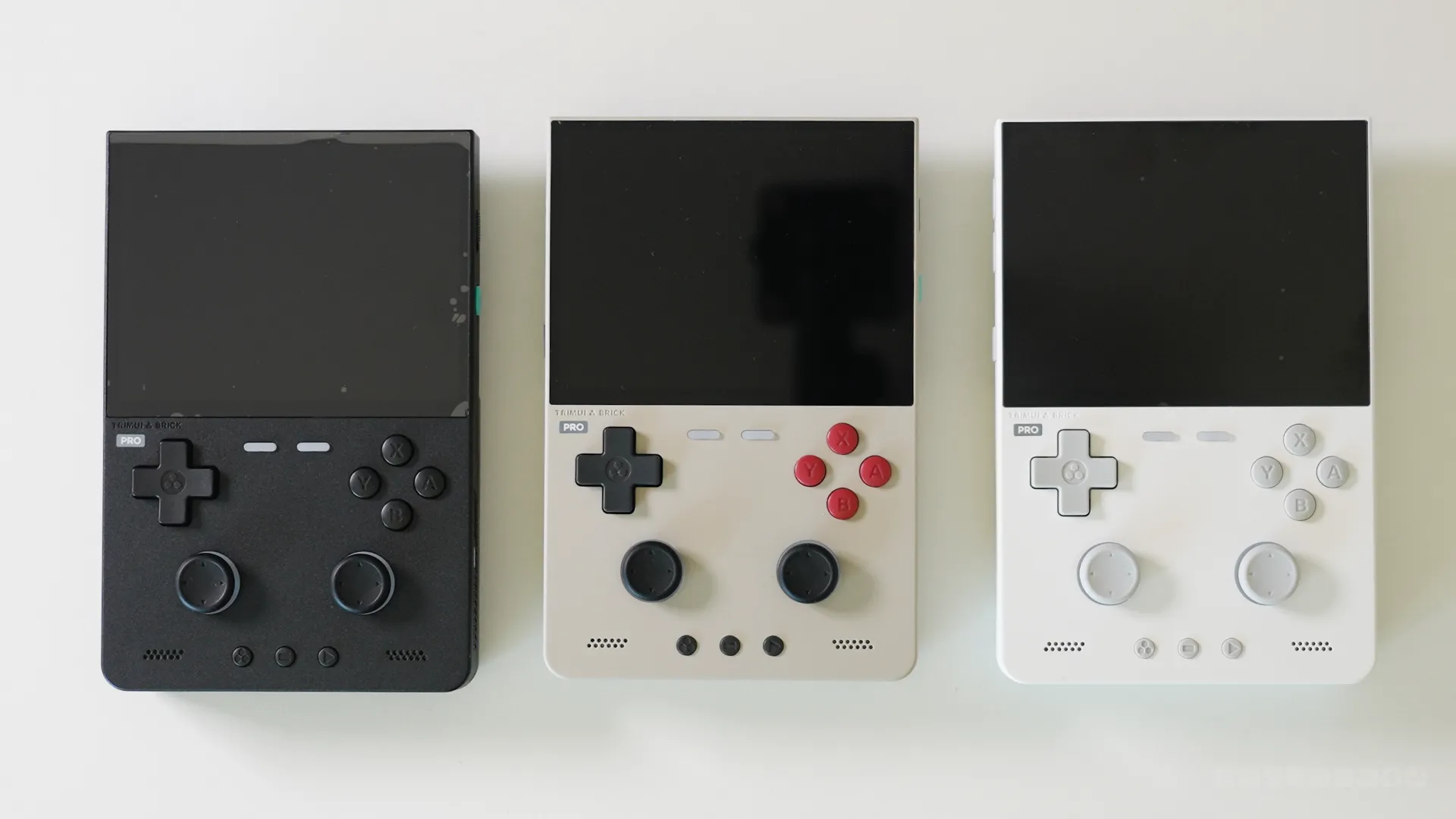
All of that means what exactly? Well, for me, it's genuinly a very comfortable handheld to play on for long periods of time, which is something that lacked in the smaller Brick because of its size.
This wants you to play on it for hours on end, and the 3.9" display with good button quality, remarkable shoulder buttons and nice sticks allows you to do that.
Me likey the display
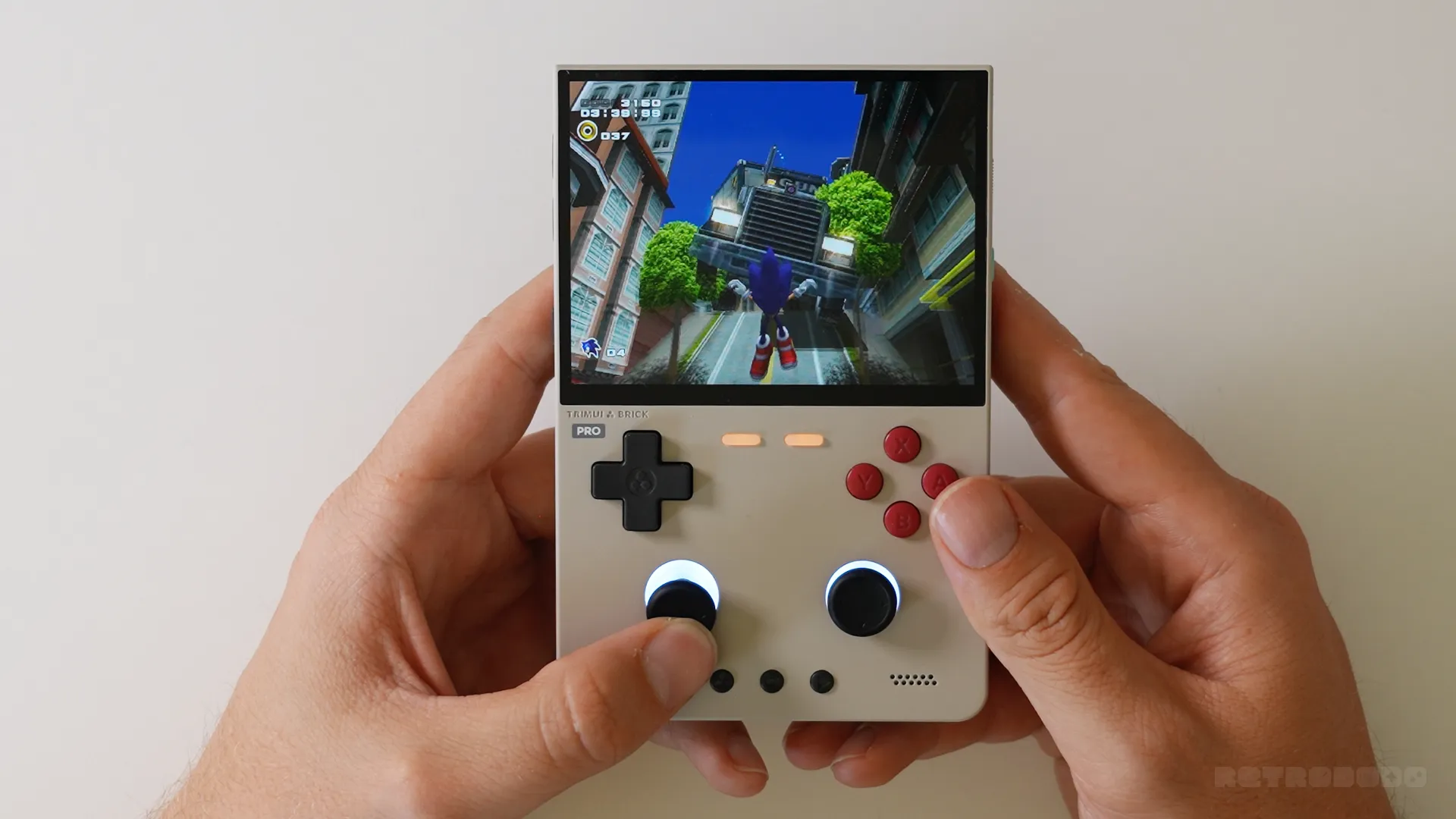
Those buttons and comfortability is paired with a very bright, colourful 324ppi 4:3 display that looks absolutely stunning in person. I had to double-check what I was looking at because I liked it so much, which is uncommon for me because I thought TRIMUI's own website was listing the wrong specifications. It's a strong, bright display that is almost unmatched in the sub $100 category and makes retro games scale beautifully. I'm beyond impressed with this panel. TRIMUI made a great choice here.
The only issue with the display is that it sits slightly off-centre around the bezels, and when you see it, it's then hard to ignore it. I know other devices too, but with TRIMUI's such precise, minimal design, the extra mm or two on the bottom bezel really irritates me for some reason.
Stock OS and UX
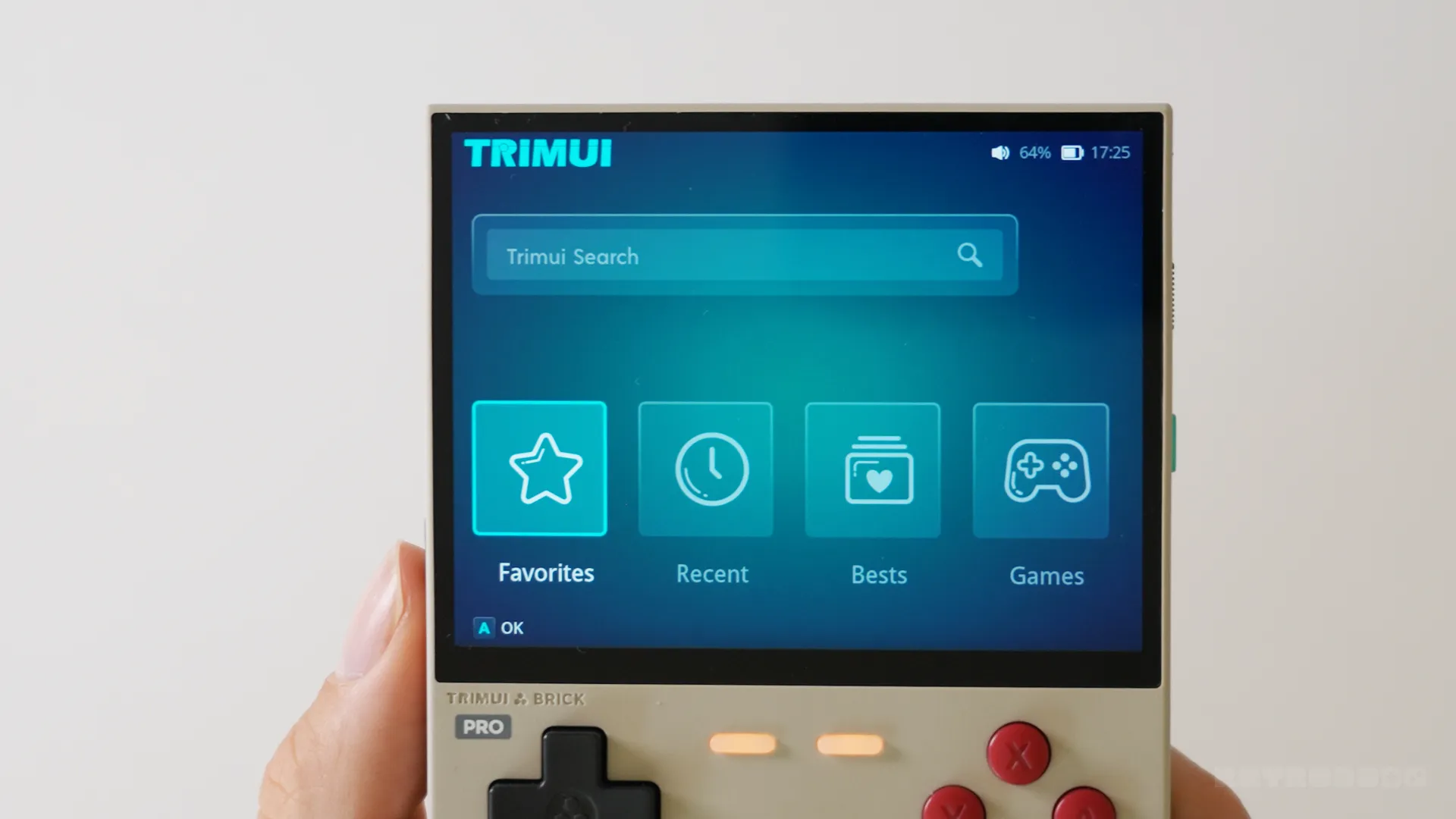
This comes with TRIMUI's custom Linux front-end straight out of the box, and although many customers do end up changing it due to its simplicity, I do have to say it makes for a great "out of the box" user experience when you compare it to some of its competitors in the space, such as ANBERNIC, whose custom front-end is absolutely terrible.
And as I've mentioned in previous reviews, I review these devices with what they ship with and do not review custom third-party frontends that pair with it as a part of the review.
That said, it's clear TRIMUI has put some time into this. You can easily navigate your ROM library by syncing your SD card slot. It comes with a handful of themes to change the colour layouts, system settings is easy to explore and alter, and you can also change an array of LED settings in here too. It's good, not great, but it does the job out of the box and makes the device an easy one to set up and explore just a few minutes after pulling it out of the box.
Emulation Quality
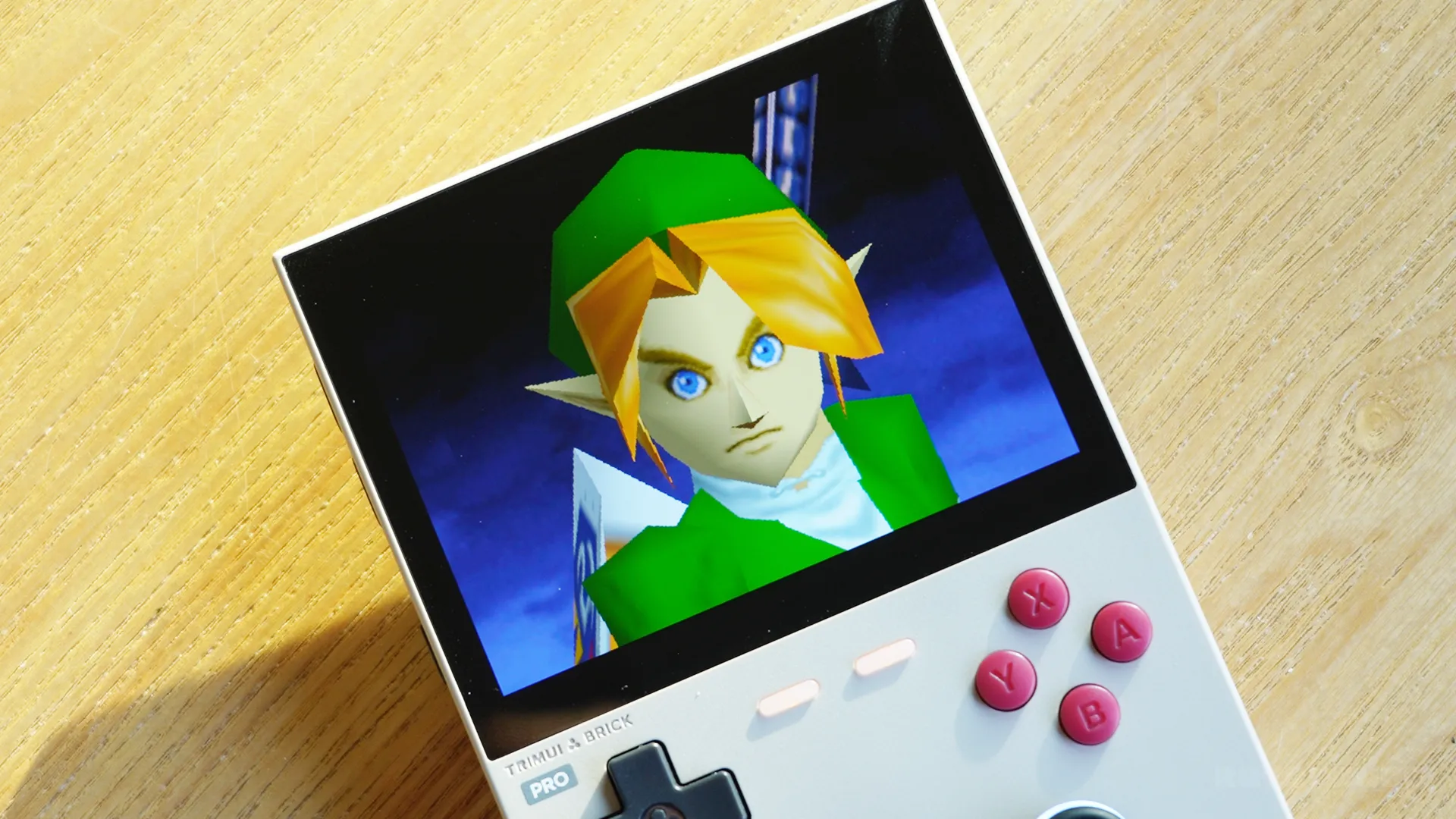
Let's cut to the chase, this can emulate up to and including Dreamcast games. Not Gamecube, not PlayStation 2, not Nintendo Wii. TRIMUI are likely allowing that type of emulation on their more expensive Pro U version coming out next month.
Which i'll be honest, excites me because, as mentioned, this is a very comfortable device with a beautiful display, and I think GC and PS2 emulation on here is going to be an absolute blast if you don't mind emulating that on a 3.9" display and splashing out almost $300, which I don't think many people will but its there for those that do.
But I have to remember that this is a sub $100 device, this is pretty cheap in today's market, and I think Dreamcast and below is quite respectable.
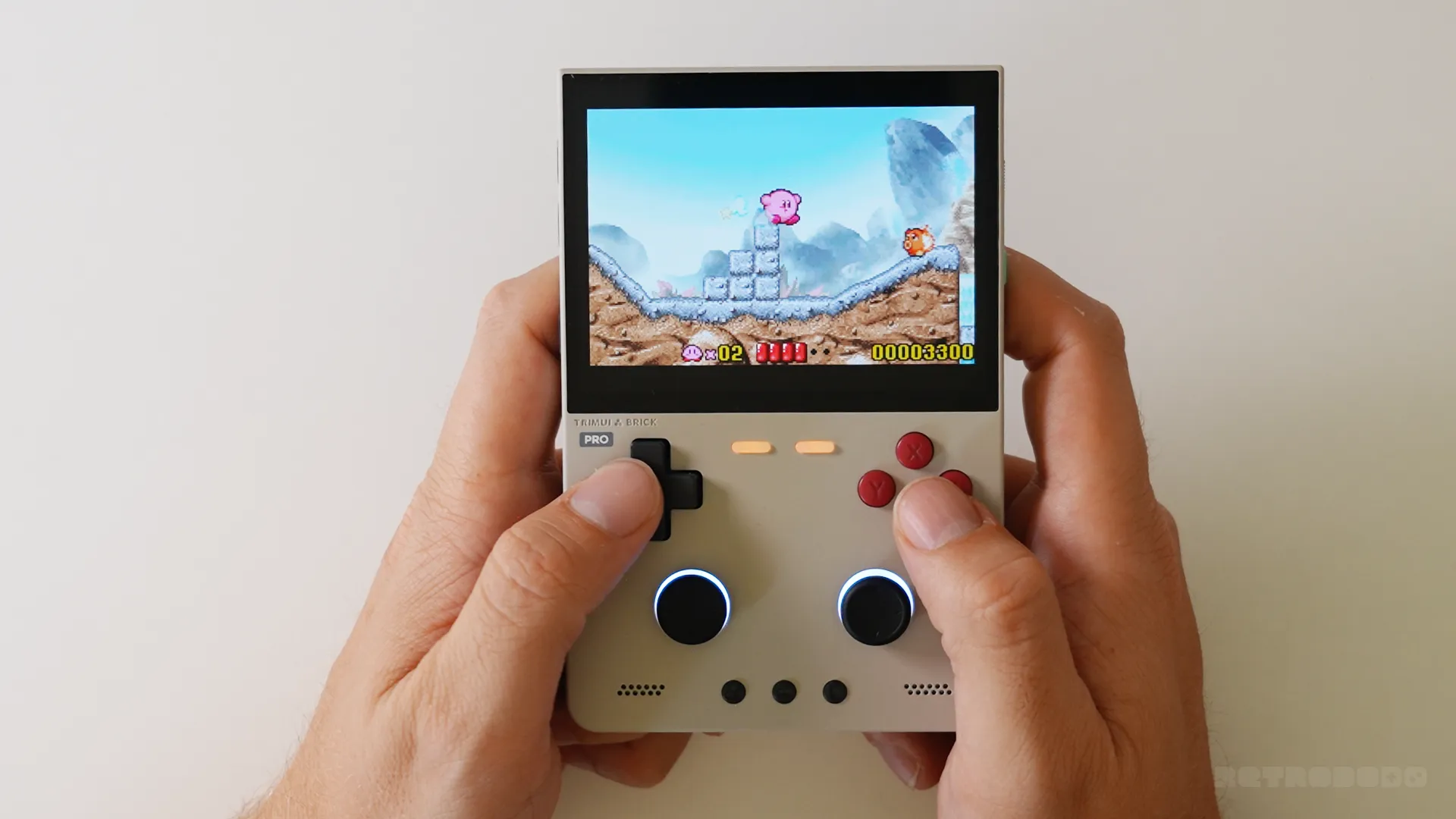
The 4:3 display allows me to take full advantage of my retro gaming library without losing out on screen space, and I had no issues emulating most of my games on here at all. Yes, the device got a little warm, especially on the metal backplate, but it was a pleasant experience on all types of emulation, with Dreamcast pushing it to its limits on intense games like Crazy Taxi 2 and Sonic Adventure 2, but flaws and frame rate drops were uncommon and I did have some experiences that were very pleasant on these consoles.
PSP fans will be dissapointed however, emulation quality on this console isn't great, confirming its limits, which is fair enough; this chip can only do so much.
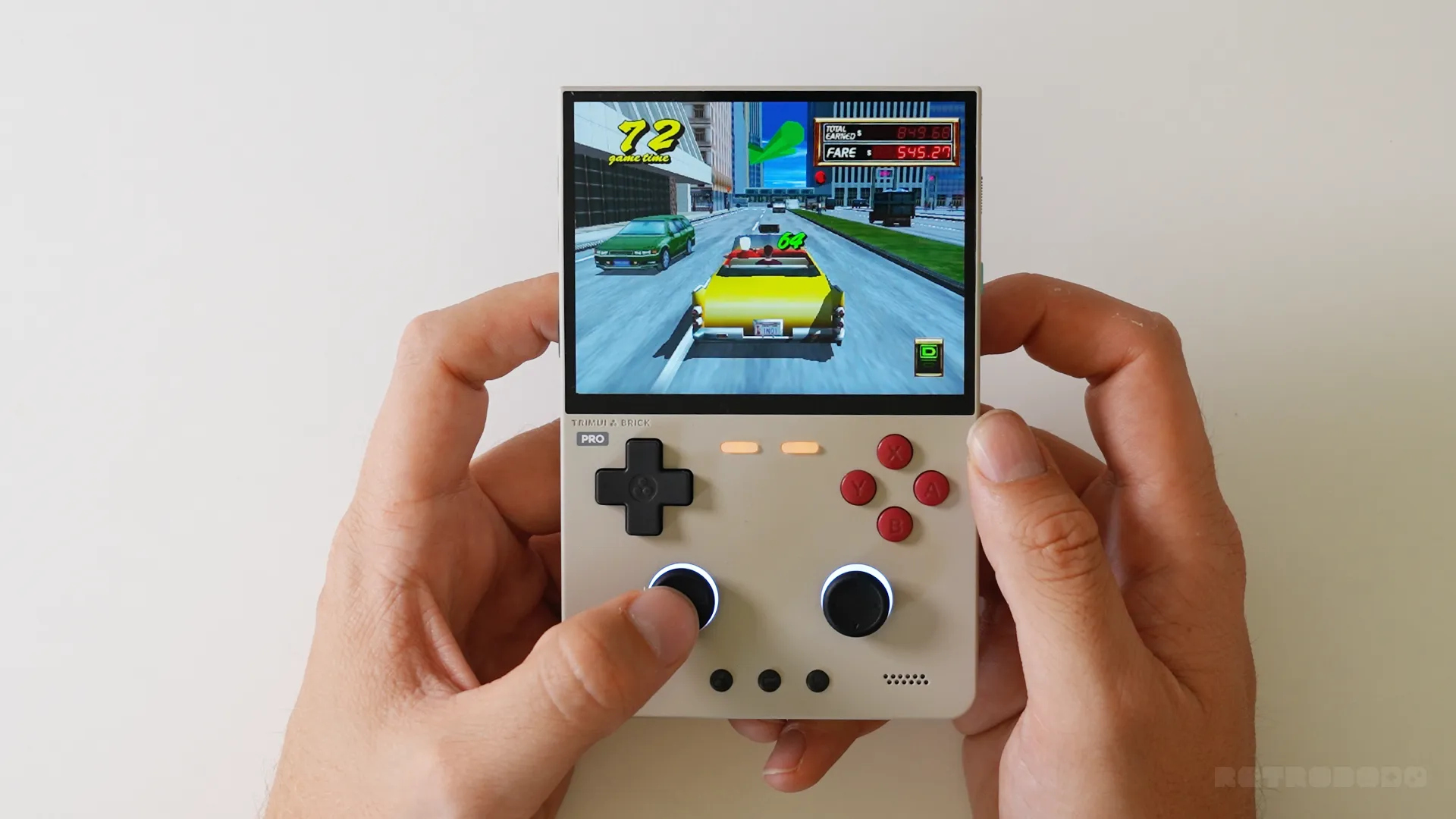
What brings it down isn't the neccesarily the emulation quality, but for me, this is one of the first times I've noticed the speakers on a device. They're not great, actually; they're pretty bad if you are planning on actually using them at a volume that you can actually hear well. There's lots of distortion, muffling, and it easily maxes out.
I'm not sure why I didn't notice this on the original Brick; perhaps they are different, but I noticed it on here. They suck, but again... this is a sub $100 retro handheld, so I'll let it slide. They absolutely need to change the speaker for the Pro U.
Overall Opinion
- Beautiful Display With High PPI
- My Favourite Shoulder Buttons On Any Vertical
- Very Competitively Priced
- Superb Battery Life
- Easy To Use StockOS
- Sticks Leave Markings On Shell
- Speakers Are Low Quality
- Off-centre Bezels/Display
Overall, I adore this device, primarily because of the well-built button quality, paired with a remarkable new display that puts a big smile on my face. Yes, emulation could be a little bit better, but this is a budget-friendly, sub $100 device with one of the best displays I have seen in this category.
The added LEDs, removable shoulder buttons, remarkable battery life and simple frontend make this a very fun, reliable and affordable device that will make most retro gamers incredibly happy. This is my favourite $100 vertical handheld, it's that good.
All of the negatives I mentioned, such as the speaker, the analogue sticks rubbing on the shell and mist-alligned screen bezel, are all very minor, things I can just about ignore because of the price tag. TRIMUI have really done it again with this one; it's a great vertical, I thoroughly enjoy using it.
The only struggled I can see on TRIMUI's end for selling this is the fact that many people in the space already have pretty capable vertical handhelds and I try not to let future or upcoming handhelds change my opinions on things, but I do want to mention that Mangmi are working on a brand new vertical handheld, so if you are on the market for a cheap vertical and don't mind waiting, as of right now, I would say to just wait a few more weeks to see how Mangmi's new Air Y and Air Y Pro will compete with this. Their Air X was priced at $99 in the past, so perhaps they, too, will price it at $99, and then we have two possibly great vertical handhelds that are battling it out.
I will have review samples of the Air Y coming in to review, so it might be worth joining our free newsletter to not miss my opinions on that. You won't be disappointed with the TRIMUI Brick Pro, but hey, I want you to spend your money wisely!