


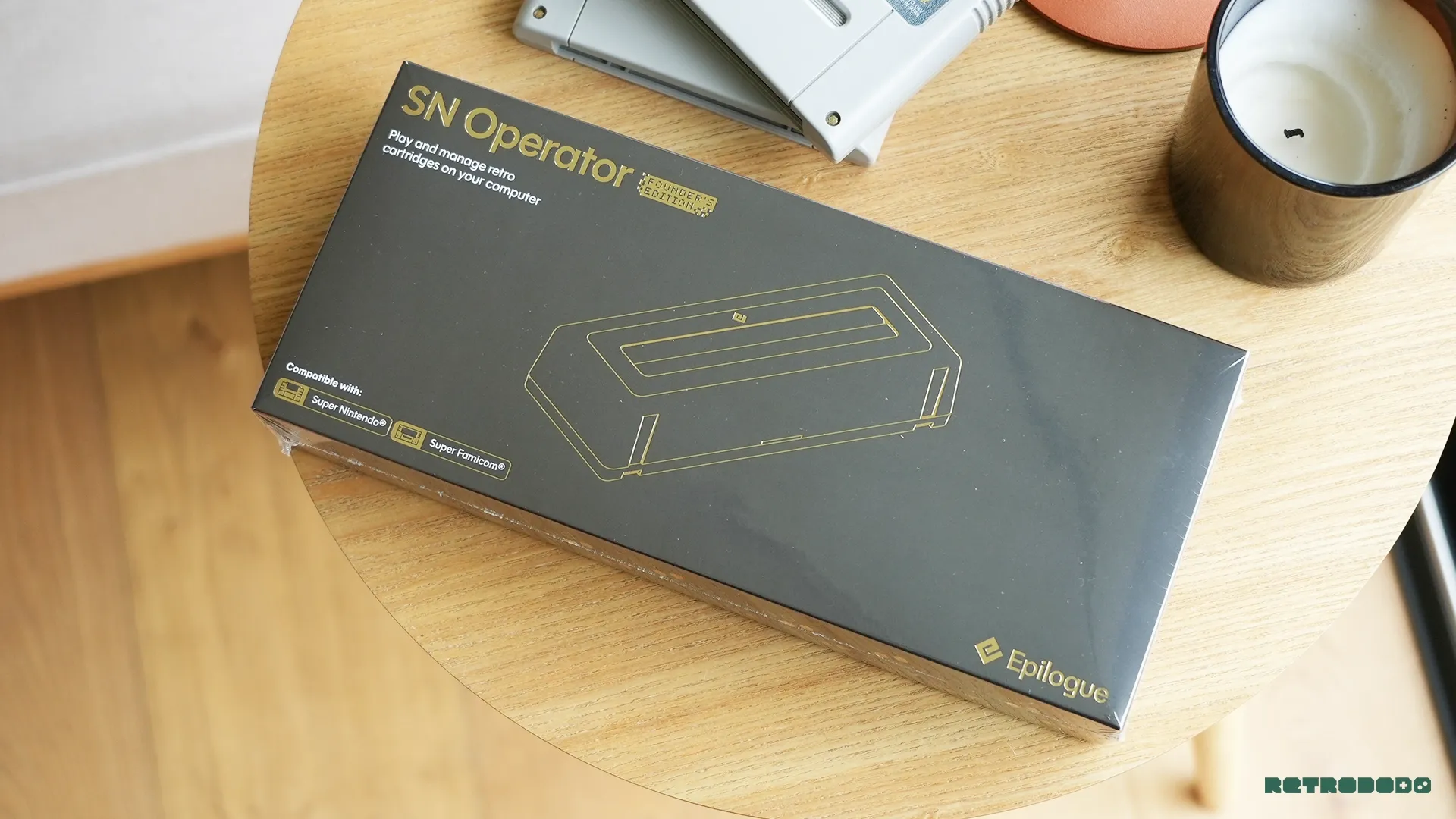
This is Epilogue's second product, the first being the incredibly popular GB Operator that we reviewed way back in 2021. Their "Operator" line of products is quite simply premium cartridge readers that allow you to not only play your games on a PC or Mac, but also manage, backup and authenticate your games too.
It's a product for collectors and gamers who have their physical collections. It comes with a wide range of features that not only allow you to enjoy your games on a desktop but also to preserve them in a digital way, and it will even assist in the exploration of fan games and ROM hacks, too.
This is a remarkable SNES accessory that any collector needs, not only for the preservation side, but for enjoying your dusty cartridge in all its glory.
- Release Date: May 2026
- Price: $71.99
- Where To Buy: Epilogue.com
The Design
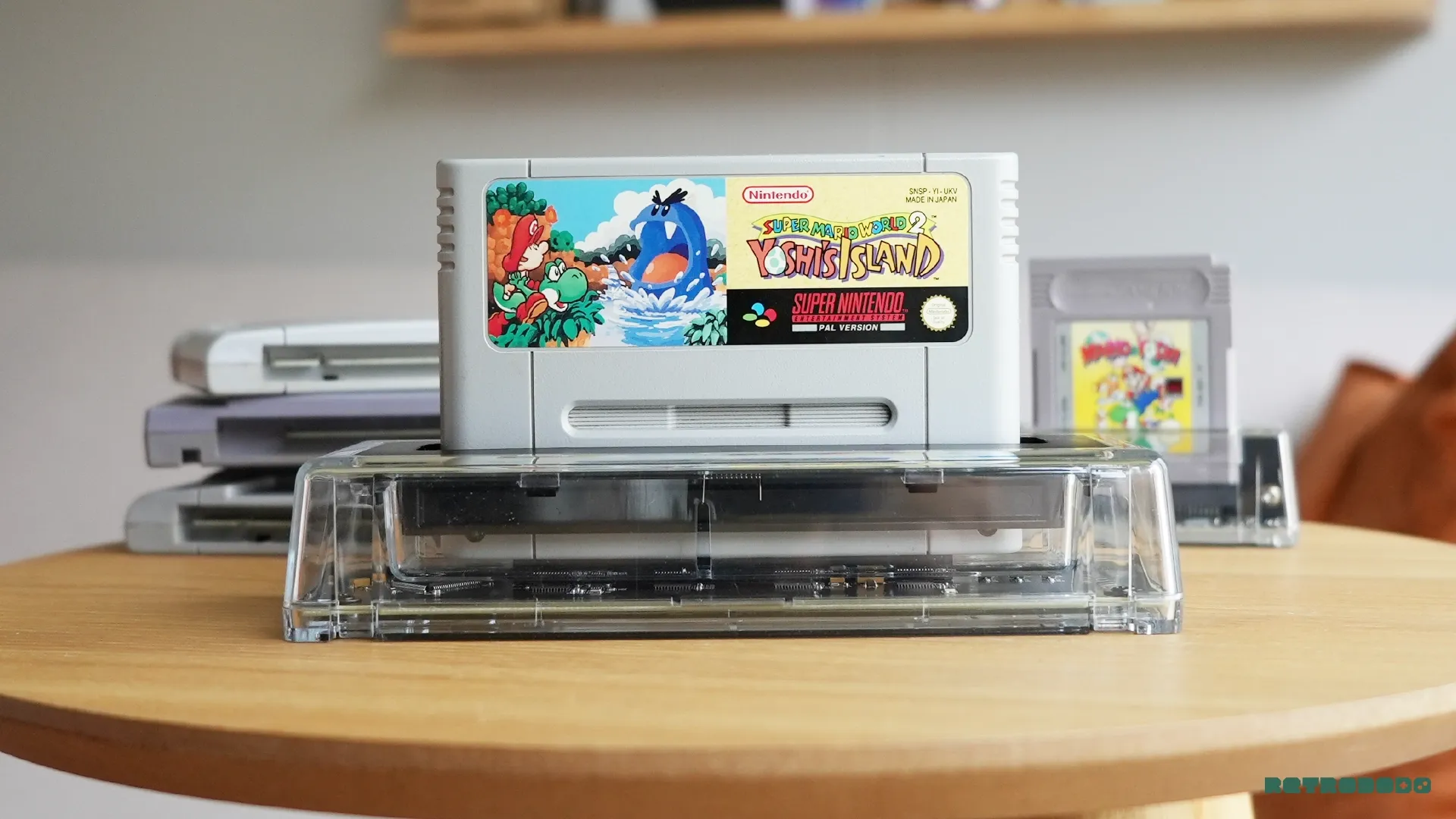
In Epilogue fashion, this follows the minimal, yet modern look that reminds me of how Analogue presents itself. The SN Operator features a transparent shell allowing you to see more of the cartridge, but also an easy look at the internals, which will make any geek's knees weak. It offers a view of Epilogue's motherboard, the very tech that allows us to take full ownership of our digital file, hidden within this grey, plastic slab that we can't help but love.
It works with Super Nintendo and Super Famicom cartridges, both PAL and NTSC versions too, so whatever your collection, or wherever you are in the world, it will work. For me, when inserting cartridges, it's very simple; the light flaps move out of the way, and with a small push, your cartridge will slot into place if angled correctly.
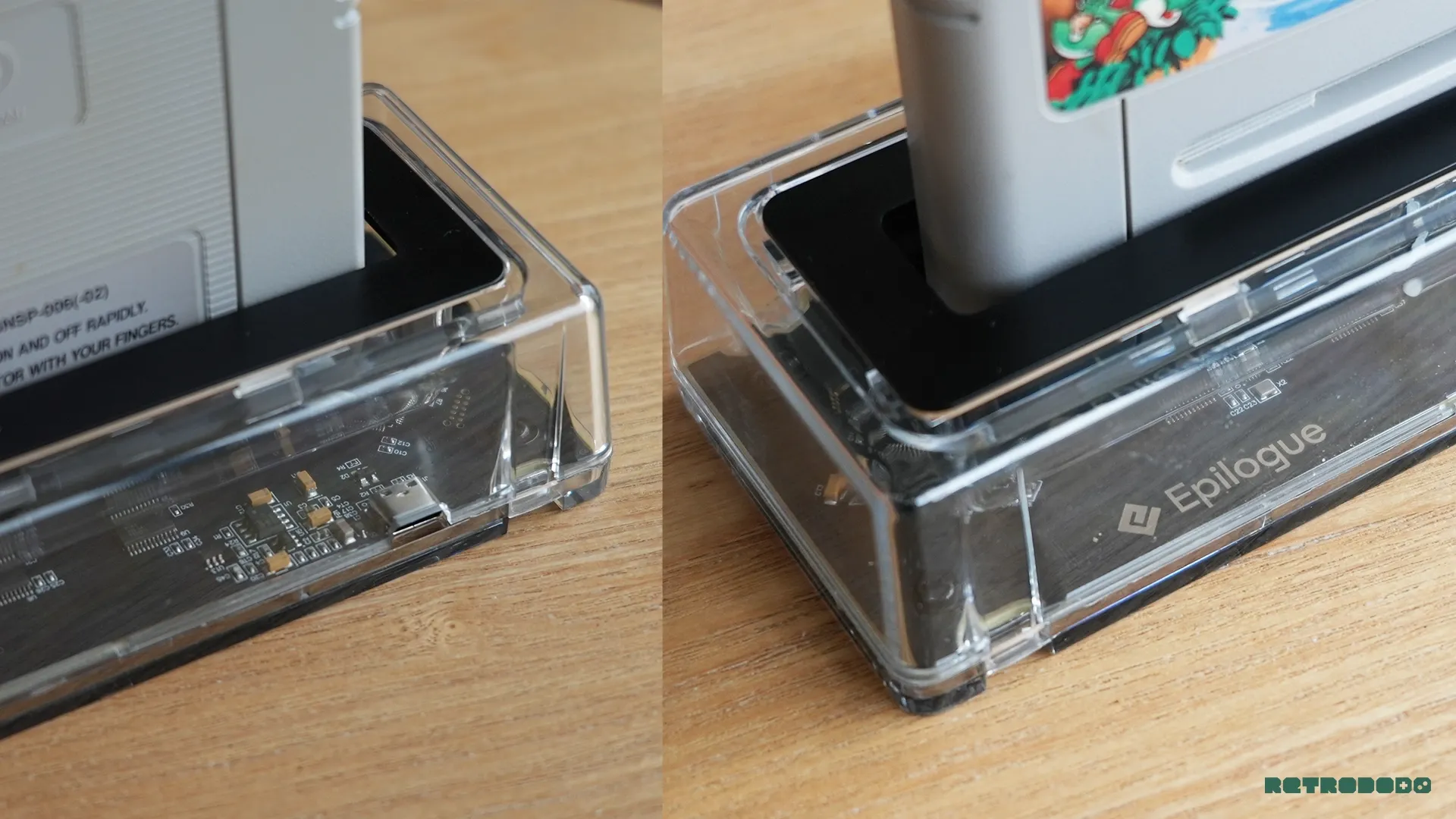
Though I do want to mention that because the cartridge gap is so big, you can unnaturally wiggle the cartridge a few mms back and forth, which will welcome you with some very unpleasant sounds. This movement puts pressure on the cartridge pins, which you can hear very clearly. These sounds are so noticeable that I worry about inserting them incorrectly every time I use it.
The same goes for removing the cartridge; my NTSC SNES cartridge will remove very easily, but my PAL version, for some reason, likely due to the larger pins, needs some serious force to remove, unnatural force in fact. Requiring both hands and a little bit of hope that the noises it makes are not damaging the cartridge.
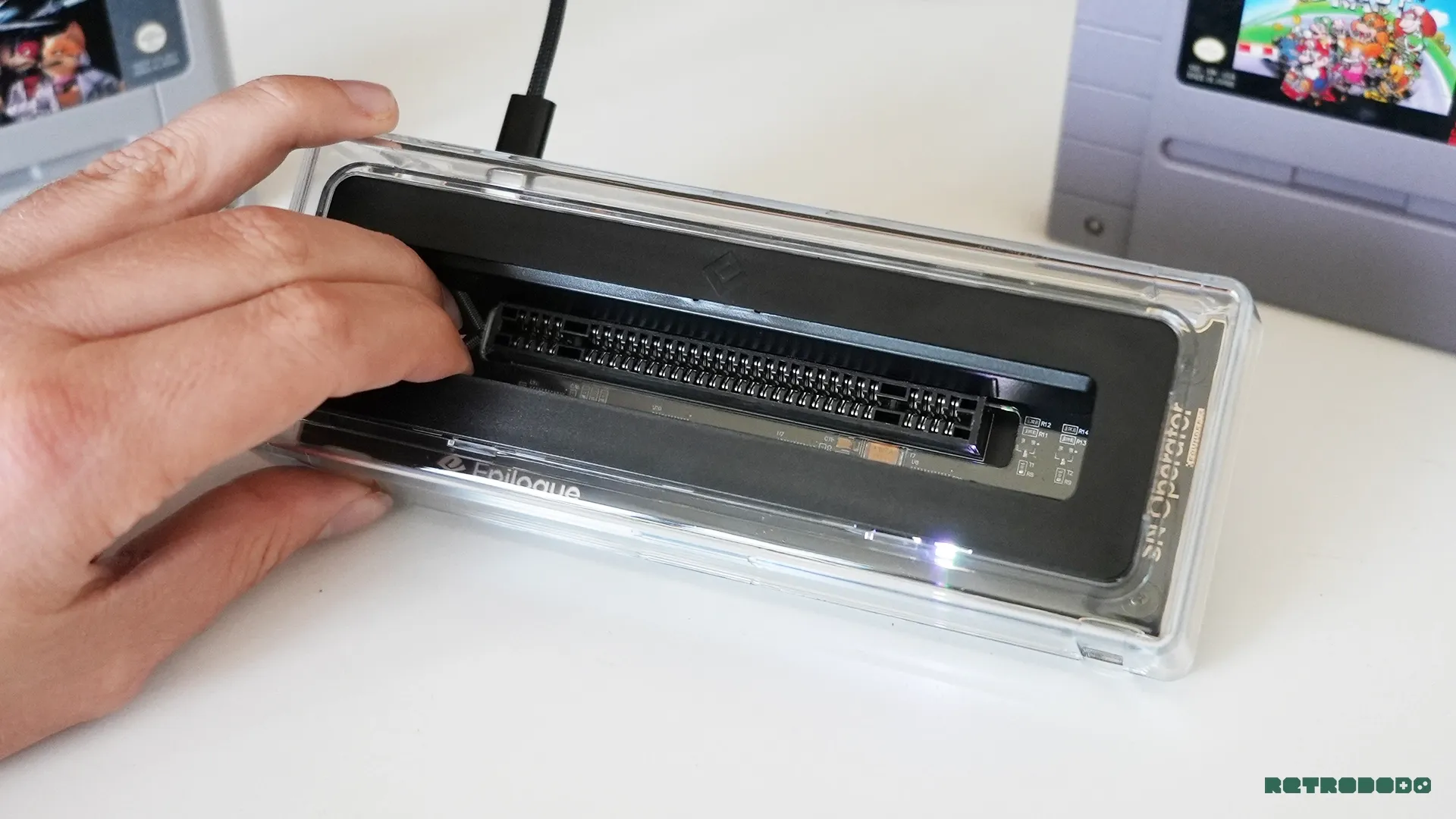
This is why I believe Epilogue should have added a cartridge eject button, or some assistance when doing so, similar to what ModRetro has done on the upcoming M64. I'd even like to see an LED strip on the front, too, that lights up the cartridge art at night, because let's face it, the SNES has some beautiful cartridge art!
But again, removing my PAL cartridges is not enjoyable at all because of how small and light this thing is, and it makes me wonder about the longevity of not only my +cartridge but the Operator, too. That said, it's my only issue with the hardware. It looks clean, fits well on any desk, shows off the beautiful cartridge art, and has a large padded grip at the bottom for when you need to go full beast mode when battling your PAL cartridge out of the slot.
What Is Playback?
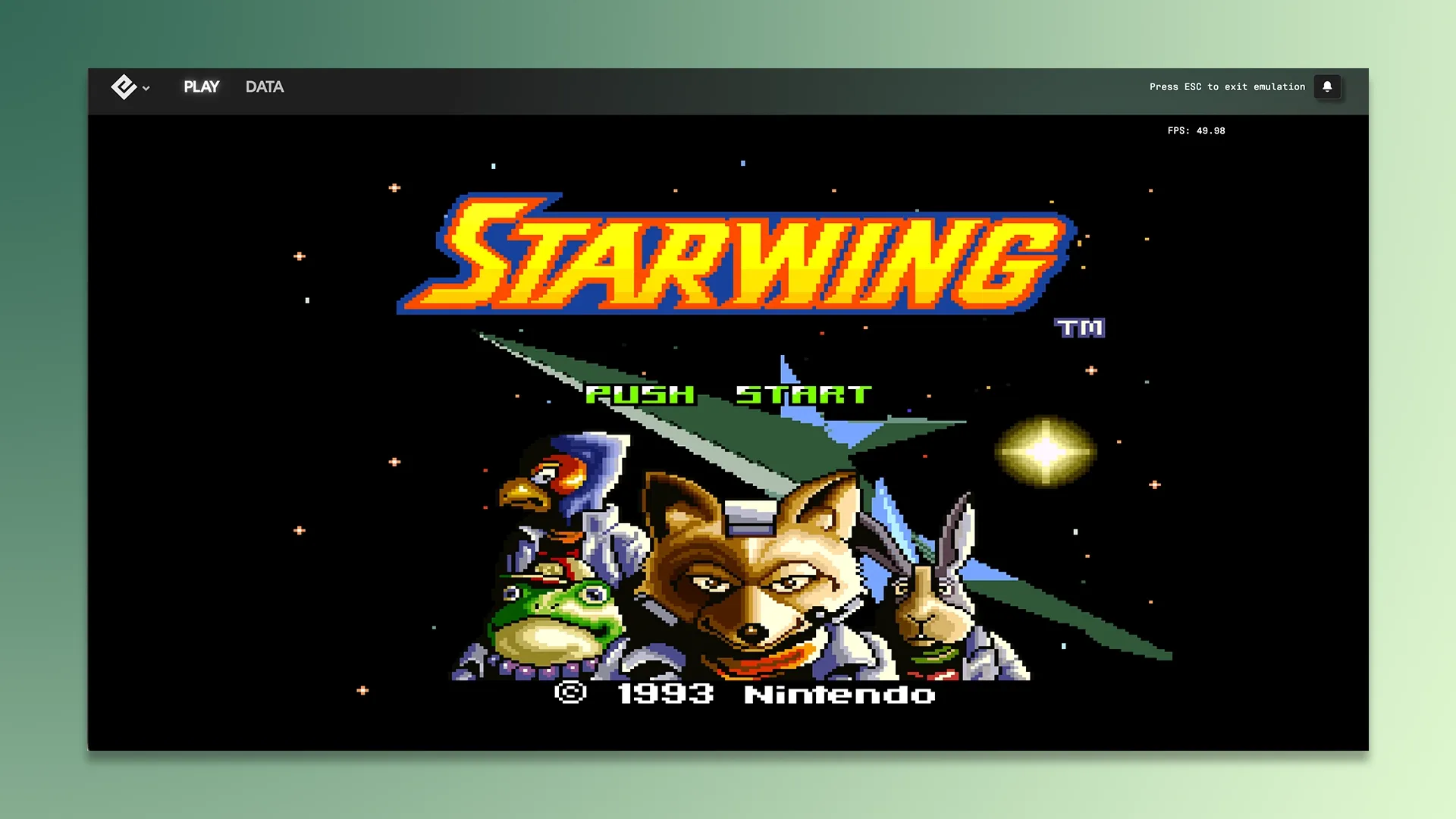
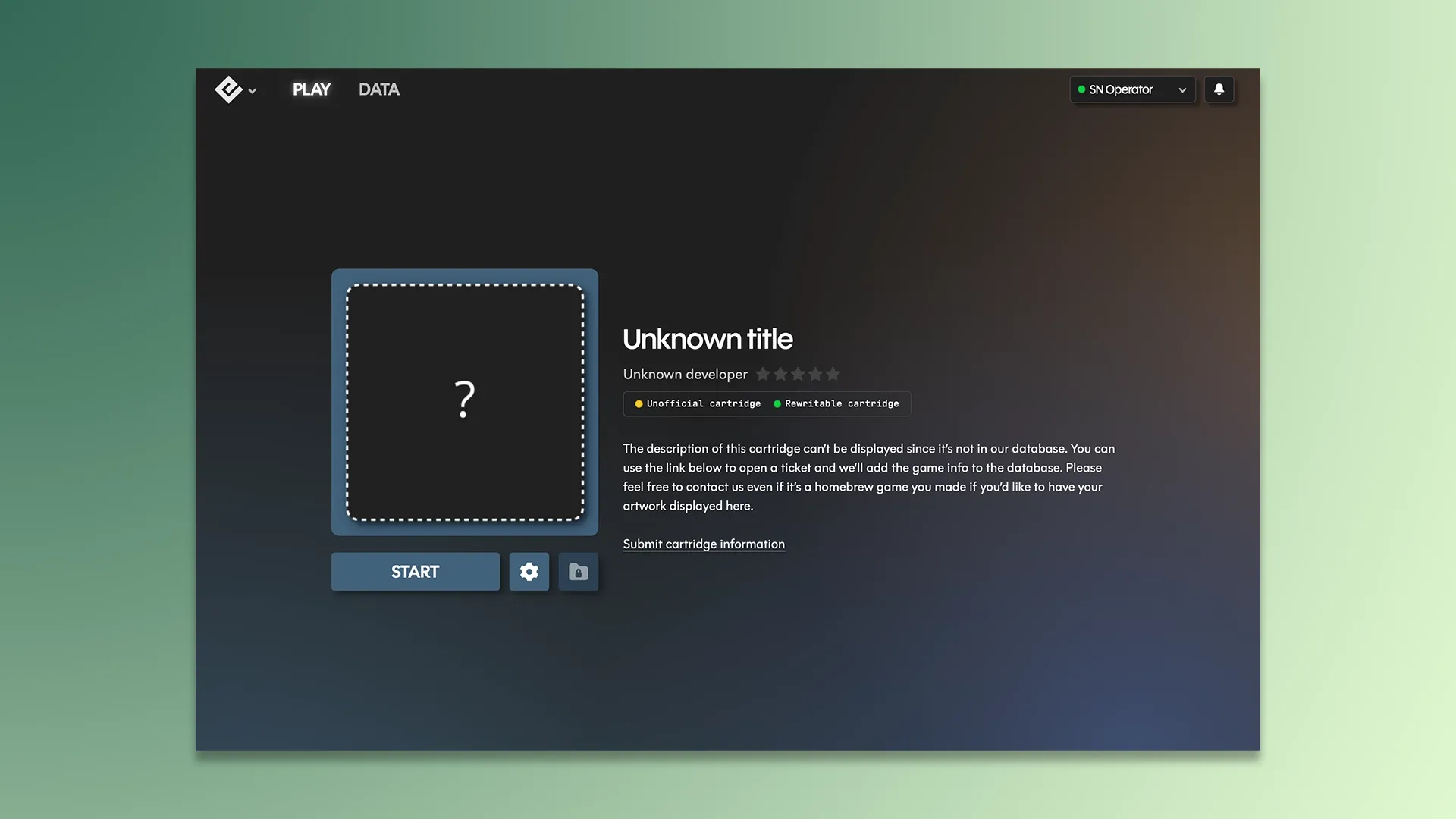
Playback is Epilogue's official app that is required to use the SN Operator on PC, Mac and Linux. It's incredibly easy to use, and it's obvious that their designer has a thing for minimal design; it's very well designed.
Once opened, it's simply waiting for you to insert your Operator via its USB-C cable, once inserted it will then ask you to insert a cartridge. You can't do anything without a cartridge, apart from jumping into settings, which I kind of like; it focuses on getting you into the nitty-gritty. Once inserted, it will read the cartridge, determine if it's real, and then show you the available options.
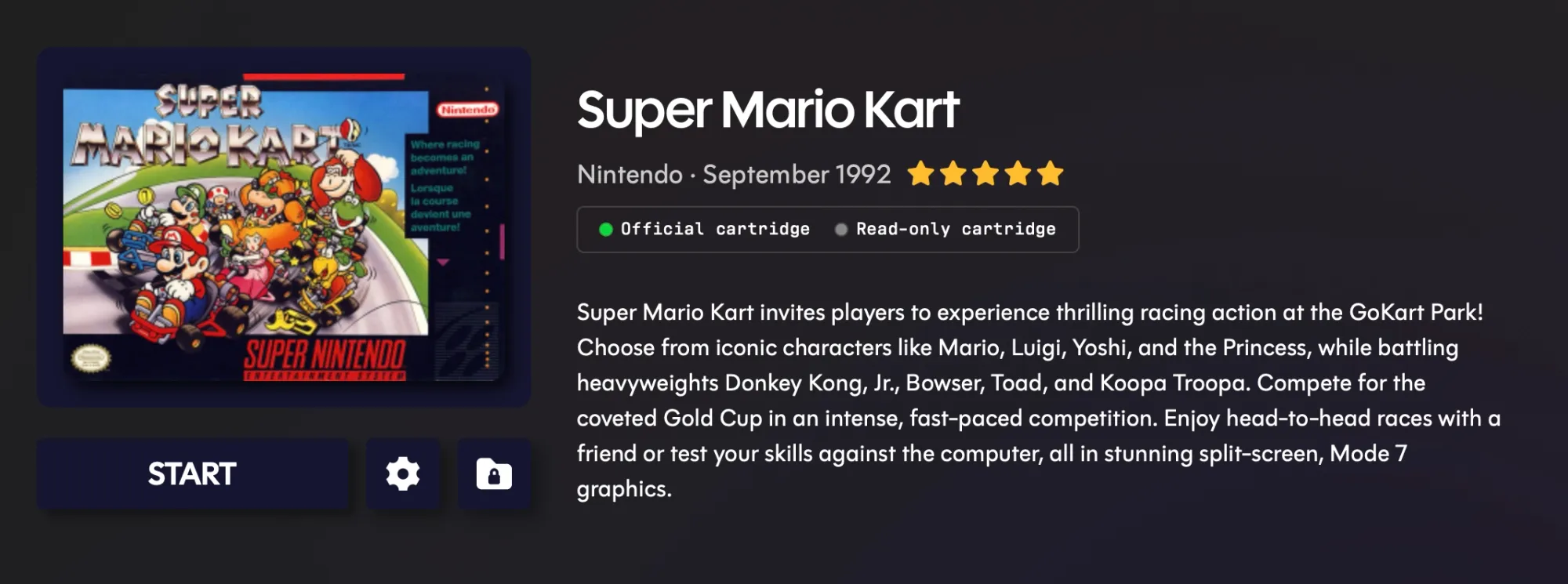
These options are to "Play" your cartridge, which will instantly start it for you, allowing you to use your Arrow keys and Z+X keys as a controller. There's also the "Data", which allows you to save your ROM file and save states onto your computer, for safekeeping and preservation. The backup process takes less than 5 seconds and shows the process of reading your file while doing an integrity test to get the best reproduction file possible.

There are also features to upload a homebrew game to your cartridge, to replace a save from your computer onto your cartridge, should you want to go back to something older, and you can view your screenshots in the photo gallery, too.
Settings offers a wide range of tweaks, alterations and modifications for you to enjoy your SNES games. You can go deep into emulation settings such as enabling fast forwards, auto-saves, integer scaling, filters, overclocking, and even showing FPS & controls on-screen.
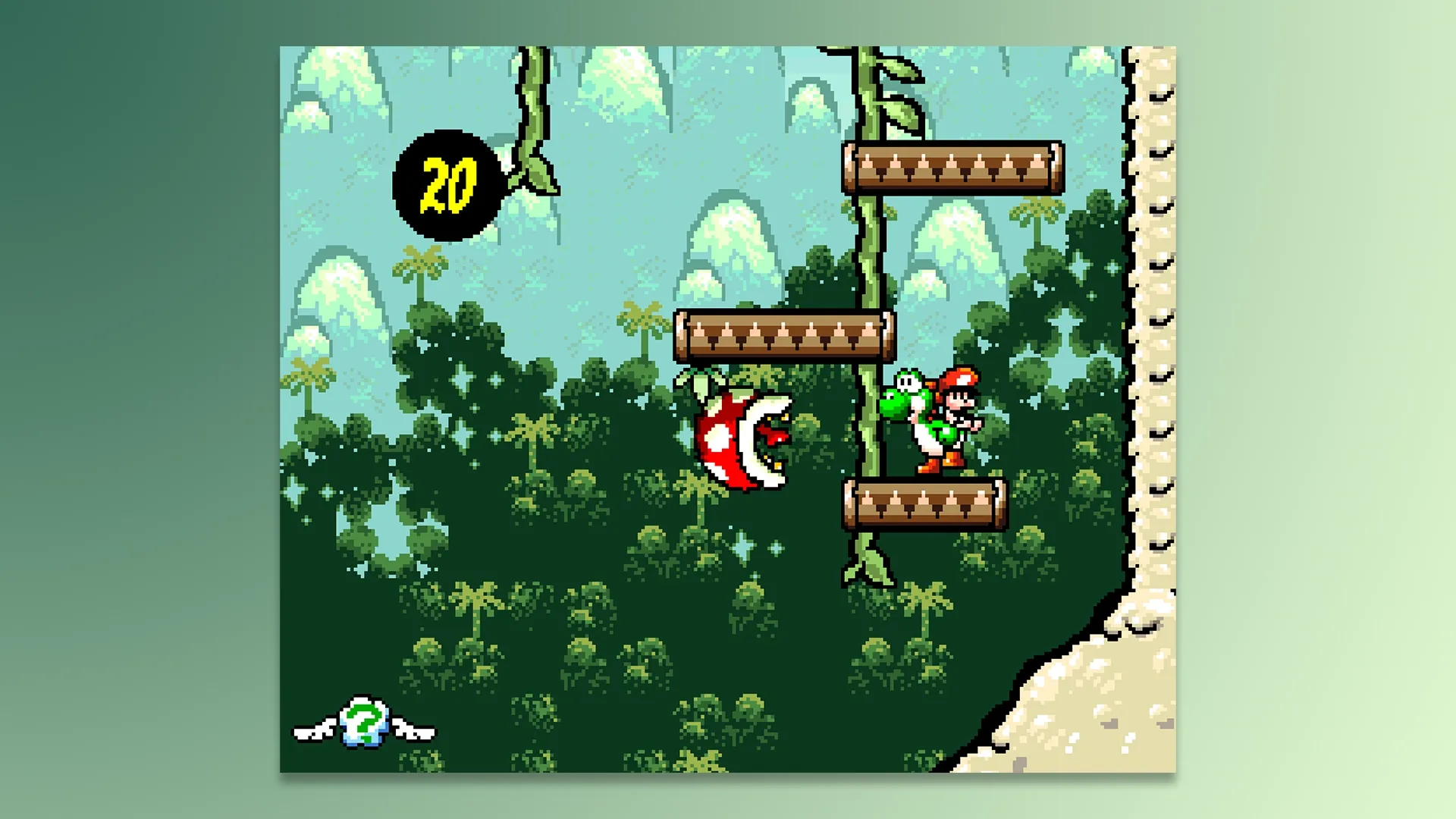
There's even an option to turn off the LED inside the Operator for those who get annoyed by little lights at night. There's an impressively overwhelming ammount of customisations on here, some that are even beyond my intellect in all honesty, like what in the heck is DSP Cubic Interpolation? It sounds like a type of spaceship from Star Trek.
Retro Achievements, Cheat Codes & Discord Included
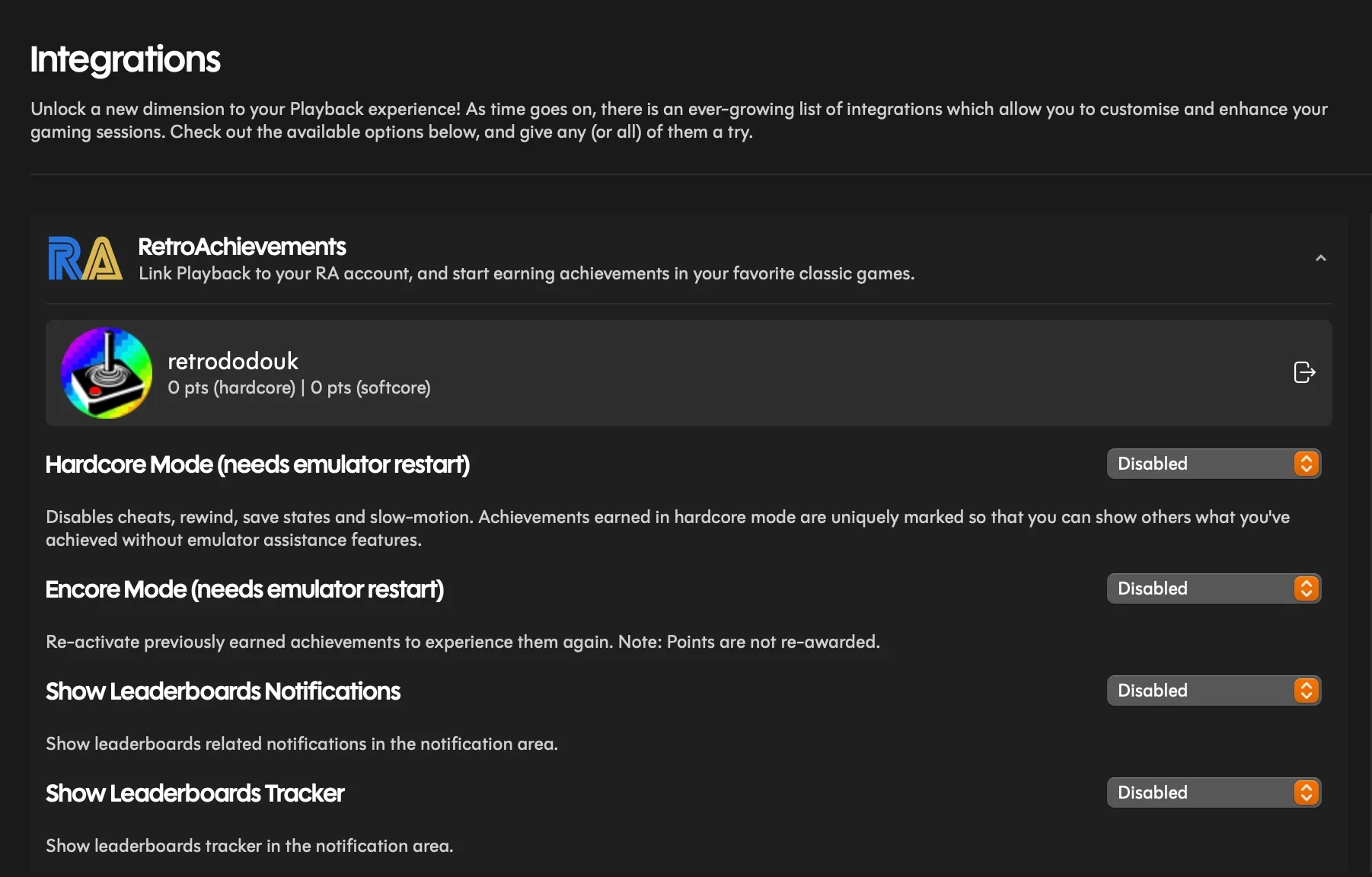
One of the coolest features of the entire application is the fact that you can log into your Retro Achievements account and start achievement hunting directly inside of Playback; however, my unit will not tell RetroAchievements that I have completed a challenge, meaning it won't update on my account, nor will it show a notification that a challenge has been completed. That's because the SNES9x emulator won't work, as I can't install it manually on my Mac for some reason.
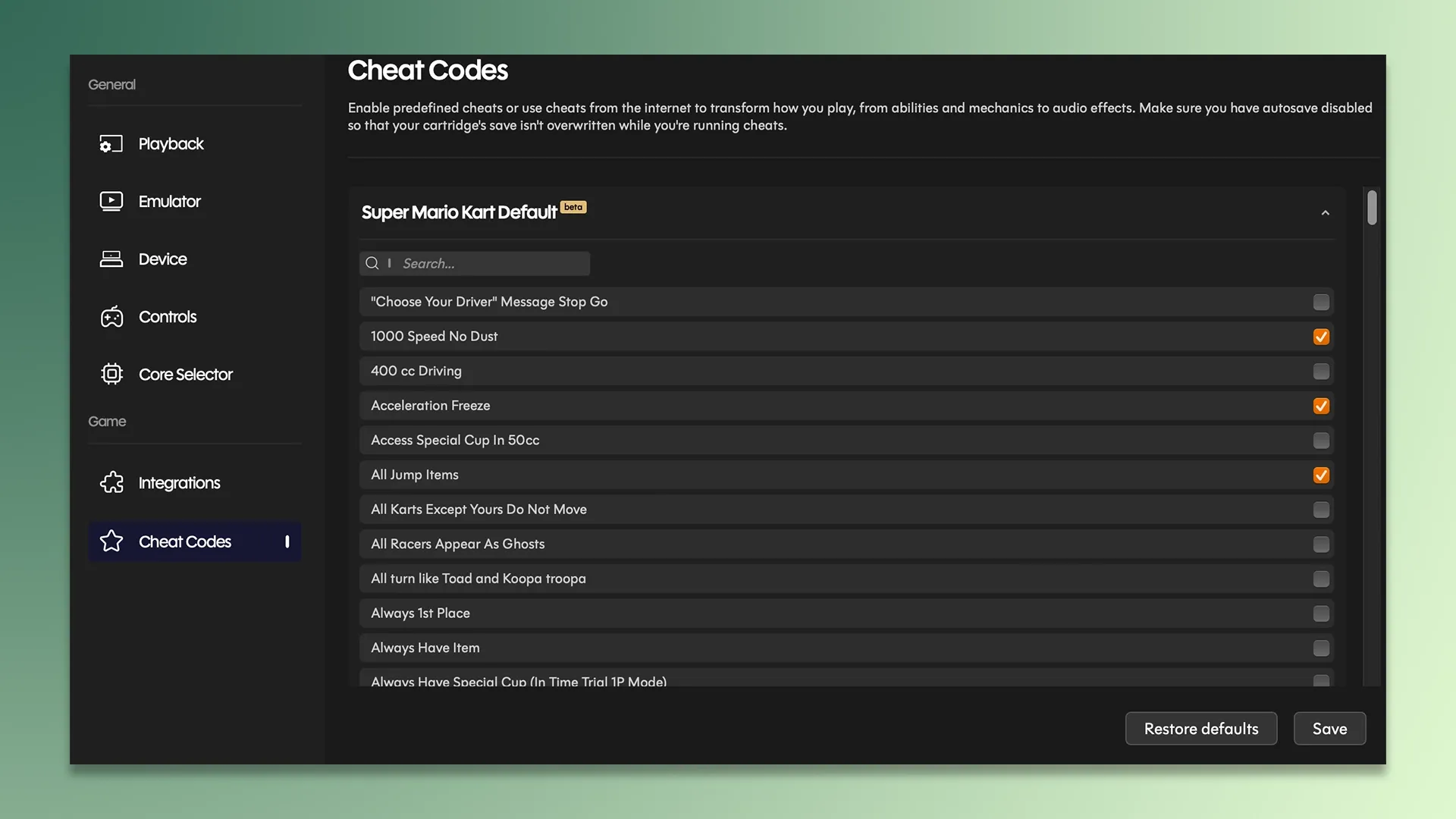
Discord can be connected, so you can show your friends what cartridge you are playing, and there are also cheats included in Playback, allowing you to quickly turn on and off the cheats that are available for the game, without needing to enter the codes. Playback has automatically crawled the cheat codes for the game you are playing, which is super cool, and saves the user a bunch of time. Yet again, there's a "however" coming, however some cheats crashed my game entirely, now I don't believe this is Epilogue's fault, likely the emulators used, but I'd rather the cheats not be there to use if it crashes my game...
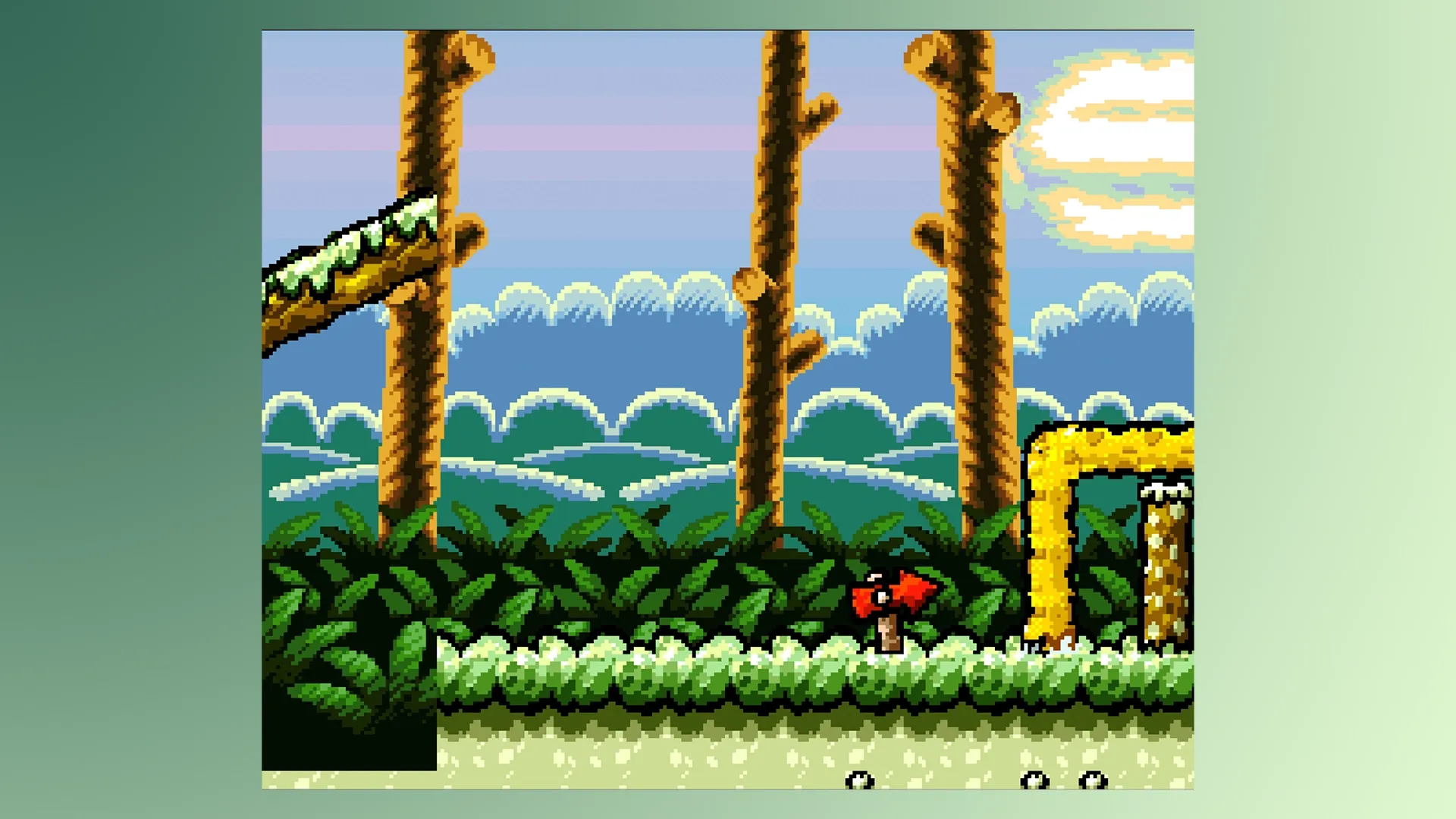
At the moment, there are some features in the app that are still in "Beta", so although they work, they may be buggy. Mostly, through my experience, these beta features work fine; it's just the Retroachivements syncing that isn't working for me, and that isn't classed as in beta, so it's probably a simple bug that can be fixed via an update in the near future.
Emulation Quality & Choice
Emulation quality on here is close to flawless. The ease of use and the speed at which it jumps into a game are what make this a fun, easy-to-use product. Emulation is as good as you'll find on a real SNES or Super Famicom, and that's all thanks to the talented developers behind the cores that the SN Operator uses.
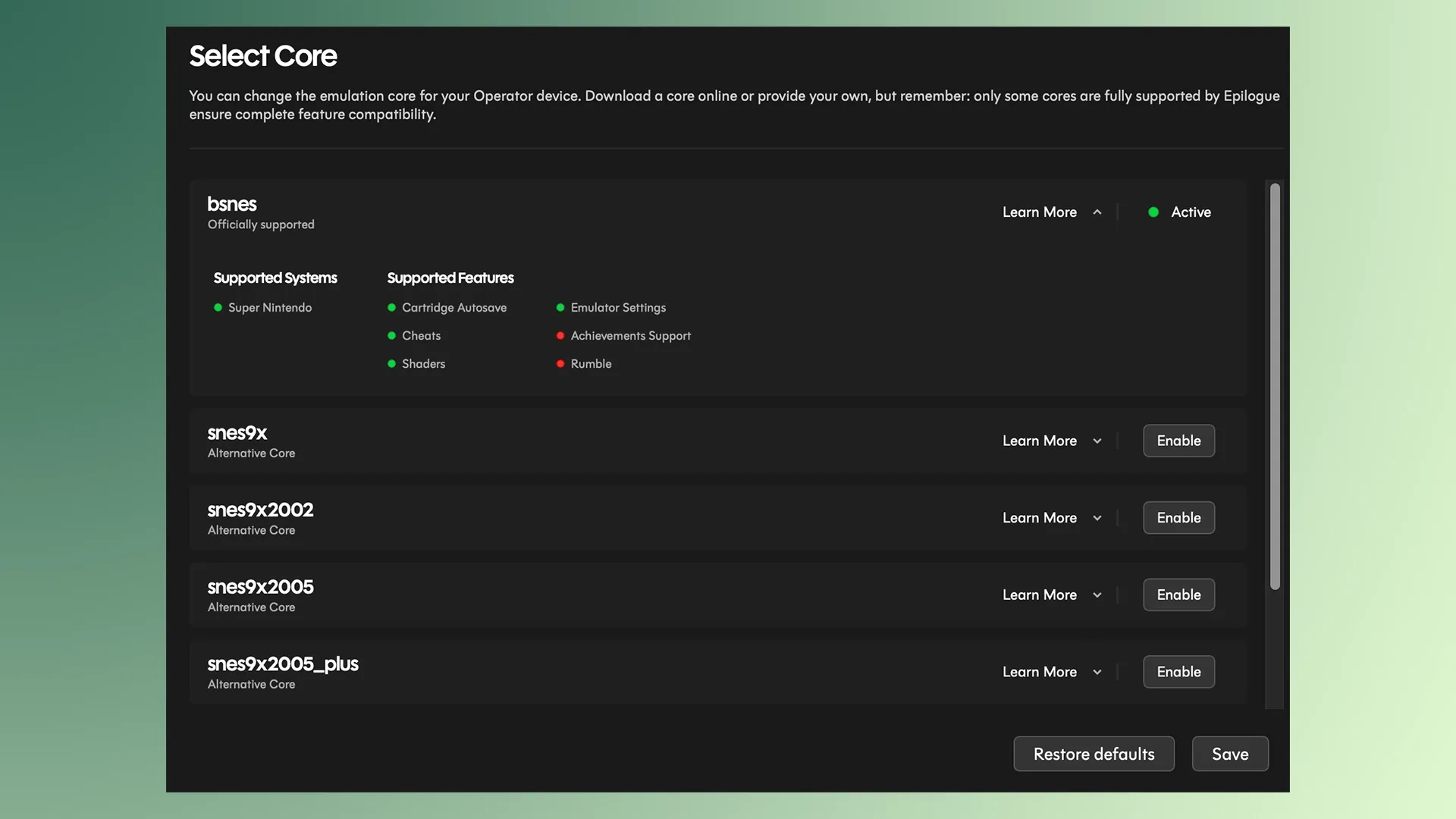
You may be wondering what core it uses exactly, and I was impressed to see that it can use multiple cores, and it can be switched to whichever one you choose on the fly. Some cores do have pros/cons in comparison to others, for example, the bsnes core does not have the ability to use Retro Achievements, whereas the snes9x core does. You do have to install these individually on your own.
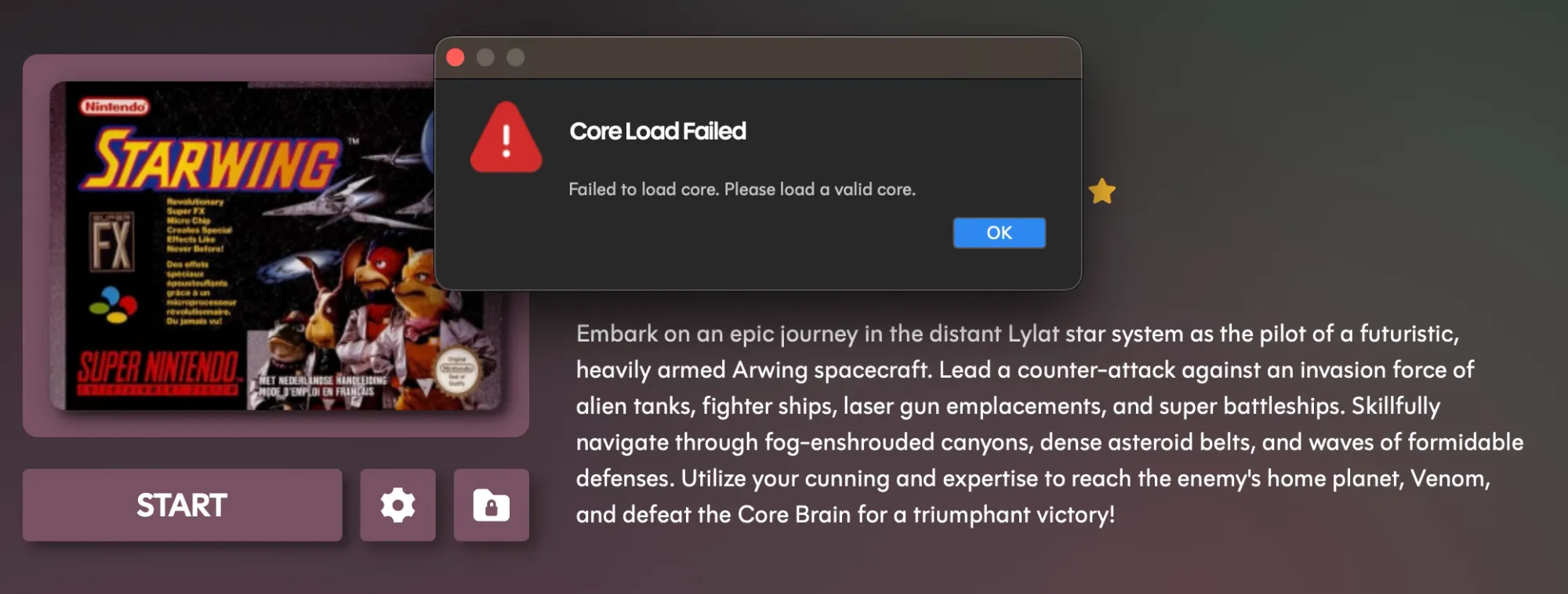
When I tried installing the SNES9x version, I just couldn't get it to work after an hour of attempting to find a way. I even used Mac versions designed for my ARM MacBook Air M2 architecture, but it wouldn't work, which unfortunately meant that I couldn't track my Retro Achievements. I think this is a me problem, but it could be a bug on Mac's where Playback can't read the file type it needs when I have it ready to upload on my computer.
That said, if and when this eventually works, it's a really neat feature and one that makes this product feel more like mine, thanks to the ability to choose how and what core I use my ROM files with.
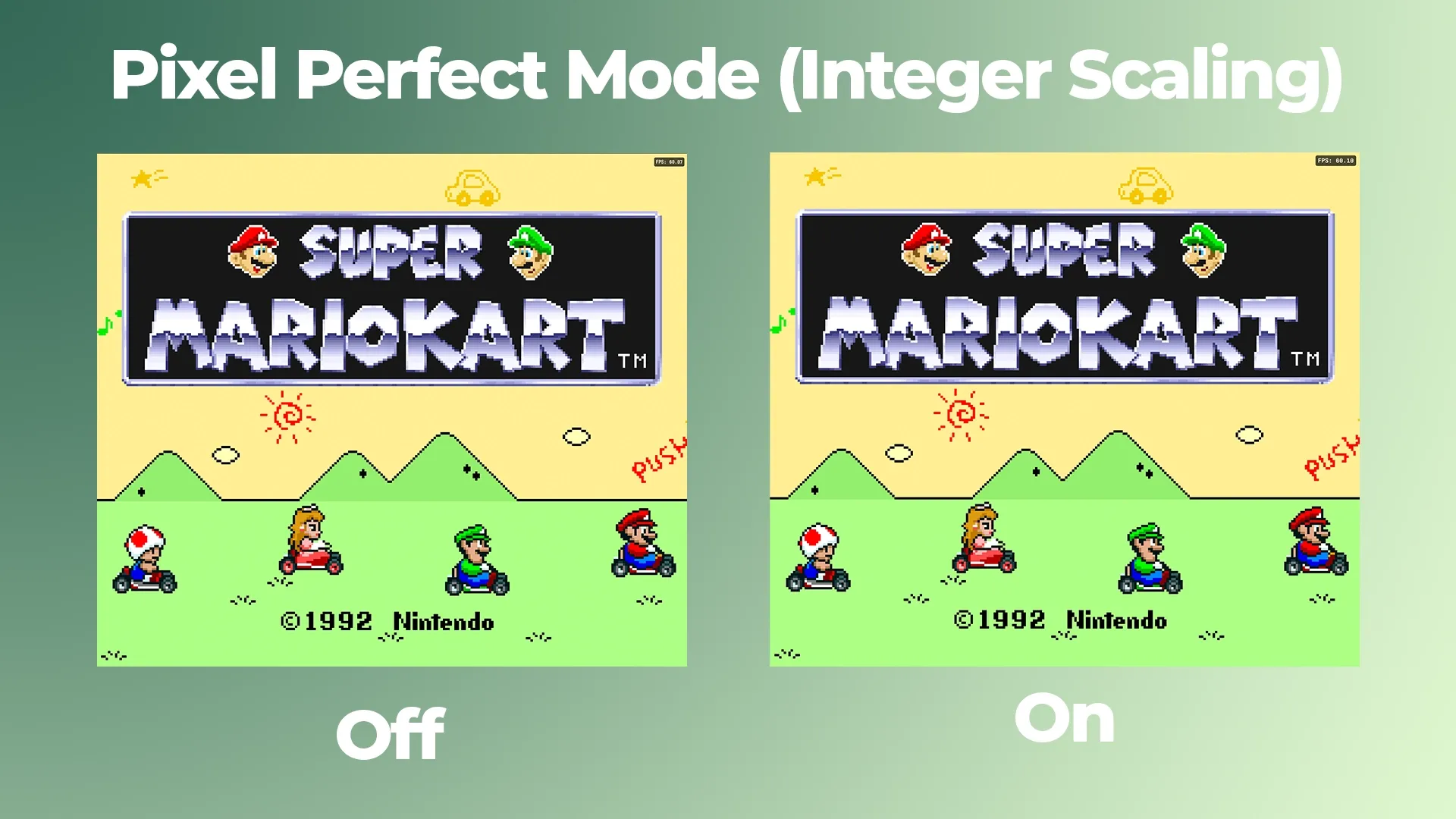
It has a pixel-perfect mode for those wanting to naturally integer scale their games, which basically means it upscales the lower resolution games to a higher resolution, to look better on modern displays without losing any of the crisp, sharp, and black pixels. And it does just that very well, and I can't for the life of me see any difference when turned on and off; there are no random artefacts, distortion or glitches, which means it's working very well on my large display.
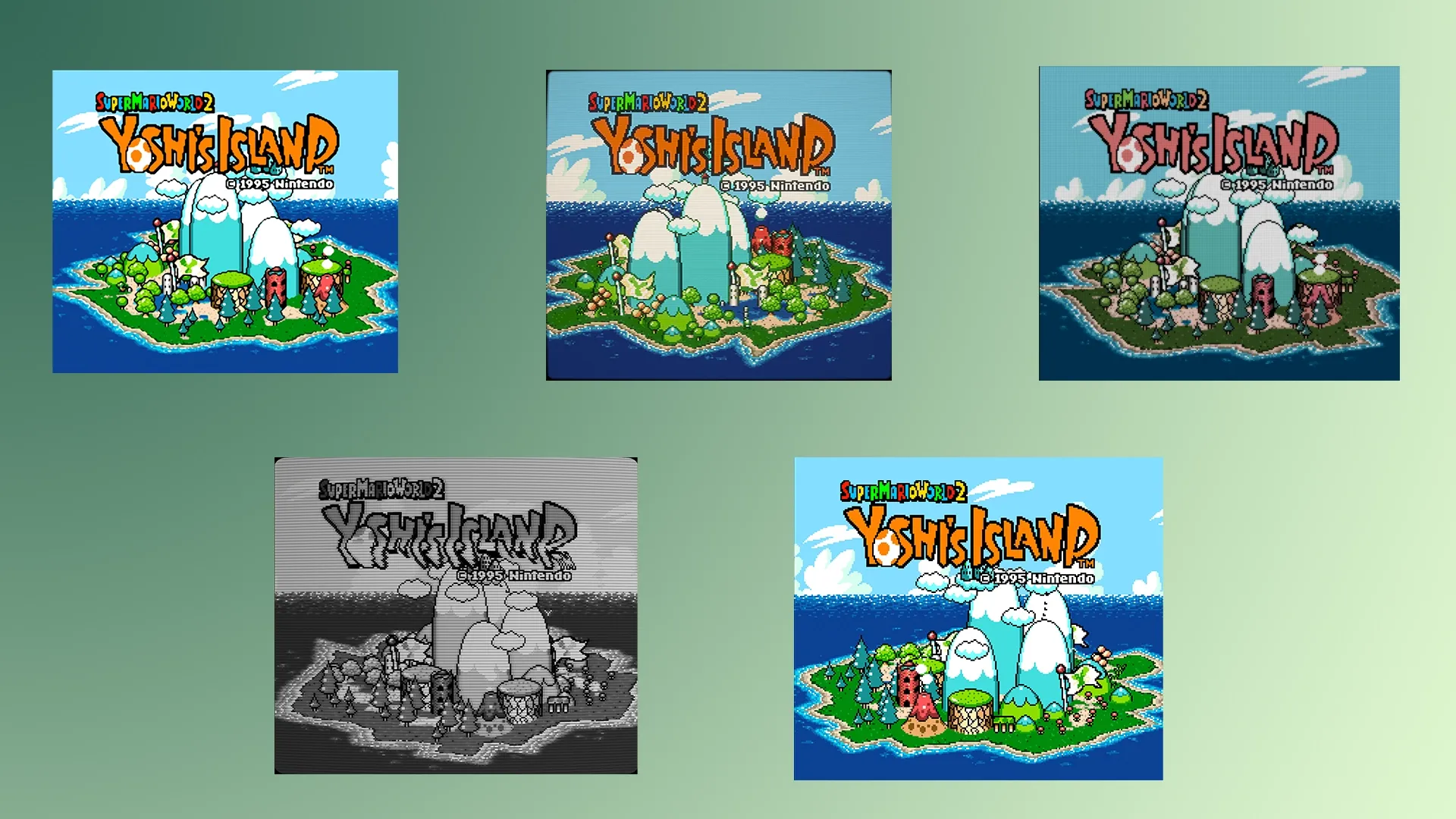
It has a total of 12 different filters to choose from, some I like, such as the zero pixels feature with smooth edges, and the CRT filter, but there are also ones such as black and white, GAME BOY Advance filters, 4 niche NTSC filters and more. It's a nice amount of choice, if I do say so myself.
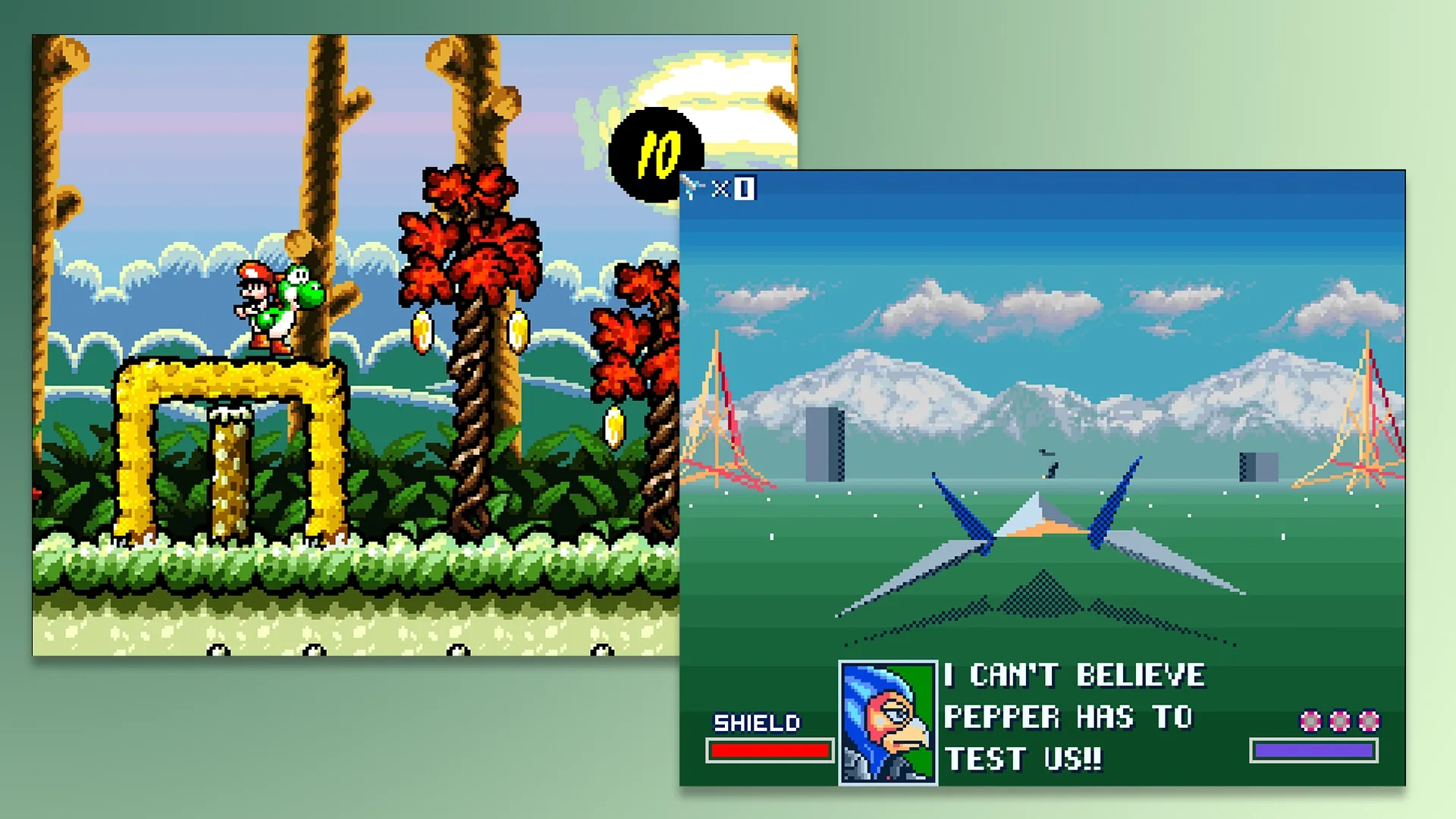
The only game I saw a little bit of slowdown on was Star Wing. Admittedly, this PAL version is locked at 50FPS, but the slowdown was noticeable, even when the FPS counter would read it was high. But I simply overclocked it by 150% to fix this, which, as we all know, is a great feature for smoothing a few things out, because at the end of the day, this does us an emulator, so sometimes you'll come across some slowdown.
Overall though, from my testing, it emulates my official cartridges very well, with an outstanding amount of customisations for all types of nerds to tinker with.
Do SNES Accessories Work?
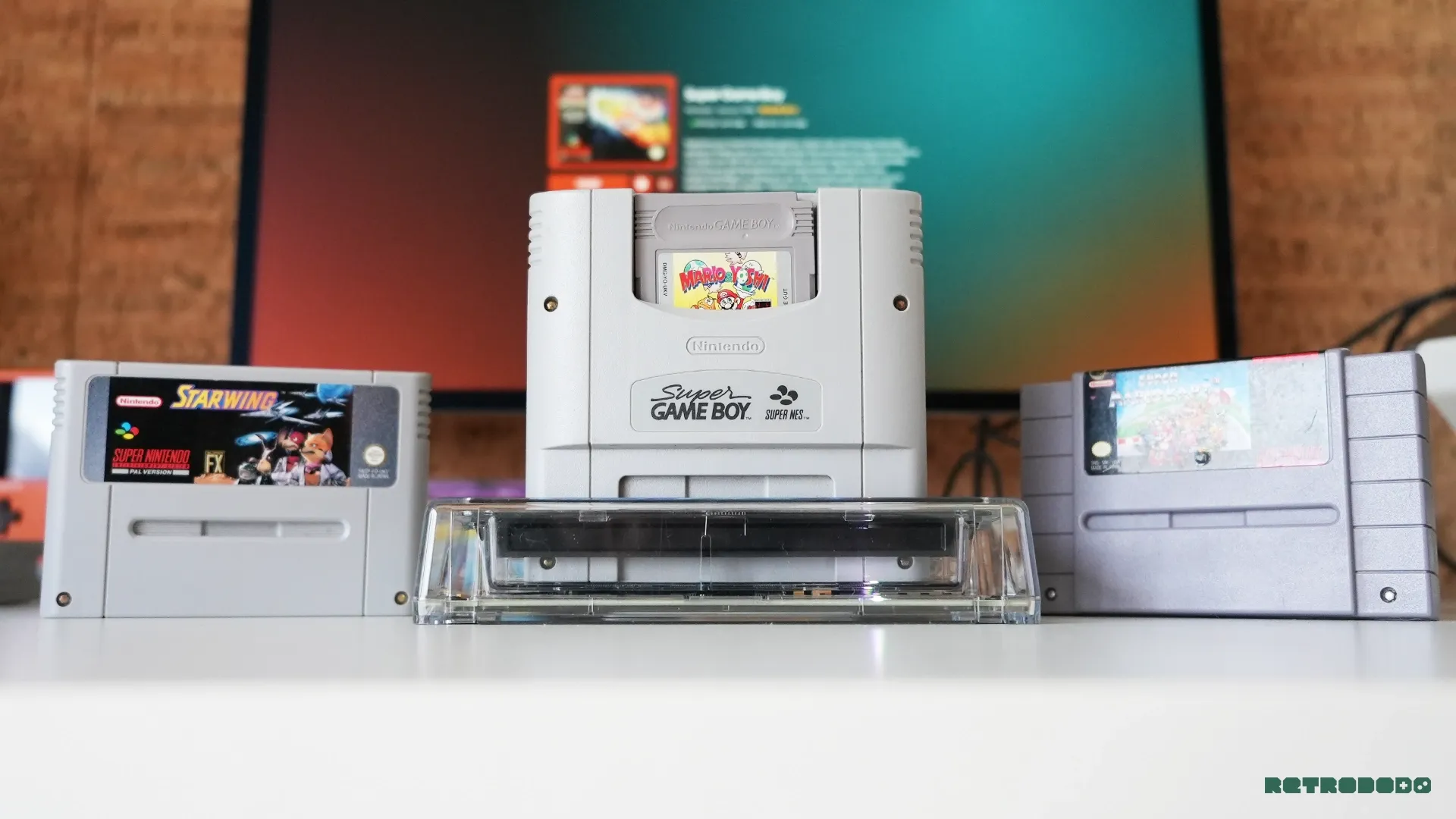
I had a Super GAME BOY Adapter, which I was hoping would work, but unfortunately, it would crash the app every time I would press play. It can see the accessory and read that it is indeed the SUPER GAME BOY, but it just won't load.
It should work, because it's being advertised to work alongside a settings menu focused on SUPER GAME Boy. I tried two different bios, but no bite, which is again, disappointing, but no doubt fixable in a future update, quite easily.
Retrace Smartphone App
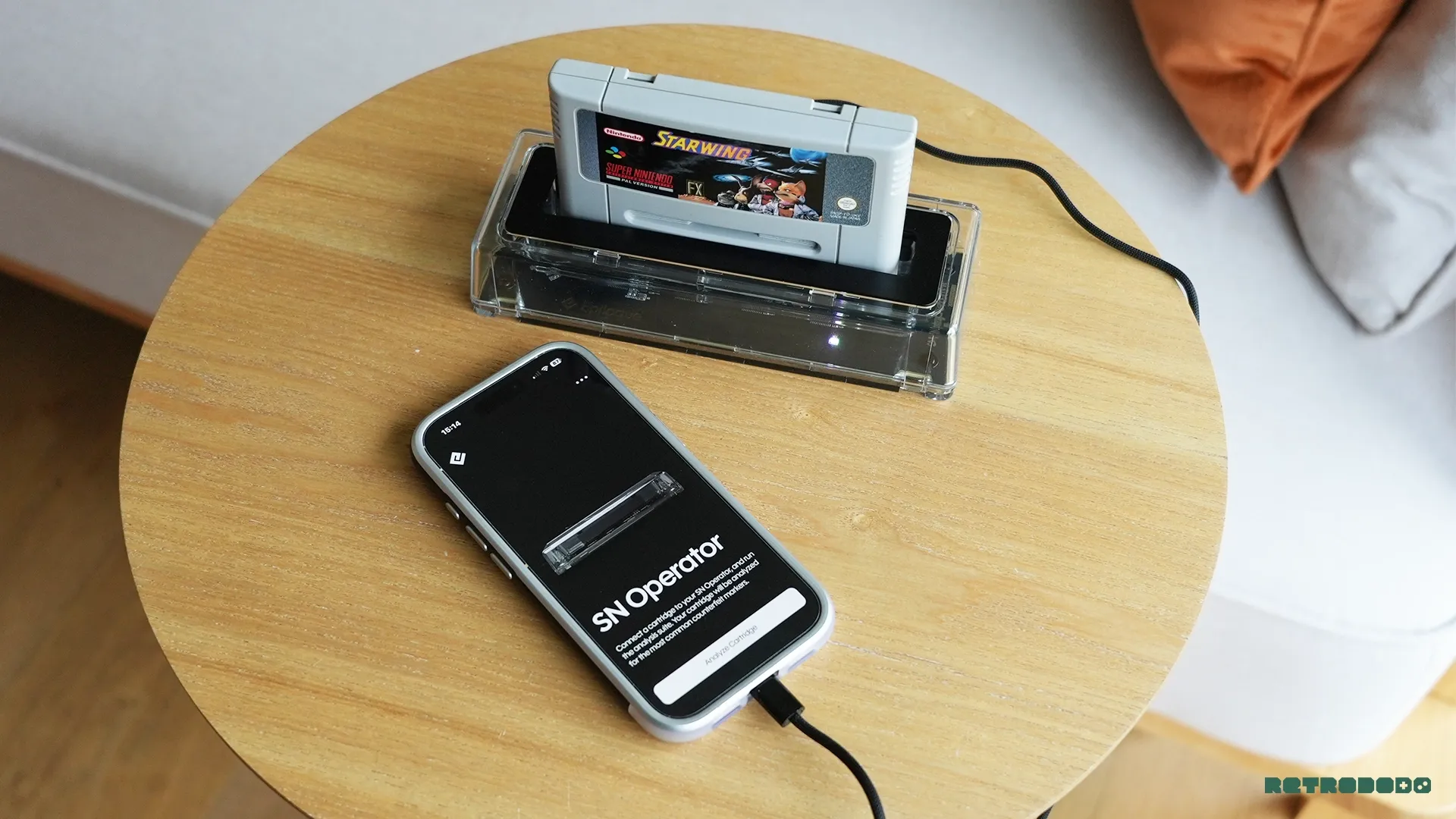
As of a couple of months ago Epilogue shadow dropped a new app called Retrace that basically allows you to plug in any Operator into your smartphone to check the authenticity of your credentials, on the go, alongside viewing the resale value in both loose and CIB forms.
It's neat, and it was a useful tool for my GAME BOY collection, so I was excited to test the SN Operator with it, but unfortunately, even though it reads the accessory, it will not read any of my SNES cartridges. This makes me believe that although Epilogue has sent this unit out to us for review purposes, it may not be the final software-ready unit that's going out to customers, due to the fact that there are a lot of minor bugs on here.
Yet, Epilogue did not inform us of this, nor after asking many questions via email, have they responded, so it's why I've gone ahead with this review, and reviewed it as is. So currently, the Retrace app does not work with the SN Operator as of uploading this written review.
Overall Opinion
- Modern, Minimal, Nostalgic Product Design
- Deep Emulator Customisations
- Reliable Back Ups & Game Managaments
- Award-Worthy Software Design
- Noteable Overclocking Results
- PAL Cartridges Are Hard To Remove & Tilt
- Retrace App Doesn't Read SN Operator
- Some Accessories Crash The App
- Custom Cores Won't Install On Mac
Overall, the SN Operator is a premium accessory for those with an array of SNES cartridges who want to preserve, play and modify. The hardware looks incredibly clean, it's sturdy, modern, minimal and fits on any modern-day desk setup. The cartridge slot needs a bit of WD-40, that's for sure, and is a little bit wobbly when using PAL cartridge, but that aside, it's a very well-built cartridge reader.
Emulation-wise, paired with the incredibly well-designed software, it makes for a fun way to play your games on your PC, Mac, Linux or even Steam Deck for that matter. The way the app is designed should be applauded, down to the minor gradients of the background that match the box art of the game. I see it, I like it, I respect it.
However, there are minor bugs that need ironing out, such as the Super GAME BOY Adapter not working, the cumbersome SNES9x setup that isn't working on my Mac and getting the Retrace app up and running with this new hardware.
It's 90% there, though "ready" for customers, it's certainly going to annoy many if shipped like this. Epilogue needs to make some quick updates out of the gate to make this one of the best SNES accessories on the market, with customisations fit for a king. It's a beautiful device that adds to Epilogue's phenomenal product line; it just needs a quick update to fix those minor flaws.

![All Pokémon SoulGold Cheats [Fully Tested] post image](https://storage.ghost.io/c/58/fd/58fdc82a-ad84-44e2-ad58-166d1b419bc4/content/images/size/w1600/format/webp/2026/10/soulgold-cheats.webp)

