


I remember the days of reading game guides that came with Nintendo Official Magazine and referring to them like the holy grail when I was trying to complete tough levels. I had one for Ocarina of Time that I would fold the page corner of to keep my progress, which I really wish I had kept purely for the nostalgia. After that, I used to print off guides from GameFaqs to read them away from the computer.
Yes, the '90s and early '00s were a great time...
Pocket Codex brings that feeling back with a new app for iPad and iPhone, allowing you to import your own game guides into the system or access guides from GameFAQs directly. The app enlarges everything and puts it in an easy-to-read format, meaning you don't have to squint at tiny lines of dialogue or lose your place while you're scrolling. You've all used GameFAQs - it's amazing with guides written by dedicated gamers, but you know the struggle if you've already got bad eyesight!
Once imported, you can keep your guides for reading offline, like a kind of retro gaming-focused Kindle. It's optimised for long-form guides and saves your progress automatically, meaning you don't have to load the webpage again or go back to my old school method of printing off reams of paper and folding corners. We're saving the planet with GAMENOOK, so let's keep the paper in the trees where it belongs, ok?
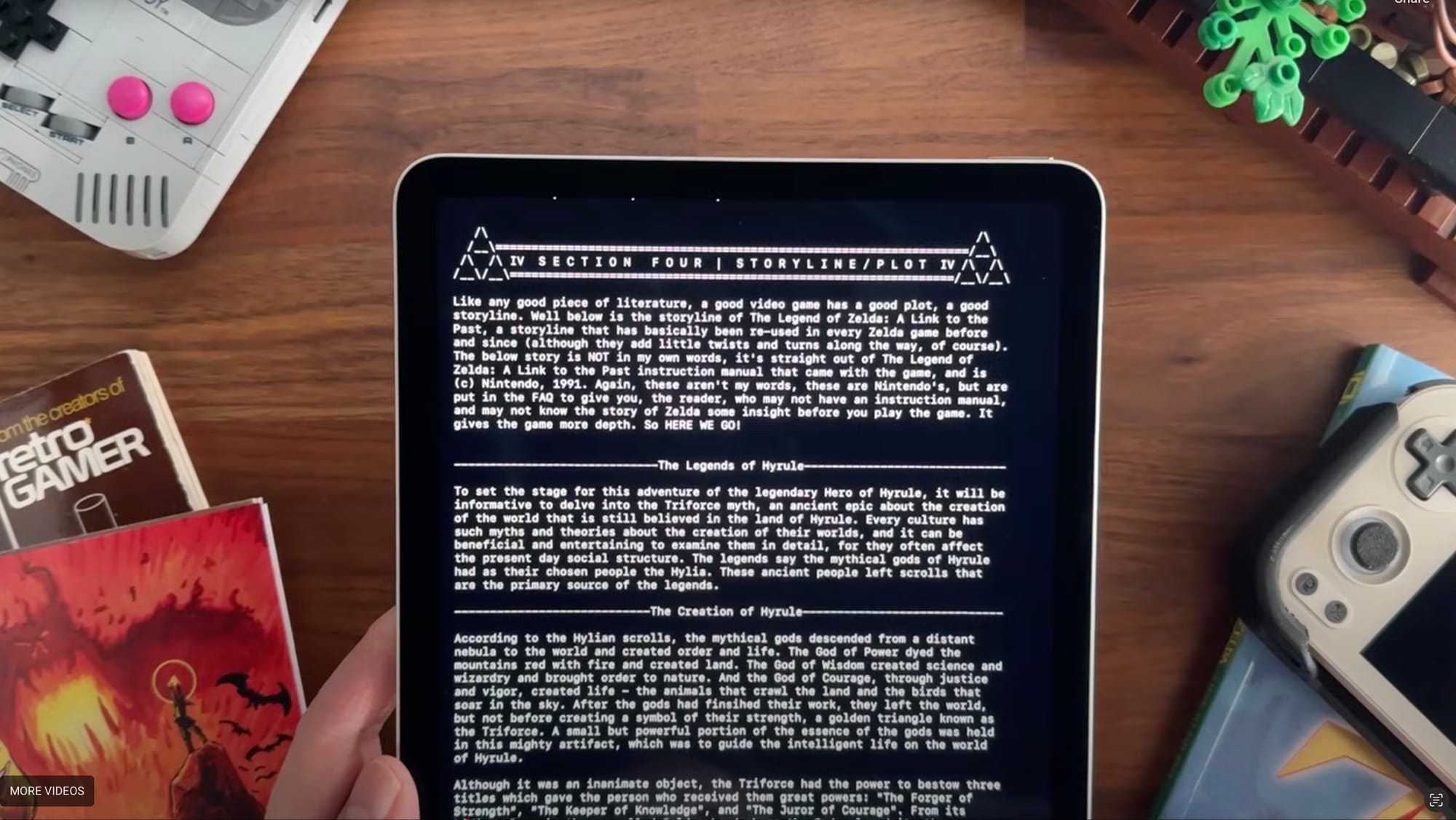
Pocket Codex will also sync your guides across all of your iCloud devices, so it doesn't matter if you leave your iPad at home when you go to work, you can pick up your progress on how to beat Ganon or how to collect all of the Jiggies in Banjo-Kazooie on your morning commute and read it on the tube.
Head to the Pocket Codex website to download the app and check it out for yourself!


