


Ever since the arrival of Delta and RetroArch on iPhone, some of the other emulators to have hit the App Store have taken a bit of a back seat. If, however, you're after a multi-console emulator to play more than just Nintendo games and find RetroArch a little hard to navigate, then Provenance has been quietly improving its user experience and receiving some amazing updates to make it a firm contender for your new favourite emulator.
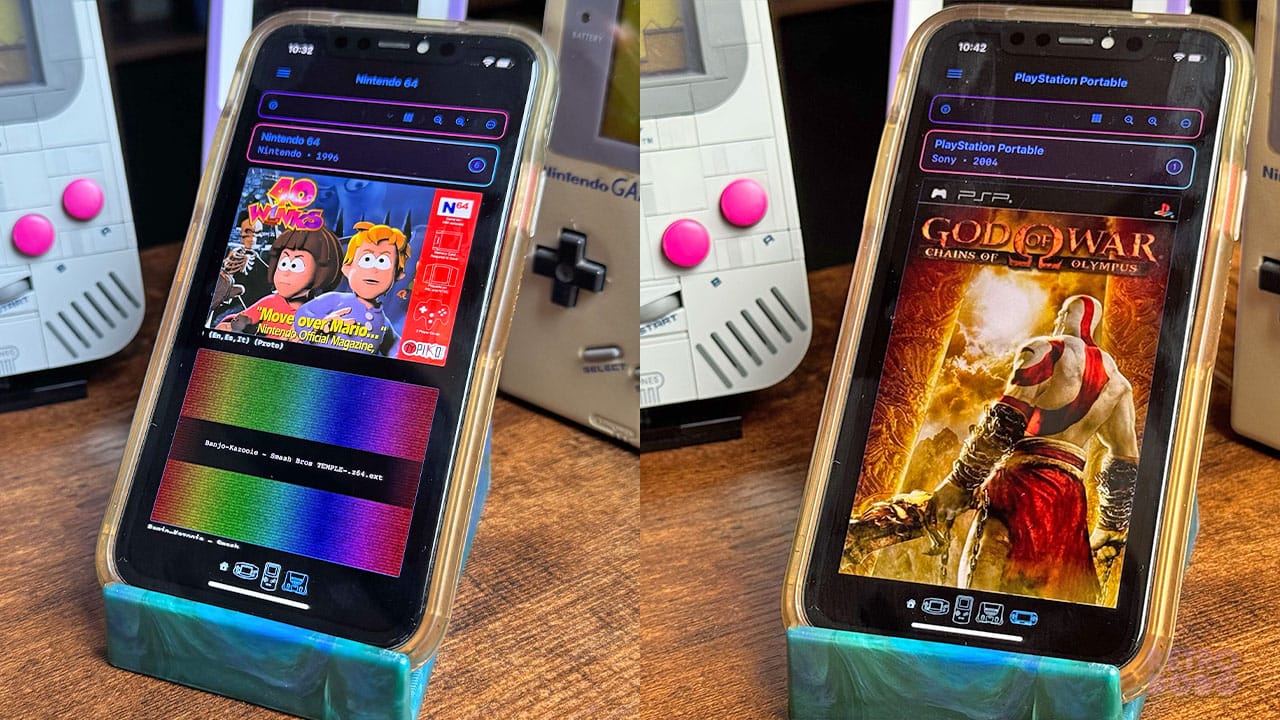
Provenance is available to download from the App Store at the click of a button. It's a tidy emulator that's easy to use, looks good, and thanks to a new update, boasts features like full iCloud syncing to give you access to your retro gaming library across all of your Apple devices. Now you can play 40 Winks and God of War on your iPhone and pick up where you left off on your iPad.
To give you a better idea of what this means, you can now sync your ROM files across your different Apple products, with your save files syncing automatically too. Finally, no more AirDropping or cracking out the USB stick and card reader. All of your artwork info and BIOS files will sync too, and you'll also get real-time download progress for your cloud saves
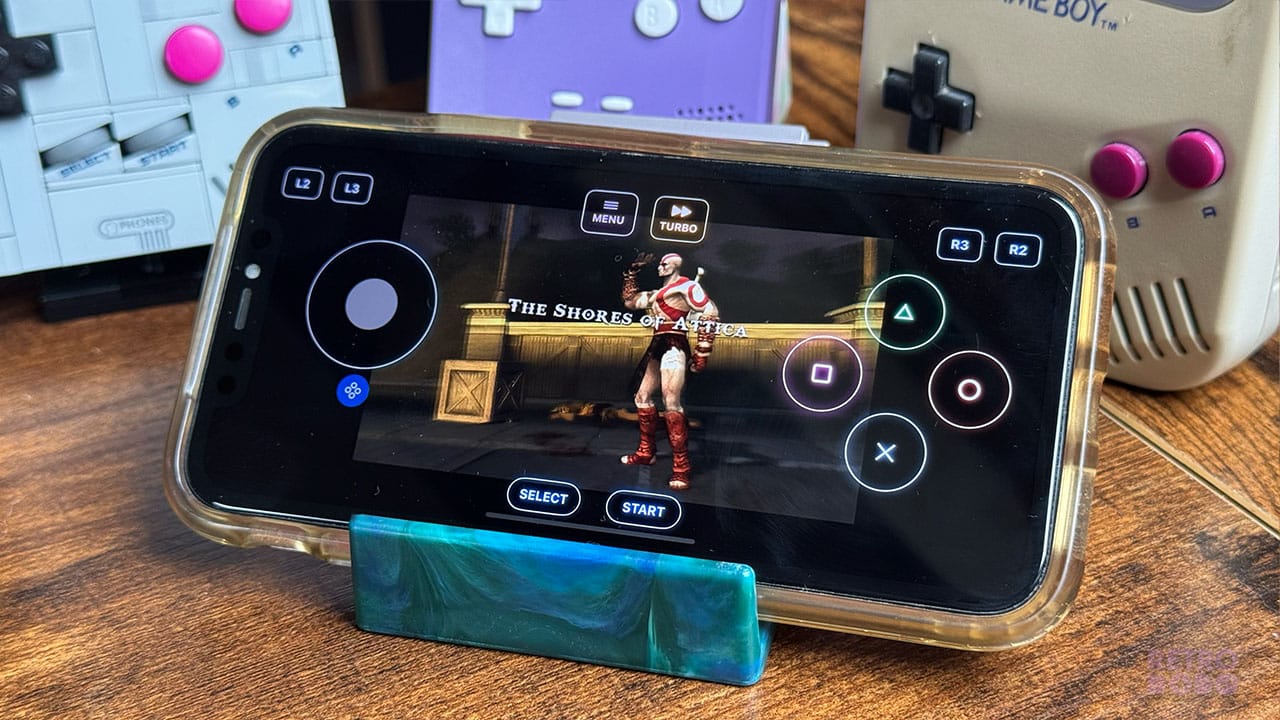
The update comes as part of Version 3.3.0, a mammoth update that also brings much-needed upgrades to the emulator's user interface. You can easily pick which core to use for your games automatically, and with Dolphin and PPSSPP support, you can play up to GameCube and PSP on your iPhone. I will say that not all games run smoothly on all phones - the gameplay for God of War: Chains of Olympus is a little slow on my old iPhone 11 but runs normally on my iPhone 15 Pro, so you'll get different results depending on how new and powerful your phone is.
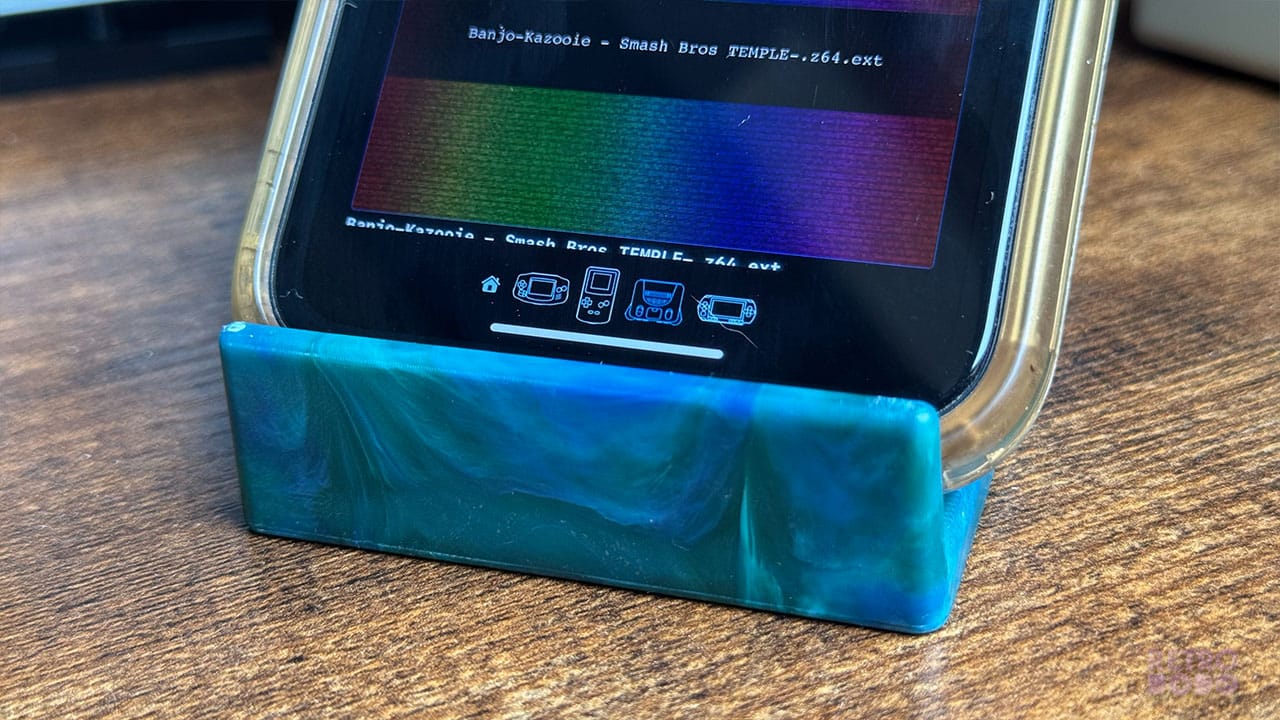
The update has also brought a new design for the tvOS interface and speedier artwork loading times. In terms of navigating and finding ROMs, it's perfect. I love the file uploading progress bar and the console logos at the bottom for sliding between systems. It feels like an emulator custom-made for an iPhone rather than making an existing emulator work within the constraints of the phone, and while not all of my ROM hacks have covers uploaded, the ROMs that do give me a little burst of nostalgia whenever I see them.
Head to the App Store to download Provenance and try it out for yourself!


