The iPhone Duo is incredibly popular right now, and for good reason: it's Apple's first jab at a folding display, and in typical new iPhone fashion, many unique ways to use it have filled up our feeds showing off features that have undoubtedly intrigued many, but one specifically is going viral, and that's emulating Nintendo DS games on the iPhone Duo.
I want to share with you how you can do just that, from a publication that has been covering emulation news and guides for over seven years. So, here's a simple guide on how to play and emulate Nintendo DS games on your iPhone Duo. More specifically, by downloading an application called Delta that was updated on the 23rd October to take full advantage of the folding display and Apple's new Liquid Glass UI.
- Download the Delta - Game Emulator app from the App Store.
- Download/source a Nintendo DS ROM file, which is a digital version of the game in the file type .ds, .nds or .zip.
- Place this ROM file in your files.
- Find your ROM file in Delta by pressing the "+" symbol at the top right of your screen, source the file and open it.
- This will place the Nintendo DS game in your library. Press it, and this will open the Nintendo DS emulator inside of Delta, and it will emulate your game for you with already mapped buttons and a darn nostalgic skin (that you can change).
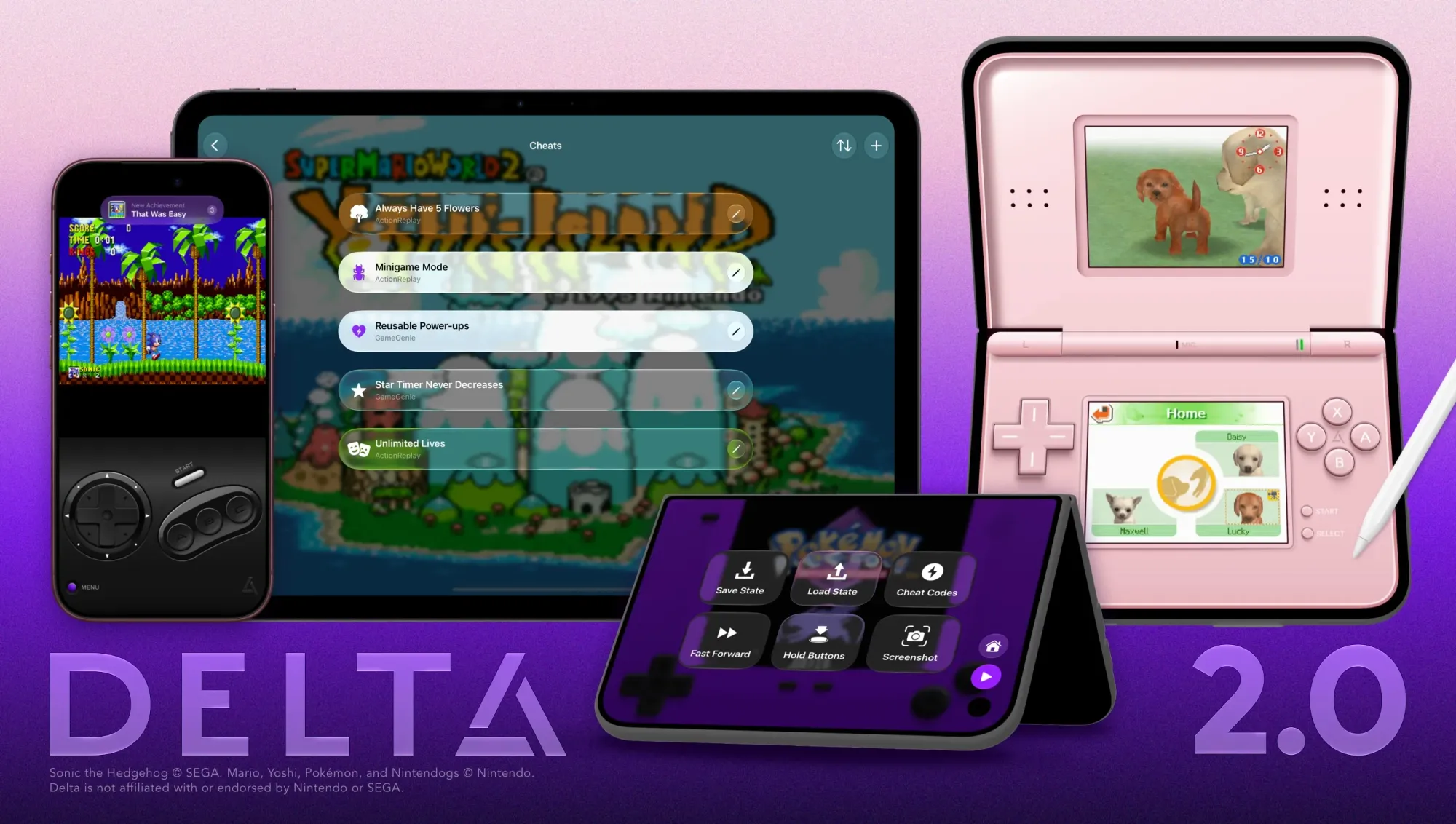
There are other Nintendo DS emulators on iPhone Duo such as Afterplay and a new one that recently launched called TwinPlay, but for me personally, Delta is the easiest to set up and go with little effort and works with the iPhone Duo flawlessly. Other apps in the space are still waiting to be updated as of writing this article!