


The Nintendo 3DS has really been put in the spotlight this year, likely thanks to the array of dual-screen handhelds, decomps and the ANBERNIC RG DDS coming to fruition next month that looks like a direct replica but instead has Android as an OS.
Amongst the wave of 3DS news, this one new announcement took my interest, and it's quite simply an upcoming music application for the New Nintendo DS that acts as a workstation in your pocket, on two screens using the original Nintendo hardware, including and most importantly, using its stylus. It's called Hiroshi.
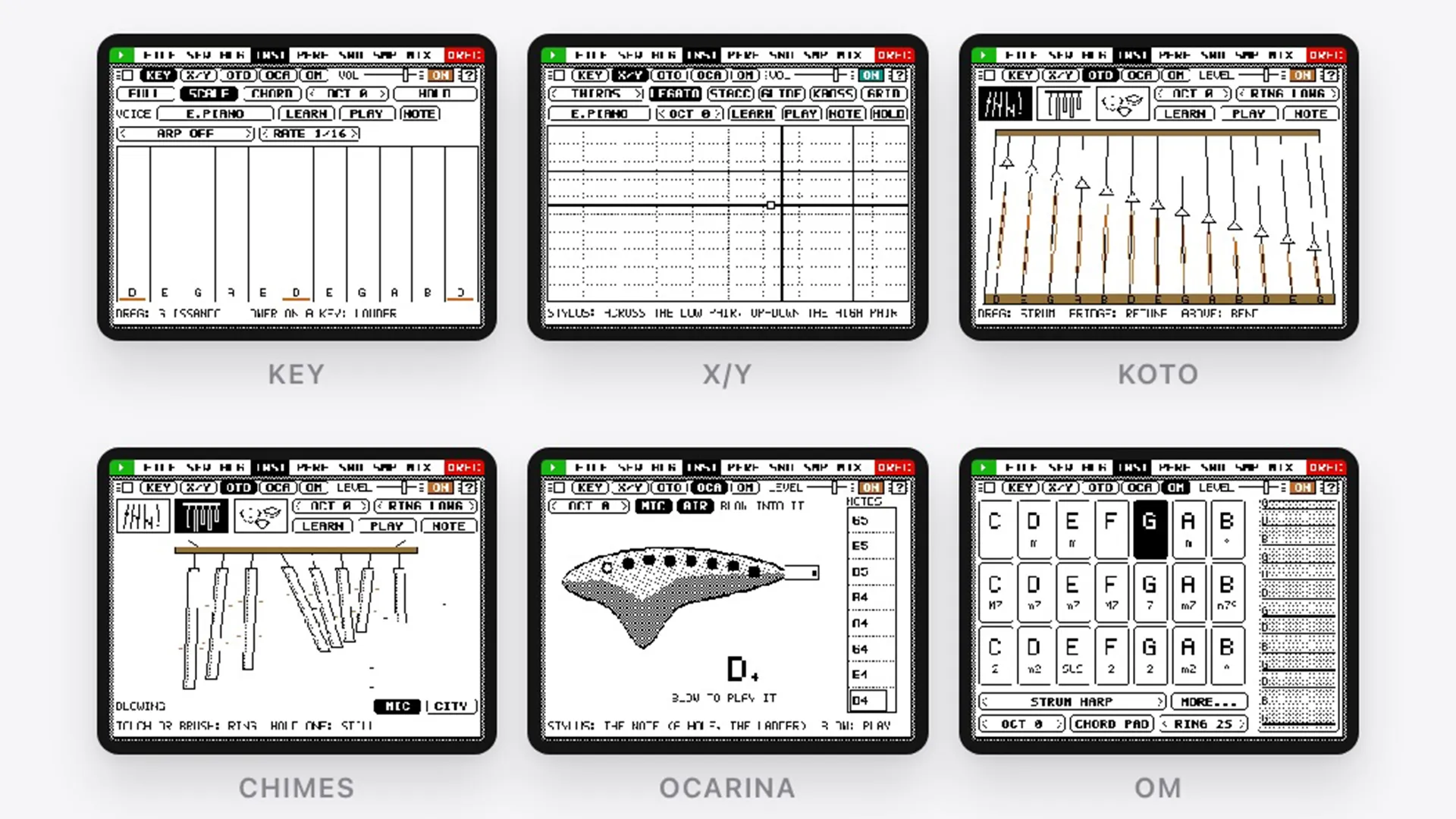
By definition, it's a homebrew app, installed as a .3dsx file using Homebrew Launcher, or as a .cia file on the HOME Menu. It can play five instruments, DX7-style FM voices, 199 Plaits patches and 52 ready-made beats. Features include a step grid that always stays in key, drawn sheets that act as a visual score, and a generative "Zen garden" that evolves a piece by itself if you lack musical skill like myself. There's also a photo-to-sound tool that turns pictures into music, and a walking-tempo mode follows your pace, offering unique ways to create music using the new Nintendo 3DS hardware.
There's also an 11-channel mixer with automatic mastering, a drum machine, a sampler with sounds recorded at a Kyoto temple, and support for SoundFont files, all designed to make the UI look and feel like a 1-bit, old Macintosh.
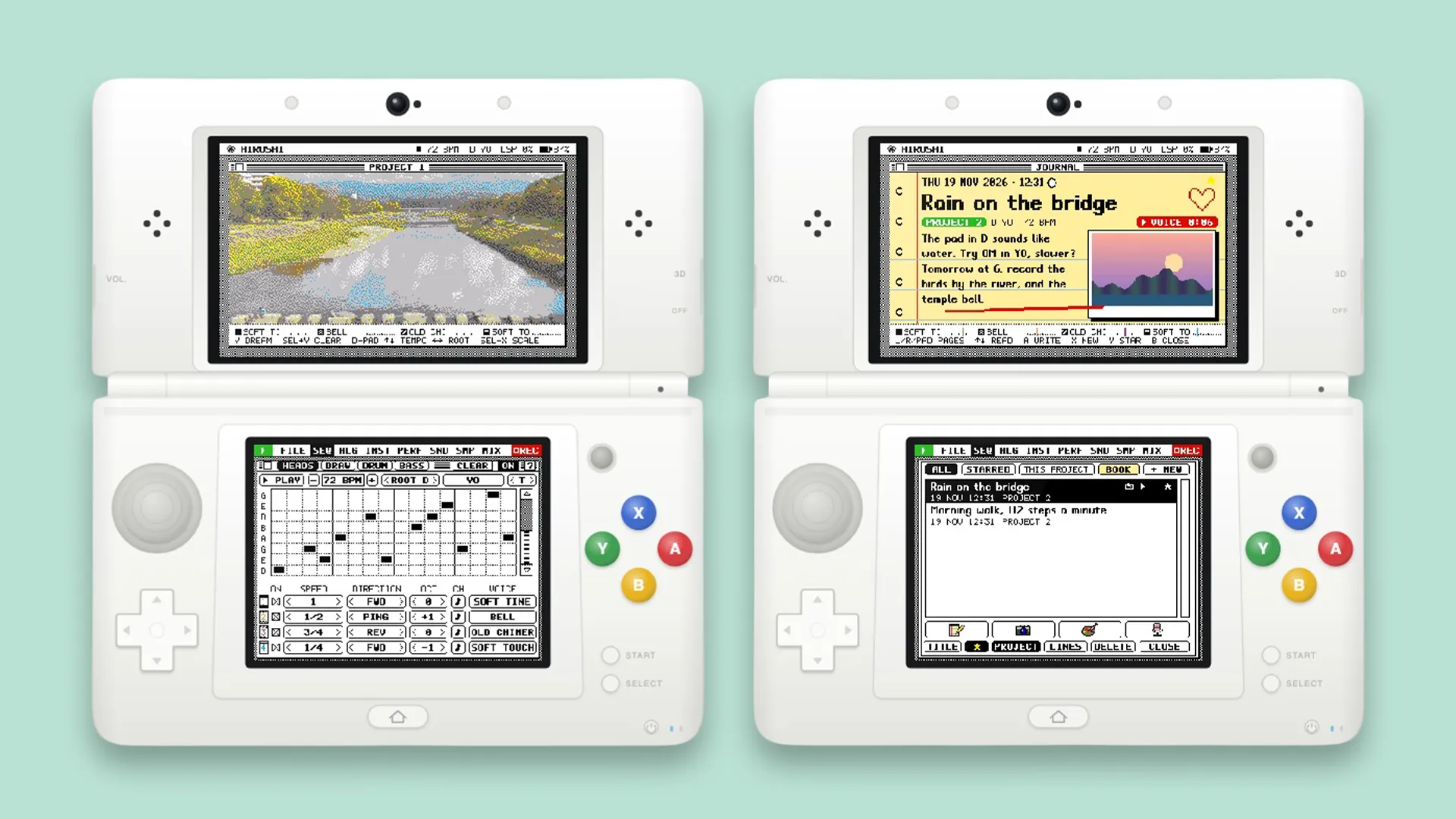
A couple of modes which I personally like the sound of are Generative Mode that uses your own media and physical inputs to make music, for example:
- PIC turns a photo from the 3DS camera into a rain of sound grains.
- POND has whales, jellyfish and spark fish that sing mutating phrases, and you can capture one into the grid.
- BOUNCE drops a ball that lands on the beat.
- ZEN is a raked gravel garden where each stone is a song part. It reacts to time of day, season and local weather over Wi-Fi.
- WALK: Counts your steps to set the tempo.
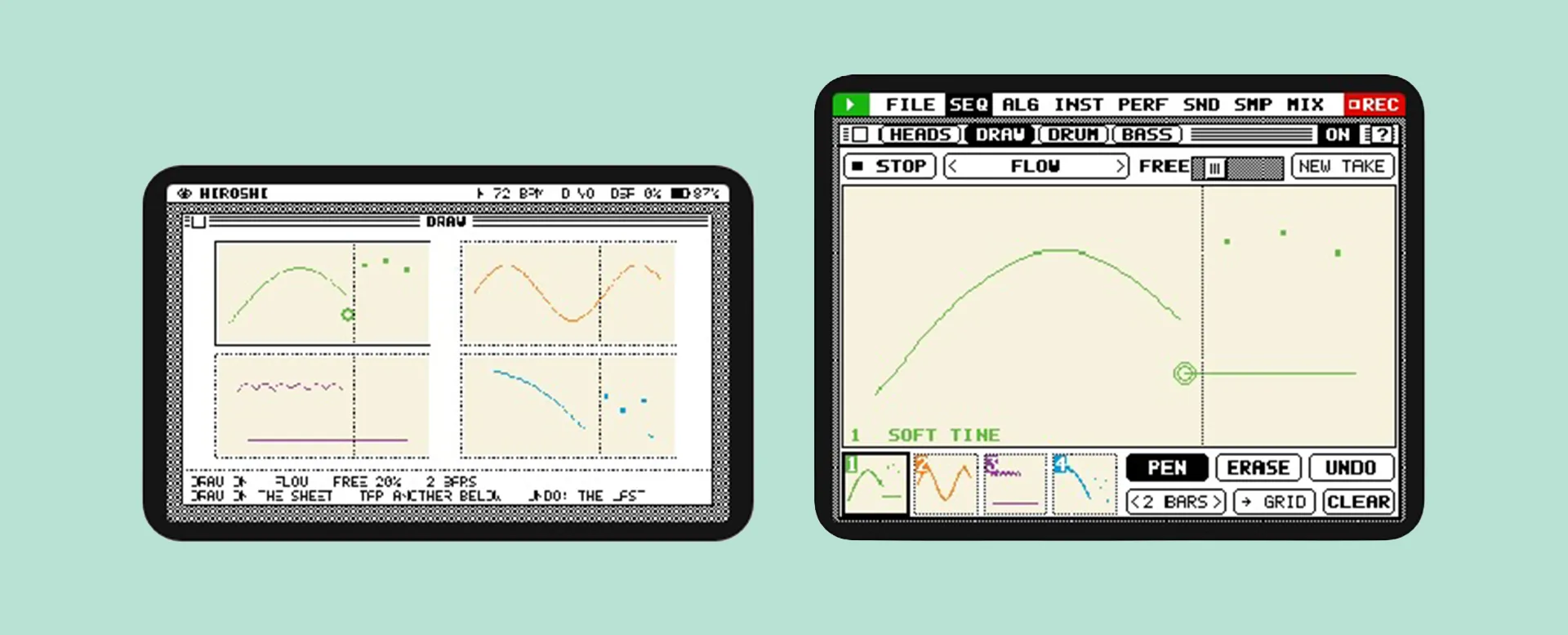
There's also the ability to use the stylus to your advantage alongside the touch-screen as a musical input that will undoubtedly intrigue the real instrument players who read this:
- Sequencer: "Draw notes with the stylus on a grid." That's the only line that names the stylus for the main grid. It doesn't say how you erase, select or move notes. A scroll bar "like the first Mac's" moves between the two octaves, but it doesn't say how you drag it.
- Instruments: The instruments section opens with "The stylus, the microphone, the Circle Pad", so the stylus counts as one way to play. It doesn't say which instruments use it.
- Page overview: "Hiroshi uses the whole console, not just the touch screen", so the touch screen is only one of several inputs.
As of now, there is no release date or pricing; Hiroshi has been teased and somewhat officially announced by its developer, The Kyoto Connection. But we'll keep you updated when we hear more!


